Micro-interactions
Part of the UI/UX Design Roadmap
In short
The heart that pops when you like a post. The little shake when your PIN is wrong. These tiny moments do one job each, and they make an app feel alive instead of robotic.
Small, focused moments of interaction — a like button animating, a pull-to-refresh spinner — that provide feedback and add personality without being the main point of the interface.
Think of it like this
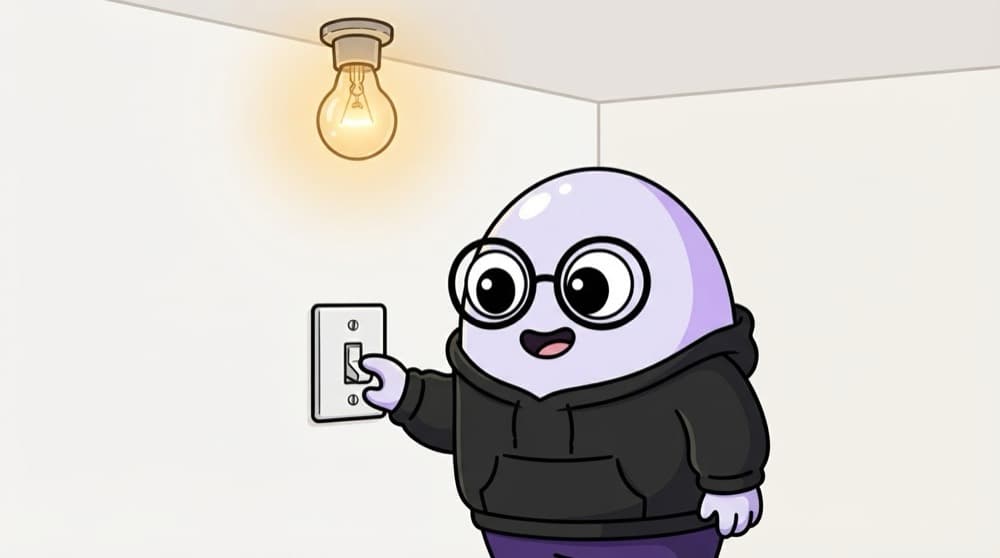
The light switch in your room
You flip the switch. It clicks, the light comes on. Trigger, rule, feedback, done. Nobody thinks about it, but if the click were missing you'd flip it twice. A micro-interaction is that one switch: small, single-purpose and satisfying.
Watch it happen
The four parts of a like button
1/4Trigger: the user double-taps the photo or taps the heart icon.
The big ideas
What you need to know
One job each
A micro-interaction handles one small task: toggling, liking, confirming. If it does three things, it's a feature.
Keep it short
Most should finish in a few hundred milliseconds. Anything longer starts feeling like a delay.
Feedback first, fun second
The animation should tell the user something happened. Delight is a bonus, not the main reason.
Think about the 100th time
A cute effect can get irritating when someone sees it all day. Test it on repeat.
Save yourself the pain
Common mistakes
Oops
Adding bouncy animations everywhere because they look cool in a Dribbble shot.
Do this instead
Add motion only where it gives feedback or explains a change. Leave the rest calm.
Oops
Designing just the happy path of the toggle.
Do this instead
Also design what happens when the like fails to save, like reverting the heart and showing a small message.
Your mission
Break down three micro-interactions
Quick check
Which is the 'trigger' in a password visibility toggle?
Go deeper
- 1Identify 3 micro-interactions you enjoy in apps you use and describe what makes them work.
- 2Design a simple micro-interaction (e.g. a button state change) for a practice project.
- 3Learn why subtlety matters — an overdone micro-interaction becomes annoying, not delightful.
More topics at this stop
 Interaction Design Principles
 Animation Principles for UI
 Feedback & System Status
 Error States & Empty States
 Loading States & Skeleton Screens
 Gestures & Touch Interactions
 Motion Design Basics
 Designing for Different Input Methods

Stuck on this topic? Ask an Insider
Get 1:1 guidance from people who've walked this exact path — on the InsideEdge app.
