In short
Timetables, marksheets, price lists. When data has rows and columns, a table is the right tool. Just never use it to lay out a whole page like it's 2002.
Tables show data in rows and columns using table, tr, th and td. They are for tabular data like timetables or marks, not for page layout.
Think of it like this
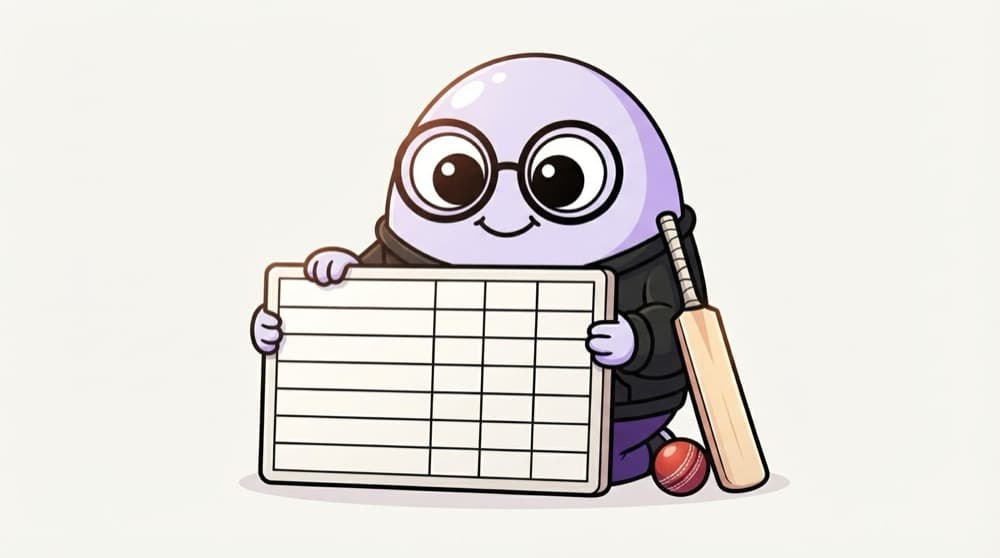
A cricket scorecard
A scorecard has a header row (Runs, Balls, 4s, 6s), one row per batter and a total at the bottom. HTML tables mirror it exactly: <thead> for the header, <tbody> for players, <tfoot> for the total.
Watch it happen
Inside a scorecard table
1/4The caption names the whole table, like the title on a scorecard.
The big ideas
What you need to know
Rows hold cells
<tr> is a row. <td> is a normal cell. <th> is a heading cell for a row or column.
Group the parts
<thead>, <tbody> and <tfoot> split header, body and footer. It helps styling and screen readers.
Add a caption and scope
<caption> names the table. scope="col" or scope="row" on <th> tells readers which cells a heading covers.
Merging cells
colspan and rowspan let one cell stretch across columns or rows, like a 'Lunch break' slot in a timetable.
See it in code
Walk through the code
1<table>2 <caption>India batting, 1st innings</caption>3 <thead>4 <tr><th scope="col">Batter</th><th scope="col">Runs</th><th scope="col">Balls</th></tr>5 </thead>6 <tbody>7 <tr><th scope="row">Gill</th><td>58</td><td>61</td></tr>8 <tr><th scope="row">Kohli</th><td>74</td><td>80</td></tr>9 </tbody>10 <tfoot>11 <tr><th scope="row">Total</th><td colspan="2">132</td></tr>12 </tfoot>13</table>1/4caption gives the table a name that screen readers announce first.
Player names are row headers, so a screen reader can say 'Kohli, Runs, 74' instead of just '74'. The scores here are made up.
Save yourself the pain
Common mistakes
Oops
Using a table to place a sidebar next to content.
Do this instead
Tables are for data. Use CSS Flexbox or Grid for page layout.
Oops
Making the header row with bold <td> cells.
Do this instead
Use <th>. It's bold by default and tells assistive tech it's a heading.
Your mission
Your weekly timetable
Quick check
In a marks table, what does scope="row" on a student's name cell do?
Go deeper
- 1Build your college timetable as an HTML table with a header row.
- 2Add a caption and use thead and tbody to make the structure clear.
- 3Try colspan and rowspan to merge cells for a lunch break.
Also part of these roadmaps
More topics at this stop
 HTML Document Structure
 Headings, Paragraphs and Lists
 Links and Images
 Forms
 Input Types
 Form Validation
 Semantic HTML
 Accessibility and ARIA
 Meta Tags and SEO Basics

Stuck on this topic? Ask an Insider
Get 1:1 guidance from people who've walked this exact path — on the InsideEdge app.
