In short
Without transitions, a button just snaps to its hover colour. With one line of CSS, it glides. That tiny smoothness is what makes a UI feel polished.
Transitions animate a change in a CSS property, such as a colour or size on hover, smoothly over a set time instead of jumping instantly.
Think of it like this
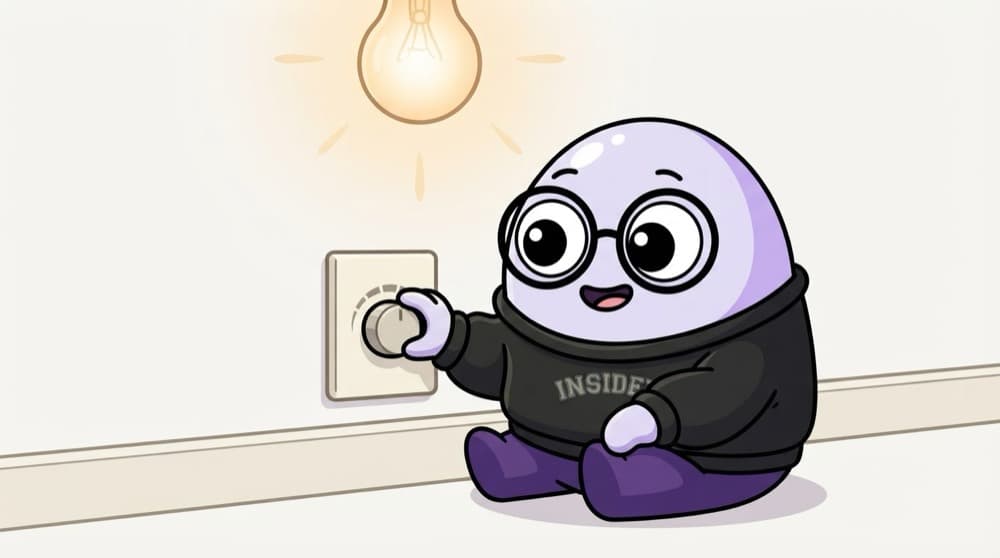
A dimmer switch vs a normal switch
A normal switch goes off to on in a snap. A dimmer slowly brightens the room. A transition is the dimmer: when a style changes, like on hover, the browser fades from the old value to the new one over the time you set.
Watch it happen
A hover, in and out
hover
1/5The pointer moves over the button, so the :hover styles now apply.
The big ideas
What you need to know
Needs a change to trigger
Transitions play when a value changes, for example on :hover, :focus, or when JS adds a class.
Name what to transition
transition: background-color 200ms ease. List specific properties instead of all.
Keep it short
Most UI transitions feel right somewhere around 150 to 300ms. Longer starts to feel slow.
Transition vs animation
A transition goes from A to B once, when something changes. An animation can have many steps and loop on its own.
See it in code
Walk through the code
1.btn {2 background: #ec4899;3 transform: translateY(0);4 transition: background-color 200ms ease,5 transform 200ms ease;6}7 8.btn:hover,9.btn:focus-visible {10 background: #db2777;11 transform: translateY(-2px);12}13 14.menu { opacity: 0; transition: opacity 250ms; }15.menu.open { opacity: 1; }1/3The base rule lists exactly which properties should animate, and for how long.
Put the transition on the normal state, not the :hover state, so it animates both when you hover in and when you leave.
Save yourself the pain
Common mistakes
Oops
Writing transition: all 0.3s on everything.
Do this instead
List the properties you mean. 'all' can animate things you didn't plan, like layout changes.
Oops
Adding the transition only inside :hover.
Do this instead
Then it only animates on the way in. Put it on the base rule so it works both ways.
Your mission
Polish five buttons
Quick check
Your button fades in nicely on hover but snaps back instantly when the mouse leaves. Why?
Go deeper
- 1Add a 200ms transition to button hover and focus states.
- 2Animate transform and opacity rather than width or top for smoother results.
- 3Respect prefers-reduced-motion by turning off non-essential motion.
Also part of these roadmaps
More topics at this stop
 Flexbox
 CSS Grid
 Responsive Design
 Media Queries
 Mobile-First CSS
 CSS Animations
 Tailwind CSS

Stuck on this topic? Ask an Insider
Get 1:1 guidance from people who've walked this exact path — on the InsideEdge app.
