
In short
JSON is the language APIs speak. If you can read and write it confidently, you can work with almost any API on the internet.
JSON is a text format for data that looks like JavaScript objects and arrays. It is how most APIs send and receive data, using JSON.stringify and JSON.parse to convert.
Think of it like this
A form everyone can read
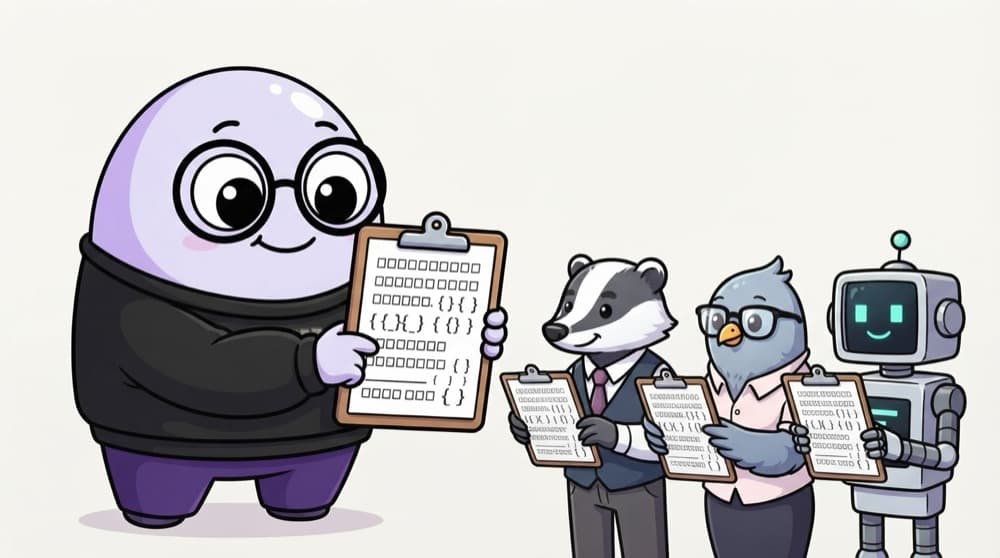
Think of a standard admission form: same fields, same format, so any office can process it. JSON is that standard format for data, and JavaScript, Python, Java and almost every other language can read it.
Watch it happen
Inside a JSON object
1/5The whole thing is one object, wrapped in curly braces.
The big ideas
What you need to know
Keys and values
Data is written as key-value pairs inside curly braces. Keys must be in double quotes.
Six types only
Strings, numbers, true or false, null, arrays and objects. No functions, dates or undefined.
Convert both ways
JSON.stringify turns an object into a JSON string. JSON.parse turns the string back into an object.
Strict rules
No trailing commas, no comments and no single quotes. One small slip and parsing fails.
See it in code
Walk through the code
1const text = '{"name":"Riya","age":19,"courses":["BBA","BCA"],"verified":true}';2 3const student = JSON.parse(text); // string -> object4console.log(student.courses[0]); // "BBA"5 6student.age = 20;7const pretty = JSON.stringify(student, null, 2); // object -> readable string1/3This is JSON as it arrives from an API: just one long string.
The extra arguments in JSON.stringify(student, null, 2) indent the output by 2 spaces, which makes it much easier to read while debugging.
Save yourself the pain
Common mistakes
Oops
Leaving a trailing comma after the last item.
Do this instead
Remove it. JSON.parse throws on {"a": 1,} even though JavaScript objects allow it.
Oops
Expecting dates to come back as Date objects.
Do this instead
JSON stores dates as strings. Turn them back with new Date(value) after parsing.
Oops
Calling JSON.parse on an API response without any error handling.
Do this instead
Wrap it in try/catch so one bad response doesn't crash your app.
Your mission
Fix the broken JSON
Quick check
Which of these is valid JSON?
Go deeper
- 1Convert an object to a JSON string and back again.
- 2Spot the differences from JavaScript: keys need double quotes and no trailing commas.
- 3Use a JSON viewer extension to read large API responses comfortably.
Also part of these roadmaps
More topics at this stop
 DOM Manipulation
 Events and Event Listeners
 What Is an API
 Fetch API
 LocalStorage

Stuck on this topic? Ask an Insider
Get 1:1 guidance from people who've walked this exact path — on the InsideEdge app.
