
In short
Copy-pasting the same prompt and editing a few words by hand works for one test. In an app, you need one well-tested prompt with blanks your code fills in. That's a prompt template.
Reusable prompt structures with variable slots — how production AI features avoid rewriting prompts from scratch and keep behavior consistent across inputs.
Think of it like this
The wedding card press
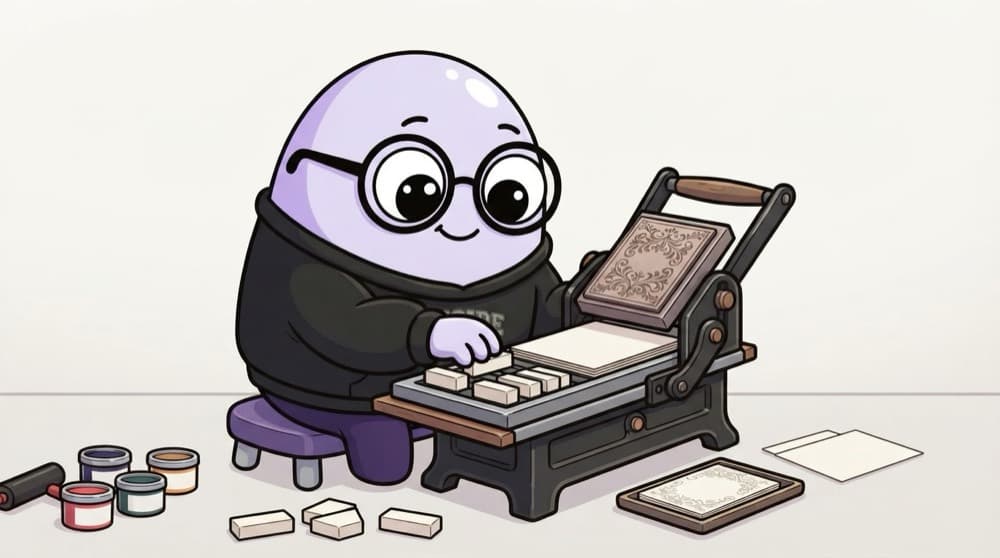
The printing press uses one beautiful card design for a whole order. Only the guest's name block changes for each card. The design is tested once and stays the same. A prompt template is that design, and the variables are the name blocks.
Watch it happen
From template to model call
1/5One versioned template: 'Summarise this {doc_type} for a {audience} in {n} bullets.'
The big ideas
What you need to know
Version your prompts
Keep templates in files under Git, not scattered strings. You can see what changed when quality drops.
Test like functions
Run each template against a fixed set of inputs before releasing a change.
Fence user input
Insert user text inside clear delimiters so it can't blend into your instructions.
Tools help
Plain Python f-strings work. Jinja2, LangChain and similar libraries add loops, defaults and conditionals.
See it in code
Walk through the code
1from string import Template2 3SUMMARY_V2 = Template("""Summarise the $doc_type below for $audience.4Use exactly $n bullet points. Use simple English.5 6<document>7$text8</document>""")9 10def build_prompt(doc_type, audience, n, text):11 if not 1 <= n <= 10:12 raise ValueError("n must be 1 to 10")13 return SUMMARY_V2.substitute(doc_type=doc_type, audience=audience, n=n, text=text)14 15prompt = build_prompt("college circular", "first-year students", 3, circular_text)1/3The template, with user text fenced inside <document> tags.
A small, versioned template with a check before filling. Python's string.Template uses $name placeholders.
Save yourself the pain
Common mistakes
Oops
Building prompts with string concatenation spread across ten files.
Do this instead
Keep each template in one place, named and versioned, so changes are easy to review.
Oops
Changing a template in production without re-testing.
Do this instead
Run your saved test inputs first. Small wording changes can shift output a lot.
Your mission
Template your favourite prompt
Quick check
Why put user-provided text inside delimiters in a template?
Go deeper
- 1Build a small template system with variable interpolation for a recurring task.
- 2Version your prompt templates so changes are trackable over time.
- 3Test a template across edge-case inputs, not just the happy path.
More topics at this stop
 Prompt Design Fundamentals
 Zero-Shot & Few-Shot Prompting
 Chain-of-Thought Prompting
 System Prompts
 Structured Output (JSON Mode)
 Function/Tool Calling
 Prompt Chaining
 Handling Hallucinations via Prompting
 Prompt Injection Risks

Stuck on this topic? Ask an Insider
Get 1:1 guidance from people who've walked this exact path — on the InsideEdge app.
