In short
CloudTrail tells you who made a change. AWS Config tells you what the resource looked like before and after, and whether it now breaks your rules, like a bucket that suddenly became public.
AWS Config records the configuration of your resources over time and evaluates them against rules, such as 'S3 buckets must not be public' or 'EBS volumes must be encrypted'. It answers 'what changed and is it compliant?'.
Think of it like this
The building society's inspection register
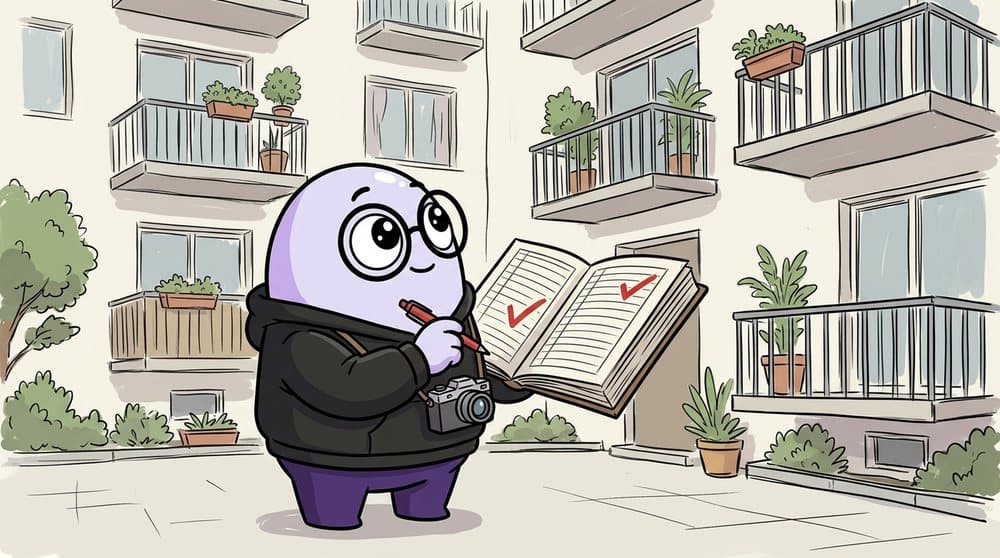
A housing society in Thane keeps a register with a photo of every flat's balcony, taken each time someone renovates. A rule says 'no enclosed balconies'. The secretary flips through and instantly sees which flats break the rule and when they changed. Config is that register: snapshots of every resource over time, checked against your rules.
Watch it happen
From change to compliance alert
1/5A developer removes Block Public Access from a bucket.
The big ideas
What you need to know
Configuration history
A timeline for each resource: settings, relationships and links to the CloudTrail events that changed it.
Managed and custom rules
Hundreds of AWS-managed rules, like encrypted-volumes or restricted-ssh, or custom rules written as Lambda functions or in Guard policy language.
Conformance packs
Bundles of rules and remediations, such as a pack based on CIS or operational best practices, deployed in one go.
Mind the cost
Config charges per configuration item recorded and per rule evaluation. Record only resource types you need in busy accounts.
See it in code
Walk through the code
1# Add a managed rule (the recorder must already be running)2aws configservice put-config-rule --config-rule '{3 "ConfigRuleName": "s3-bucket-public-read-prohibited",4 "Source": {5 "Owner": "AWS",6 "SourceIdentifier": "S3_BUCKET_PUBLIC_READ_PROHIBITED"7 },8 "Scope": { "ComplianceResourceTypes": ["AWS::S3::Bucket"] }9}'10 11# Which resources break it?12aws configservice get-compliance-details-by-config-rule \13 --config-rule-name s3-bucket-public-read-prohibited \14 --compliance-types NON_COMPLIANT \15 --query "EvaluationResults[].EvaluationResultIdentifier.EvaluationResultQualifier.ResourceId"1/4Create a rule with a readable name.
AWS CLI v2. The easiest way to start the recorder the first time is the Config console's one-click setup.
Save yourself the pain
Common mistakes
Oops
Confusing Config with CloudTrail and expecting it to show who made a change.
Do this instead
Config shows what changed and whether it's compliant. It links to CloudTrail, which shows who called the API.
Oops
Turning on recording for all resource types in a dev account full of short-lived containers and Lambdas.
Do this instead
Choose specific resource types or use periodic recording where it fits, to keep costs under control.
Your mission
Catch a risky change
Quick check
An auditor asks what a security group's rules were three weeks ago. Which service shows that?
Go deeper
- 1Enable AWS Config in one Region and add two managed rules.
- 2Create a non-compliant resource on purpose and see it flagged.
- 3Read about conformance packs and how companies use them for compliance.
More topics at this stop
 Amazon CloudWatch Metrics & Alarms
 CloudWatch Logs & Logs Insights
 AWS CloudTrail
 AWS KMS
 AWS WAF & AWS Shield
 Amazon GuardDuty
 Incident Response on AWS
 AWS Cost Explorer & Cost Anomaly Detection
 Tagging Strategy for Cost Allocation

Stuck on this topic? Ask an Insider
Get 1:1 guidance from people who've walked this exact path — on the InsideEdge app.
