
In short
Almost every AWS service can encrypt your data, and behind nearly all of them sits KMS. Understanding keys, key policies and envelope encryption helps you answer the security questions every interviewer and auditor asks.
AWS Key Management Service creates and controls encryption keys used by services like S3, EBS and RDS. AWS managed keys are created automatically, while customer managed keys give you control over key policies, rotation and auditing.
Think of it like this
The bank's master key and locker keys
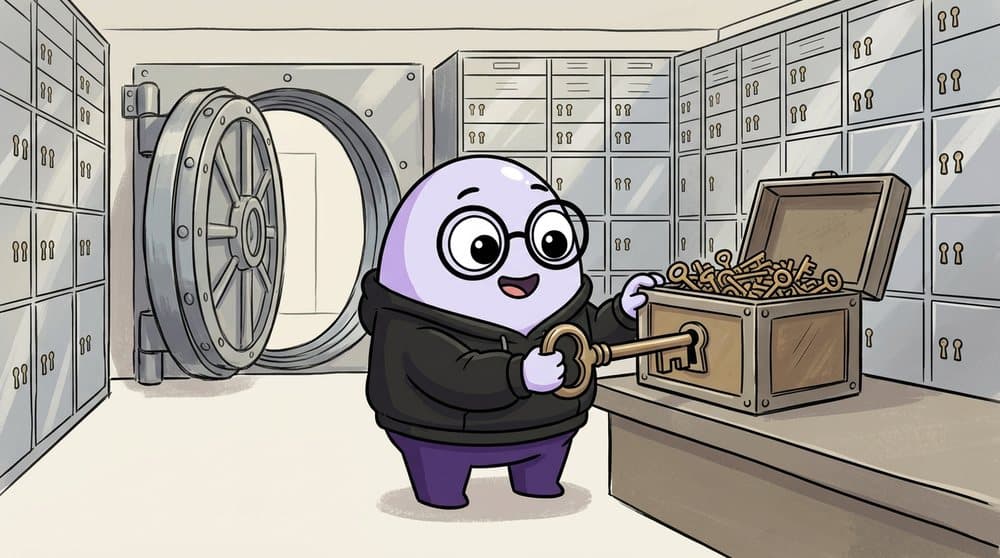
A bank in Varanasi doesn't hand out its master key. Each locker gets its own small key, and the small keys themselves are kept in a box that only the master key opens. The master key never leaves the manager's sealed vault. In KMS, your KMS key is the master key that never leaves AWS's hardware security modules, and data keys are the locker keys that actually lock your data.
Watch it happen
Envelope encryption when S3 stores an object
GenerateDataKey
1/4S3 asks KMS for a fresh data key for this object.
The big ideas
What you need to know
AWS managed vs customer managed
AWS managed keys (aws/s3, aws/ebs) are created for you. Customer managed keys let you control the key policy, rotation, grants and deletion.
Key policies
Every KMS key has a key policy. IAM permissions only work if the key policy allows the account to use IAM for that key.
Rotation
Turn on automatic rotation for customer managed keys. Old data still decrypts because KMS keeps earlier key material.
Deletion is final
Deleting a key has a waiting period of 7 to 30 days. After that, anything encrypted with it can never be decrypted. Disable first.
See it in code
Walk through the code
1KEY_ID=$(aws kms create-key \2 --description "Shop app data" \3 --query KeyMetadata.KeyId --output text)4 5aws kms create-alias --alias-name alias/shop-data --target-key-id "$KEY_ID"6aws kms enable-key-rotation --key-id "$KEY_ID"7 8# Encrypt a small file (up to 4 KB) directly9aws kms encrypt \10 --key-id alias/shop-data \11 --plaintext fileb://api-token.txt \12 --query CiphertextBlob --output text | base64 --decode > api-token.enc13 14aws kms decrypt \15 --ciphertext-blob fileb://api-token.enc \16 --query Plaintext --output text | base64 --decode1/4Create a symmetric customer managed key and capture its ID.
AWS CLI v2. fileb:// passes raw bytes. For anything bigger than 4 KB, use data keys or let services like S3 do envelope encryption for you.
Save yourself the pain
Common mistakes
Oops
Scheduling deletion of a key to 'clean up' without checking what uses it.
Do this instead
Disable the key first and watch CloudTrail and errors for a while. Deleted keys make data permanently unreadable.
Oops
Getting AccessDenied on a KMS-encrypted bucket even though IAM allows s3:GetObject.
Do this instead
The role also needs kms:Decrypt on that key, allowed by both IAM and the key policy.
Your mission
Encrypt with your own key
Quick check
In envelope encryption, what actually encrypts your large file?
Go deeper
- 1Create a customer managed key and use it to encrypt an S3 object and an EBS volume.
- 2Read the key policy and identify who can use and who can administer the key.
- 3Learn what envelope encryption means and why KMS uses it.
More topics at this stop
 Amazon CloudWatch Metrics & Alarms
 CloudWatch Logs & Logs Insights
 AWS CloudTrail
 AWS Config
 AWS WAF & AWS Shield
 Amazon GuardDuty
 Incident Response on AWS
 AWS Cost Explorer & Cost Anomaly Detection
 Tagging Strategy for Cost Allocation

Stuck on this topic? Ask an Insider
Get 1:1 guidance from people who've walked this exact path — on the InsideEdge app.
