
AWS Management Console, CLI & SDKs
Part of the AWS Roadmap
In short
Clicking through the console is how everyone starts, but no real team builds a hundred servers by hand. The same AWS API sits behind the console, the CLI and every SDK, so learning one teaches you the others.
You can use AWS through the web console, the AWS CLI on the command line, or SDKs such as boto3 for Python. The console is great for learning, while the CLI and SDKs are how real teams automate and script their work.
Think of it like this
Three ways to use your bank
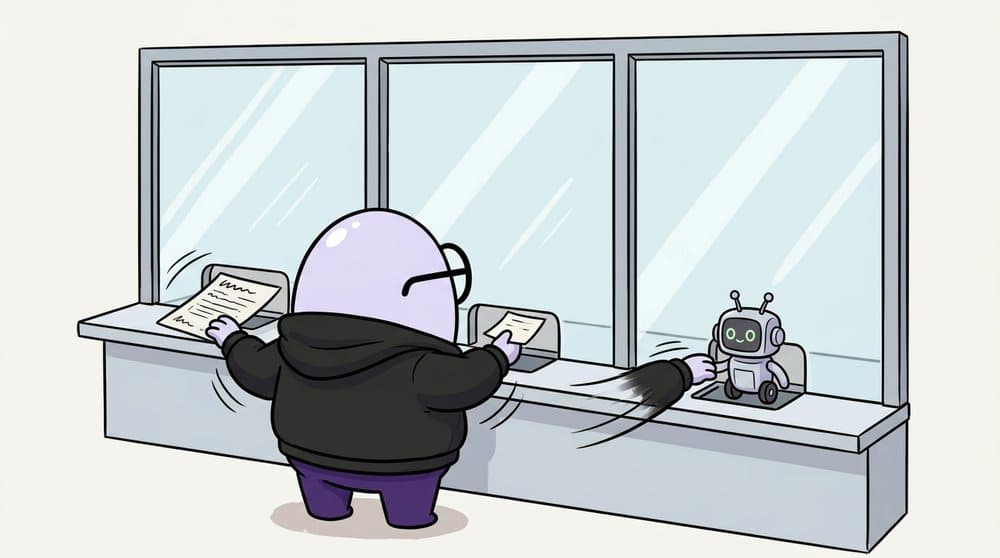
You can visit the branch and fill a form (console), use quick USSD-style commands on your phone (CLI), or let an app move money automatically every month (SDK). The bank account underneath is the same. AWS is that account, and every route calls the same API.
Watch it happen
Every route ends at the same API
1/5You click Create bucket in the console. Under the hood the browser sends an API call.
The big ideas
What you need to know
Console for learning
Great for exploring, seeing options and checking results visually. Hard to repeat exactly.
CLI for scripts
One command per action, easy to save in a script and run again. AWS CloudShell gives you a ready CLI in the browser.
SDKs for apps
boto3 for Python, plus SDKs for JavaScript, Java, Go, .NET and more, let your application call AWS directly.
Infrastructure as code next
Later you will describe whole environments in CloudFormation, CDK or Terraform, which also use the same API.
See it in code
Walk through the code
1import boto32 3# Uses the same credentials and Region as your AWS CLI profile4session = boto3.Session(profile_name="learning", region_name="ap-south-1")5s3 = session.client("s3")6 7response = s3.list_buckets()8for bucket in response["Buckets"]:9 print(bucket["Name"], bucket["CreationDate"].date())10 11# CLI equivalent: aws s3api list-buckets --profile learning1/3A session picks the profile and Region. The client is the S3 API.
Listing buckets with boto3. The CLI and SDK share the ~/.aws/config profiles, so you set credentials up once.
Save yourself the pain
Common mistakes
Oops
Doing everything by clicking and keeping no record of what you created.
Do this instead
Repeat important steps with the CLI and save them in a script. Later move to infrastructure as code.
Oops
Pasting access keys directly into Python code.
Do this instead
Let boto3 find credentials from your profile, an IAM role or environment. Never hard-code keys.
Your mission
One task, three ways
Quick check
A user can create buckets in the console but gets AccessDenied for the same action in the CLI. What is the most likely cause?
Go deeper
- 1Do one task, such as creating an S3 bucket, in the console and then again with the CLI.
- 2Install boto3 and list your S3 buckets with a short Python script.
- 3Try AWS CloudShell, a browser-based shell with the CLI already set up.
More topics at this stop
 Creating an AWS Account Safely
 AWS Free Tier and Its Limits
 Setting Up AWS Budgets & Billing Alerts
 Installing & Configuring the AWS CLI
 Working With the AWS CLI
 Python & Boto3 for AWS Automation
 AWS Pricing Models & Pricing Calculator

Stuck on this topic? Ask an Insider
Get 1:1 guidance from people who've walked this exact path — on the InsideEdge app.
