In short
Picking a VPC's IP range takes ten seconds and is very hard to undo. A careless 10.0.0.0/16 in every account works fine until the day you need to connect them, and then nothing can talk.
A VPC is your own isolated virtual network in a Region, defined by an IPv4 CIDR block that can range from /16 to /28. Planning ranges up front avoids overlaps that would block peering or VPN connections later.
Think of it like this
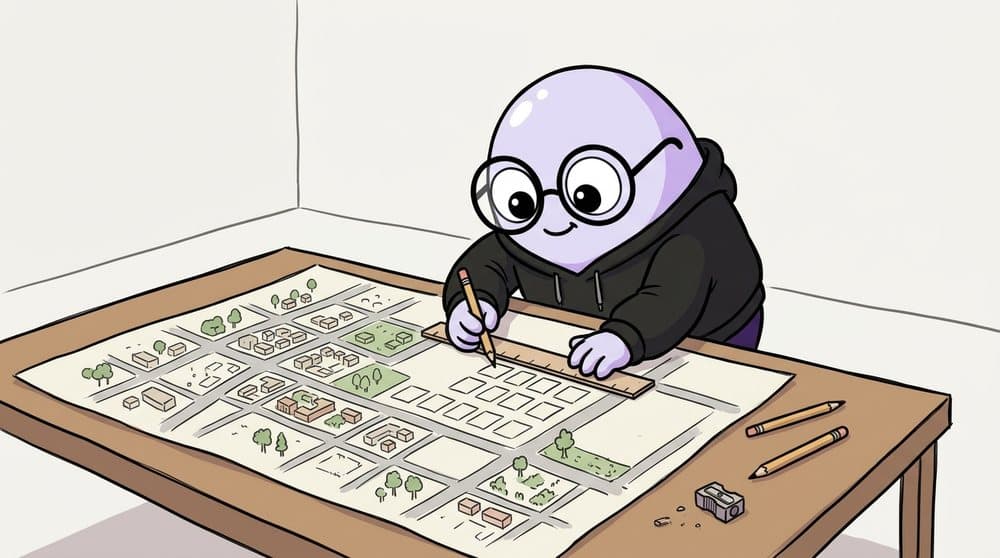
Planning plot numbers in a new township
A builder assigns plot numbers before anyone moves in: blocks A to D, plots 1 to 250 each. If two townships both use 'Block A, Plot 12' and later merge their roads, deliveries get confused. CIDR planning is numbering your plots so networks can join later without clashes.
Watch it happen
Slicing 10.20.0.0/16 into subnets
1/5A /16 gives 65,536 addresses. We'll carve /24 subnets of 256 addresses each.
The big ideas
What you need to know
Sizes /16 to /28
A VPC's IPv4 block can be between /16 (65,536 addresses) and /28 (16 addresses). Smaller number means bigger network.
Use private ranges
Pick from RFC 1918 ranges: 10.0.0.0/8, 172.16.0.0/12 or 192.168.0.0/16.
No overlaps
Peering, Transit Gateway and VPN need non-overlapping ranges. Give every VPC and office network its own block.
Add, don't change
You can't change a VPC's primary CIDR, but you can add secondary CIDR blocks later.
See it in code
Walk through the code
1VPC_ID=$(aws ec2 create-vpc \2 --cidr-block 10.20.0.0/16 \3 --tag-specifications 'ResourceType=vpc,Tags=[{Key=Name,Value=shop-prod}]' \4 --region ap-south-1 \5 --query Vpc.VpcId --output text)6 7aws ec2 modify-vpc-attribute --vpc-id "$VPC_ID" --enable-dns-hostnames8 9# Check every VPC's range in this Region before adding a new one10aws ec2 describe-vpcs --region ap-south-1 \11 --query "Vpcs[].[VpcId,CidrBlock,Tags[?Key=='Name']|[0].Value]" --output table1/3A named VPC with 10.20.0.0/16. We save its ID for later commands.
Create a VPC with a planned /16, turn on DNS hostnames and list existing ranges so nothing overlaps.
Save yourself the pain
Common mistakes
Oops
Using 10.0.0.0/16 for every VPC in every account.
Do this instead
Keep a simple IP plan, such as 10.10.0.0/16 for dev, 10.20.0.0/16 for prod, and avoid your office network range.
Oops
Making the VPC a tiny /24 to 'save addresses'.
Do this instead
Private addresses are free. Start with a /16 or /20 so you never run out of room for subnets.
Your mission
Write an IP plan
Quick check
How many IP addresses can you actually assign to instances in a /24 subnet in AWS?
Go deeper
- 1Plan a 10.0.0.0/16 VPC with public and private subnets in two Availability Zones on paper.
- 2Learn that AWS reserves five IP addresses in every subnet.
- 3Explore the default VPC in your account and note its CIDR and subnets.
More topics at this stop
 How a VPC Works
 Public vs Private Subnets
 Route Tables & Internet Gateways
 NAT Gateways
 Security Groups vs Network ACLs
 VPC Peering & Transit Gateway
 VPC Endpoints (Gateway vs Interface)
 Site-to-Site VPN & Direct Connect

Stuck on this topic? Ask an Insider
Get 1:1 guidance from people who've walked this exact path — on the InsideEdge app.
