In short
Files, images, network packets and password hashes are all raw bytes underneath. A Buffer is how Node holds those bytes, and it explains why 'चाय' is 3 characters but 9 bytes.
Node's way of representing raw binary data in memory — used whenever you're dealing with files, network packets, or anything that isn't plain text.
Think of it like this
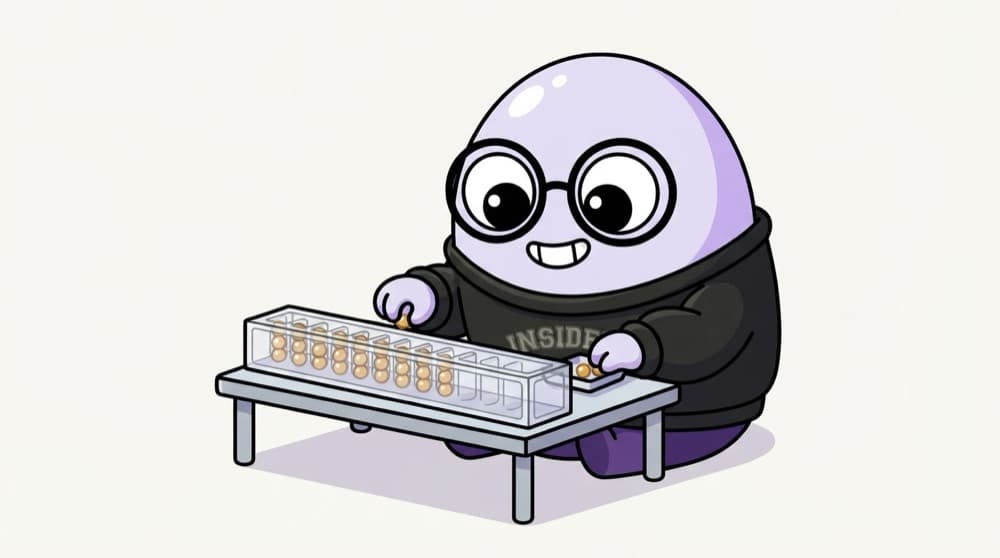
The bead tray with fixed slots
Picture a tray with a fixed row of slots, each holding one bead numbered 0 to 255. The tray doesn't know whether the beads spell a word or make up a photo. You decide how to read them. A Buffer is that tray: fixed size, raw bytes.
Watch it happen
Buffer.from("चाय")
1/5The word is stored as UTF-8 bytes. Each slot holds one byte, a number from 0 to 255.
The big ideas
What you need to know
Bytes, not characters
A Buffer is a fixed-length list of bytes. Text is just one way to interpret them.
Encoding decides meaning
toString("utf8"), "hex" or "base64" turn the same bytes into different text. Pick the one the other side expects.
Size is fixed
Buffer.alloc(16) makes 16 zeroed bytes. To grow, create a new Buffer or join several with Buffer.concat.
It's a Uint8Array
Buffer extends JavaScript's Uint8Array, so indexing, slicing and loops work as you'd expect.
See it in code
Walk through the code
1const buf = Buffer.from("चाय", "utf8");2 3console.log("चाय".length); // 3 characters4console.log(buf.length); // 9 bytes5console.log(buf); // <Buffer e0 a4 9a e0 a4 be e0 a4 af>6console.log(buf.toString("hex")); // e0a49ae0a4bee0a4af7console.log(buf.toString("base64")); // 4KSa4KS+4KSv8 9const header = Buffer.alloc(4); // 4 zeroed bytes10header.writeUInt32BE(1024); // store a number as raw bytes11console.log(header); // <Buffer 00 00 04 00>1/3Characters and bytes are different counts once you leave plain English.
Buffers show up when you read files without an encoding, handle uploads, hash passwords or speak binary protocols. Buffer is a global, so no import is needed.
Save yourself the pain
Common mistakes
Oops
Using string.length to check a limit that's really in bytes, like a 255-byte column.
Do this instead
Use Buffer.byteLength(str). Hindi, Tamil or emoji text takes more bytes than characters.
Oops
Joining upload chunks with += on strings.
Do this instead
A character can be split across two chunks and come out garbled. Collect Buffers in an array and Buffer.concat them.
Your mission
Byte detective
Quick check
Buffer.byteLength("नमस्ते") is bigger than "नमस्ते".length. Why?
Go deeper
- 1Create a Buffer from a string and convert it back, inspecting the raw bytes.
- 2Learn why Buffers exist — JavaScript strings can't efficiently represent binary data.
- 3Understand where Buffers show up: file reads, network sockets, image processing.
More topics at this stop
 Node.js Runtime
 V8 Engine
 Event Loop
 Non-Blocking I/O
 Modules (CommonJS vs ESM)
 NPM & Package Management
 package.json
 Async Programming
 Callbacks
 Promises
 Async/Await
 Streams
 File System (fs)
 Process & Environment Variables
 Event Emitter
 Child Processes
 Clustering

Stuck on this topic? Ask an Insider
Get 1:1 guidance from people who've walked this exact path — on the InsideEdge app.
