In short
package.json is the ID card of every Node project. It names the project, lists what it depends on, and defines the commands your team runs every single day.
The manifest file at the root of every Node project — declaring dependencies, scripts, entry points and metadata that both npm and your team rely on.
Think of it like this
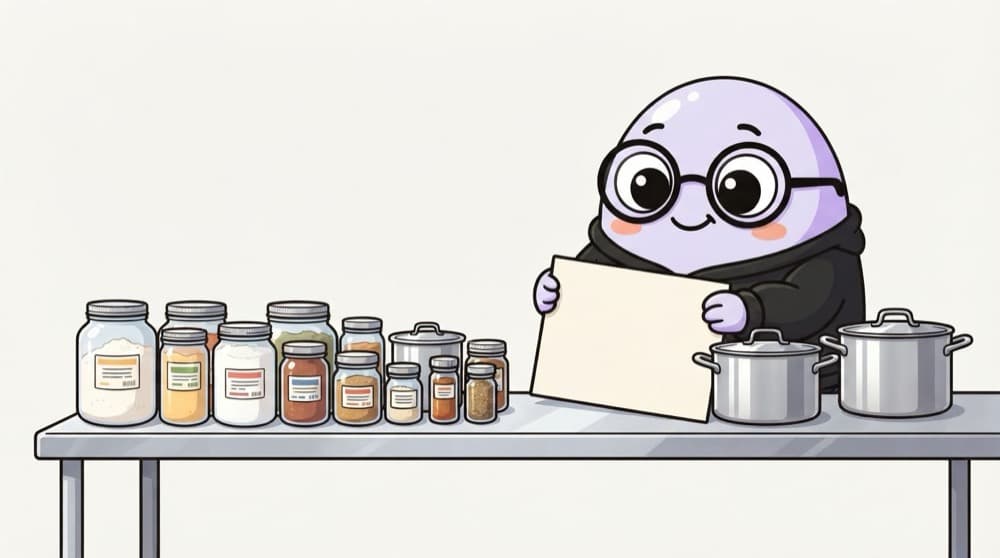
The wedding caterer's recipe card
Before cooking for 500 guests, the caterer writes one card: the dish name, ingredients with quantities, and the steps. Any cook in the team can pick it up and make the same dish. package.json is that card for your project.
Watch it happen
The parts that matter
1/5One JSON file at the project root describes the whole project.
The big ideas
What you need to know
Scripts are shortcuts
Put long commands in scripts so everyone runs the same thing with npm run dev or npm test.
Semver ranges
Versions are MAJOR.MINOR.PATCH. ^ allows minor and patch updates, ~ allows only patch updates.
engines sets the Node version
"engines": { "node": ">=22" } documents which Node your app needs. Many hosts read it too.
It's plain JSON
No comments and no trailing commas allowed. One stray comma and every npm command fails.
See it in code
Walk through the code
1{2 "name": "notes-api",3 "type": "module",4 "engines": { "node": ">=22" },5 "scripts": {6 "dev": "node --watch --env-file=.env src/server.js",7 "start": "node src/server.js",8 "test": "node --test"9 },10 "dependencies": {11 "express": "^5.1.0"12 },13 "devDependencies": {14 "typescript": "~5.8.0"15 }16}1/4Use ES modules, and say which Node versions the app supports.
^5.1.0 accepts 5.1.0 up to, but not including, 6.0.0. ~5.8.0 only accepts patch updates like 5.8.3. The lockfile then pins the exact version installed.
Save yourself the pain
Common mistakes
Oops
Editing a version in package.json by hand and forgetting to reinstall.
Do this instead
Run npm install express@5 instead. package.json and the lockfile then update together.
Oops
Putting build tools like typescript in dependencies.
Do this instead
Development-only tools go in devDependencies (npm i -D), which keeps production installs smaller.
Your mission
Write the card yourself
Quick check
package.json says "express": "^4.18.2". Which version could npm install?
Go deeper
- 1Read through a real project's `package.json` and identify each section's purpose.
- 2Add custom `scripts` (e.g. `dev`, `test`, `build`) and run them with `npm run`.
- 3Learn the difference between `dependencies`, `devDependencies` and `peerDependencies`.
More topics at this stop
 Node.js Runtime
 V8 Engine
 Event Loop
 Non-Blocking I/O
 Modules (CommonJS vs ESM)
 NPM & Package Management
 Async Programming
 Callbacks
 Promises
 Async/Await
 Streams
 Buffers
 File System (fs)
 Process & Environment Variables
 Event Emitter
 Child Processes
 Clustering

Stuck on this topic? Ask an Insider
Get 1:1 guidance from people who've walked this exact path — on the InsideEdge app.
