
Notification Service (Email/SMS/Push)
Part of the Backend Developer Roadmap
In short
"Your order has shipped" can go by email, SMS and push. A notification service handles templates, preferences, retries and provider outages, so no other service has to.
A unified service for sending notifications across multiple channels — practice for third-party integrations, templating, and queue-based delivery.
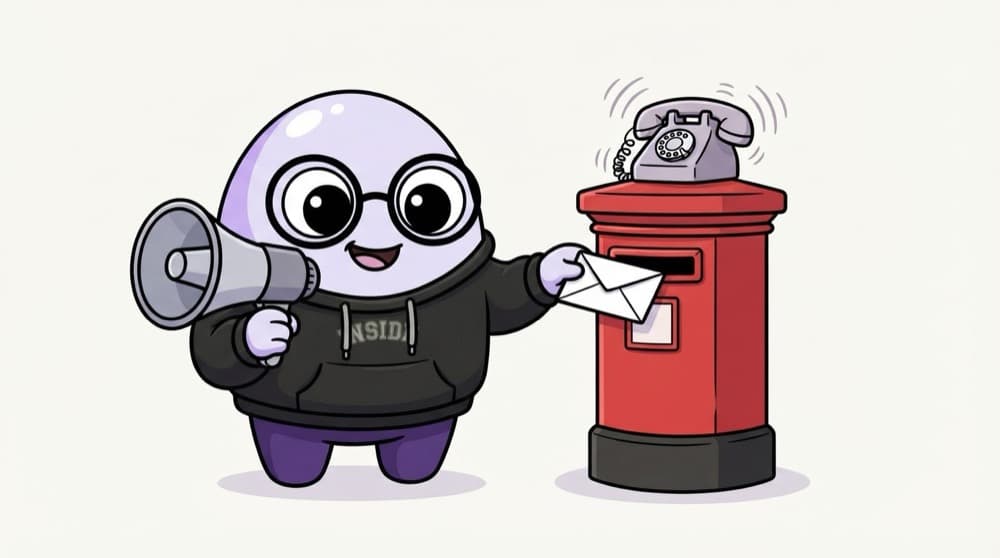
Think of it like this
The college announcement desk
One notice from the principal goes out three ways: the loudspeaker, the notice board and the class WhatsApp group. Departments just hand the notice to the desk. The desk knows who wants which channel and retries if the speaker fails.
Watch it happen
From event to delivered
1/6The order service emits order.shipped with the order ID and user ID. That's all it does.
The big ideas
What you need to know
One interface, many channels
Email, SMS and push all implement the same send() shape, so adding WhatsApp later is one new class.
Respect preferences
Per-user, per-channel opt-ins and quiet hours. Transactional messages like OTPs may follow different rules from marketing.
Retries and fallback
Providers go down. Queue every send, retry with backoff, and fail over to a second provider if needed.
No double sends
A deterministic job ID per event, user and channel means a retried event doesn't spam the user.
See it in code
Walk through the code
1interface Channel {2 name: "email" | "sms" | "push";3 send(to: string, message: { title: string; body: string }): Promise<{ providerId: string }>;4}5 6async function notify(userId: string, event: string, data: Record<string, string>) {7 const prefs = await getPreferences(userId); // e.g. { email: true, sms: false, push: true }8 const message = renderTemplate(event, data); // "Your order #42 has shipped"9 10 for (const channel of channels.filter((c) => prefs[c.name])) {11 await queue.add("deliver", { userId, channel: channel.name, message }, {12 jobId: `${event}:${data.orderId}:${userId}:${channel.name}`, // same event twice = one job13 attempts: 5, backoff: { type: "exponential", delay: 2000 },14 });15 }16}1/3Every channel exposes the same send() method.
queue here is a BullMQ Queue. A job with an ID that already exists isn't added again, which is what stops duplicate sends.
Save yourself the pain
Common mistakes
Oops
Calling the email provider directly inside the order API request.
Do this instead
If the provider is slow, checkout is slow. Emit an event and let the notification service queue it.
Oops
Retrying a failed SMS with no deduplication.
Do this instead
Give every send a stable ID. Otherwise a timeout that actually succeeded sends the OTP twice.
Your mission
Milestone 1: email and push from one event
Quick check
Why give each notification job an ID built from the event, user and channel?
Go deeper
- 1Integrate at least two channels, e.g. email via SendGrid and SMS via Twilio.
- 2Process sends through a queue so a slow provider doesn't block your main API.
- 3Add delivery status tracking and retry logic for failed sends.
More projects at this stop
 URL Shortener
 Blogging Platform API
 E-commerce Backend
 Job Queue System
 Rate Limiter Service
 Real-time Chat Backend (WebSocket)
 Authentication Microservice
 Payment Integration Backend (Stripe)
 Multi-tenant SaaS API
 File Storage Service (S3-like)
 API Gateway for Microservices
 Video Streaming Backend
 Social Media Backend (Feed, Comments, Likes)

Stuck on this topic? Ask an Insider
Get 1:1 guidance from people who've walked this exact path — on the InsideEdge app.
