
CloudFormation / ARM Templates / Deployment Manager
Part of the Cloud Computing Roadmap
In short
Terraform works across clouds, but each big cloud also has its own built-in IaC tool. You'll meet them in job descriptions and in older company setups, so it's worth knowing how they think.
Each provider's native IaC tool — CloudFormation for AWS, ARM templates for Azure, Deployment Manager for GCP — deeply integrated with their respective platforms, at the cost of being locked to a single provider.
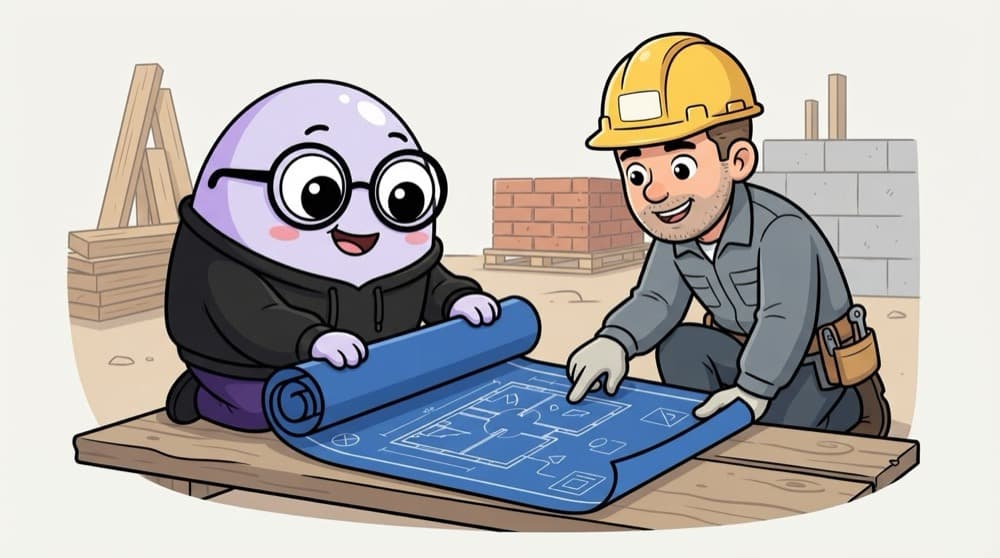
Think of it like this
Blueprint to the contractor
You hand the builder a full blueprint: rooms, wiring, plumbing. He builds exactly that. Want a bigger kitchen? You change the blueprint, not the walls. If a step fails midway, a good contractor undoes it rather than leave half a wall.
Watch it happen
A CloudFormation stack update
create-stack notes-dev
1/6You upload a template. CloudFormation works out the order: VPC before subnet, subnet before server.
The big ideas
What you need to know
AWS CloudFormation
YAML or JSON templates deployed as stacks. State is kept by AWS, so there's no state file to manage.
Azure ARM and Bicep
ARM templates are JSON. Bicep is Microsoft's shorter language that compiles to ARM, and most new Azure work uses it.
Google Cloud
Deployment Manager has been retired in favour of Infrastructure Manager, which runs Terraform for you.
Native vs Terraform
Native tools support new services on day one and need no state file. Terraform covers many clouds with one language.
See it in code
Walk through the code
1AWSTemplateFormatVersion: "2010-09-09"2Parameters:3 Env:4 Type: String5 AllowedValues: [dev, prod]6Resources:7 NotesBucket:8 Type: AWS::S3::Bucket9 Properties:10 VersioningConfiguration:11 Status: Enabled12 Tags:13 - { Key: env, Value: !Ref Env }14Outputs:15 BucketName:16 Value: !Ref NotesBucket1/4A parameter, so one template serves dev and prod.
Deploy with: aws cloudformation deploy --template-file notes.yaml --stack-name notes-dev --parameter-overrides Env=dev
Save yourself the pain
Common mistakes
Oops
Editing a stack's resources by hand in the console after deploying it.
Do this instead
That causes drift. Change the template and update the stack. Use drift detection to spot manual edits.
Oops
Applying an update without looking at the change set.
Do this instead
Some property changes replace a resource, which can mean a new, empty database. Always read the preview.
Your mission
Stack it up, tear it down
Quick check
A CloudFormation update fails halfway. What happens by default?
Go deeper
- 1Read a sample CloudFormation template (or your provider's equivalent) and identify its structure.
- 2Compare its syntax and workflow to Terraform's for the same simple resource.
- 3Learn why some teams prefer native tools for deep provider-specific feature support.
More topics at this stop
 IaC Concepts & Benefits
 Terraform Fundamentals
 Terraform State Management
 Terraform Modules
 Configuration Management (Ansible Overview)
 CI/CD for Cloud Deployments
 GitOps Basics
 IaC Testing & Validation

Stuck on this topic? Ask an Insider
Get 1:1 guidance from people who've walked this exact path — on the InsideEdge app.
