
Troubleshooting Kubernetes
Part of the DevOps Roadmap
In short
A pod stuck in CrashLoopBackOff at 2 am is a rite of passage. The engineers who fix it fast aren't luckier; they check the same things in the same order every time.
A systematic approach to diagnosing failing Pods — checking events, logs, resource limits, and describe output in a consistent order rather than guessing randomly.
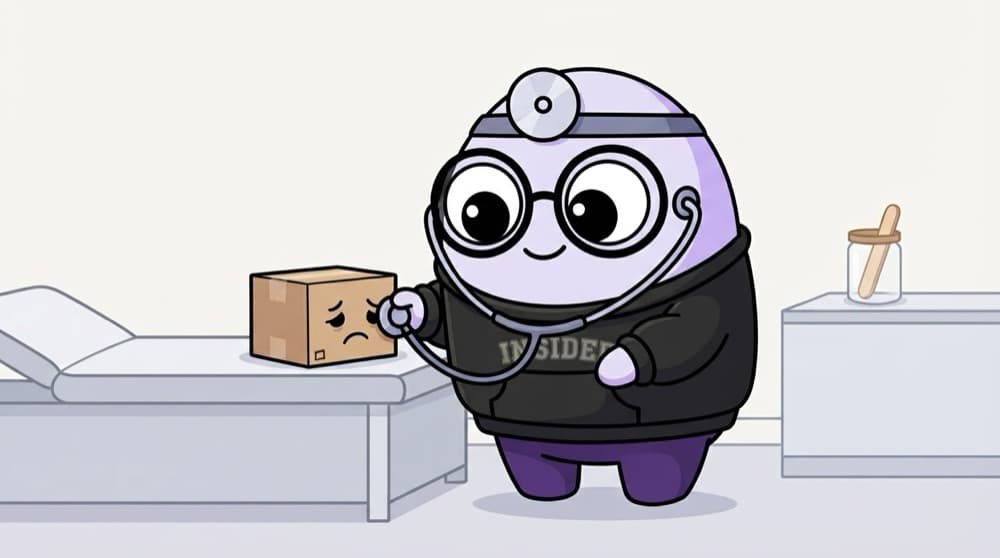
Think of it like this
The doctor's checklist
A good doctor doesn't guess. Temperature, pulse, symptoms, then tests, in that order. Each answer narrows the cause. Debugging a pod is the same: status first, then events, then logs, then the network, and the answer usually turns up by step three.
Watch it happen
Start from the pod's status
1/5Run kubectl get pods. The STATUS column tells you which branch to follow.
The big ideas
What you need to know
Same order every time
get, describe, logs, events, then network. Skipping ahead is how you lose an hour.
Events tell the story
Scheduling failures, failed probes and image errors all show up in Events, not in app logs.
OOMKilled is common
Exit code 137 with reason OOMKilled means the container hit its memory limit. Raise it or fix the leak.
Probes can lie
A strict liveness probe can kill a slow-starting app over and over. Use a startup probe for slow boots.
See it in code
Walk through the code
1kubectl get pods -n shop # 1. what state?2kubectl describe pod api-7d9f -n shop # 2. read Events at the bottom3kubectl logs api-7d9f -n shop --previous # 3. why did it crash?4kubectl get events -n shop --sort-by=.lastTimestamp5kubectl get endpointslices -l kubernetes.io/service-name=api -n shop6kubectl top pod -n shop # needs metrics-server1/3Status and Events answer most questions before you even open the logs.
If the endpoint slice lists no addresses, the Service selector doesn't match any ready pods. That's a labels or readiness problem, not networking.
Save yourself the pain
Common mistakes
Oops
Deleting a crashing pod again and again hoping it fixes itself.
Do this instead
The Deployment will just make an identical one. Read the logs and Events and fix the real cause.
Oops
Blaming the network first when a Service doesn't respond.
Do this instead
Check the Service has endpoints. Most 'network' issues are label mismatches or failing readiness probes.
Your mission
Break it, then fix it
Quick check
A pod shows Pending for five minutes. Where are you most likely to find the reason?
Go deeper
- 1Deliberately break a Deployment (e.g. wrong image name) and practice diagnosing it via kubectl.
- 2Learn to read Pod events (via kubectl describe) as the first troubleshooting step, not the last.
- 3Build a personal troubleshooting checklist: events, logs, resource limits, then network.
More topics at this stop
 Kubernetes Architecture
 Pods, Deployments & Services
 ConfigMaps & Secrets
 Kubernetes Networking
 Ingress Controllers
 Persistent Volumes & Storage
 Helm Charts
 Namespaces & RBAC
 Horizontal Pod Autoscaling
 Kubernetes Operators (Overview)
 Kubectl Essentials

Stuck on this topic? Ask an Insider
Get 1:1 guidance from people who've walked this exact path — on the InsideEdge app.
