
In short
A modal that fades in, a card that lifts when you hover, a list that reorders smoothly. Framer Motion (now just called Motion) does all this in React with a few props.
A production-ready animation library for React with a declarative API (`<motion.div animate={...}>`) for transitions, gestures, and layout animations.
Think of it like this
Telling the actor where to stand
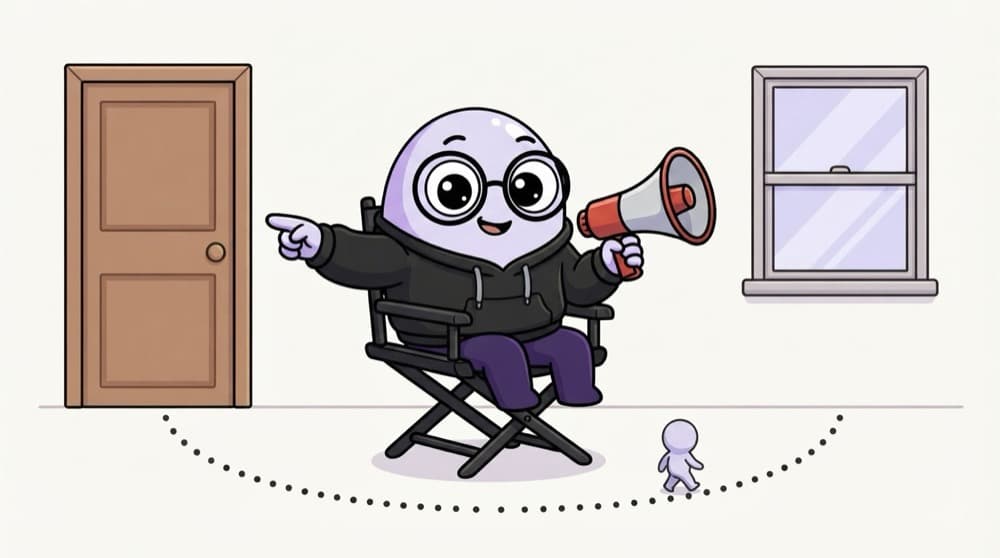
A film director doesn't move the actor's legs frame by frame. They say 'start at the door, end at the window' and the actor walks there. In Motion you say initial and animate, and the library fills in every frame between.
Watch it happen
A toast's life with Motion
1/5show becomes true. The toast mounts at initial: opacity 0, y 20, invisible and a bit low.
The big ideas
What you need to know
New name, same library
Install the motion package and import from "motion/react". Old code imports from "framer-motion", and the API is the same.
Describe start and end
initial is where it begins, animate is where it ends, and transition says how long and how bouncy.
Exit animations
Wrap elements in AnimatePresence and give them an exit prop. They animate out before React removes them.
Gestures built in
whileHover, whileTap and drag add interaction without writing any event handlers.
See it in code
Walk through the code
1"use client";2import { motion, AnimatePresence } from "motion/react";3 4export function Toast({ show, text }: { show: boolean; text: string }) {5 return (6 <AnimatePresence>7 {show && (8 <motion.div9 initial={{ opacity: 0, y: 20 }}10 animate={{ opacity: 1, y: 0 }}11 exit={{ opacity: 0, y: 20 }}12 transition={{ type: "spring", stiffness: 300, damping: 24 }}13 >{text}</motion.div>14 )}15 </AnimatePresence>16 );17}1/4Motion needs the browser, so this is a client component importing from motion/react.
Without AnimatePresence, the toast would just vanish when show turns false. With it, React waits for the exit animation to finish first.
Save yourself the pain
Common mistakes
Oops
Animating width, height or top for movement.
Do this instead
Animate x, y, scale and opacity. They use transforms, which the browser handles without recalculating the layout.
Oops
Putting AnimatePresence inside the condition.
Do this instead
AnimatePresence must stay mounted. Put the condition inside it, as in the example.
Oops
Using motion components in a Server Component.
Do this instead
Motion needs the browser. Add "use client" to the file that uses it.
Your mission
Animate a Swiggy-style cart
Quick check
Your modal fades in nicely but disappears instantly when closed. What's missing?
Go deeper
- 1Add enter/exit animations to a component using `AnimatePresence`.
- 2Practice `whileHover` and `whileTap` for interactive gesture animations.
- 3Try the `layout` prop for automatic, smooth layout transitions.
More topics at this stop
 GSAP
 CSS Animation
 Lottie
 Three.js basics

Stuck on this topic? Ask an Insider
Get 1:1 guidance from people who've walked this exact path — on the InsideEdge app.
