In short
Once your custom domain is live, browsers expect it on HTTPS. Most hosts handle the certificate for you, but you still need to check redirects, mixed content and a few headers.
Serving your site securely over encrypted HTTPS — nearly all modern hosts (Vercel, Netlify, Cloudflare) provision this automatically via free certificates.
Think of it like this
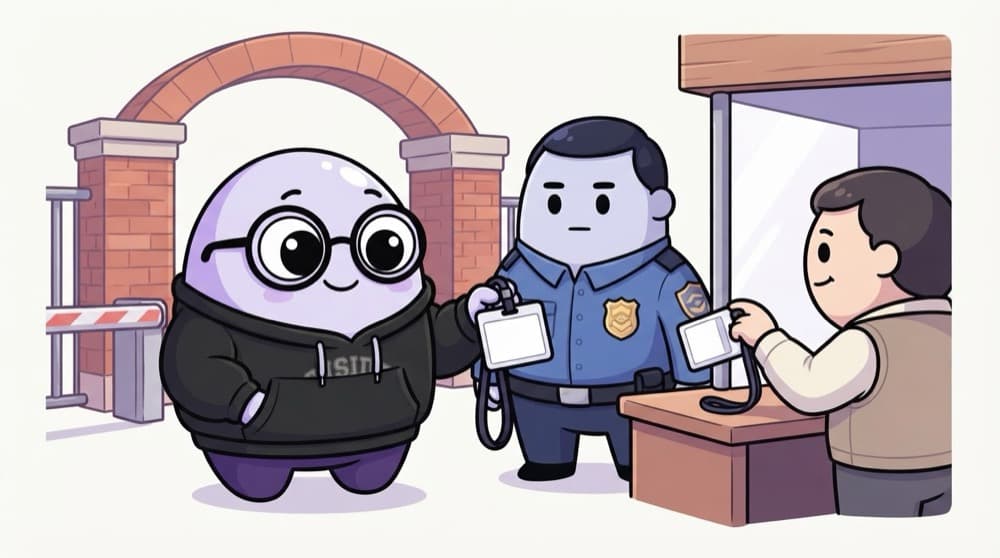
The renewed ID card
Your college ID gets you through the gate, but only while it's valid. A TLS certificate is your site's ID card. Hosts like Vercel and Netlify keep renewing it quietly, like an office that reprints your card before it expires.
Watch it happen
Visiting your site the first time
GET http://yourname.dev
1/7Someone types your domain without https.
The big ideas
What you need to know
Free certificates
Authorities like Let's Encrypt issue certificates for free, and most hosts request them automatically for your domain.
Short-lived, auto-renewed
Certificates expire after a few months. Hosts renew them before that, so you rarely touch them.
Redirect HTTP to HTTPS
Anyone typing http:// should be sent to https://. Most hosts do this by default.
HSTS remembers
The Strict-Transport-Security header tells browsers to always use HTTPS for your site, even if someone types http.
See it in code
Walk through the code
1# _headers file (Netlify and Cloudflare Pages)2/*3 Strict-Transport-Security: max-age=31536000; includeSubDomains4 5# Check the redirect and the header from your terminal6curl -I http://yourname.dev7curl -I https://yourname.dev1/3For every path, send the HSTS header for one year, including subdomains.
max-age is in seconds, so this is one year. The first curl should show a 301 or 308 redirect, the second should show the HSTS header.
Save yourself the pain
Common mistakes
Oops
Loading an image or script with an http:// URL on your HTTPS site.
Do this instead
Use https:// for every asset. Browsers block or warn about this mixed content.
Oops
Adding HSTS with includeSubDomains before checking every subdomain supports HTTPS.
Do this instead
Test all subdomains first. Once browsers save the rule, an HTTP-only subdomain stops working for them.
Your mission
Audit your live site's security
Quick check
Your site is on HTTPS, but the browser console shows a mixed content warning. What does it mean?
Go deeper
- 1Confirm your deployed site automatically has a valid HTTPS certificate.
- 2Learn what Let's Encrypt is and how automatic certificate renewal works.
- 3Understand why browsers now flag plain HTTP sites as 'Not Secure'.
More topics at this stop
 Vercel
 Netlify
 Cloudflare Pages
 GitHub Pages
 Docker basics
 CI/CD
 Environment Variables
 Domain

Stuck on this topic? Ask an Insider
Get 1:1 guidance from people who've walked this exact path — on the InsideEdge app.
