In short
Some of your users can't see the screen, some use only a keyboard. Accessibility means they can still use your site. ARIA helps, but only when plain HTML can't.
ARIA attributes (`aria-label`, `aria-hidden`, `role`, etc.) fill gaps where native HTML semantics aren't enough, helping assistive technologies understand your UI. Accessibility is broader than ARIA: correct semantics, keyboard operation, focus management, contrast, labels, headings, and understandable feedback should form the foundation of an accessible interface.
Think of it like this
Station announcements
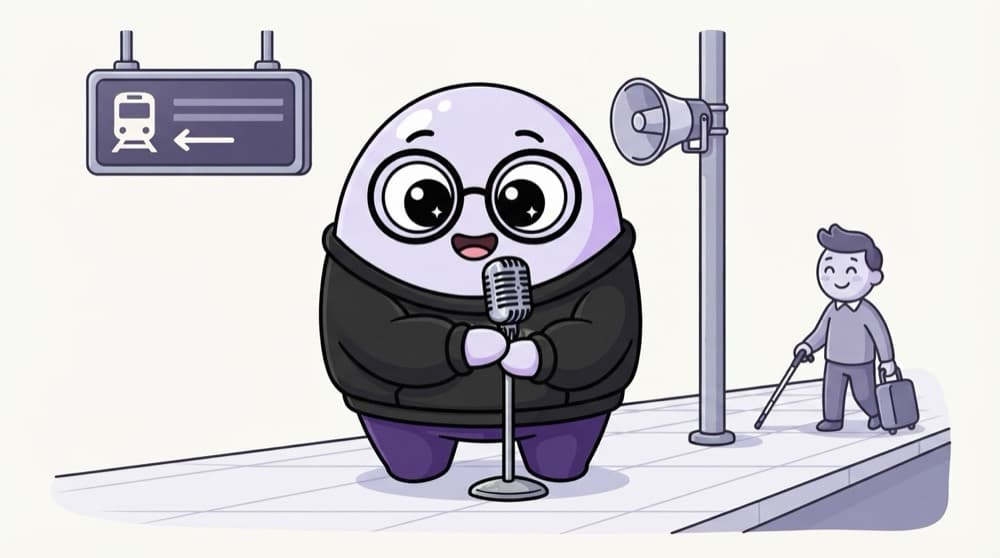
At a railway station, the board shows the platform and the speaker announces it too. Nobody gets left out. ARIA is the announcement layer: extra labels and states that screen readers speak out when the visuals alone aren't enough.
Watch it happen
What a screen reader hears
Tab
1/5Focus lands on the icon-only menu button.
The big ideas
What you need to know
Native HTML first
A real <button> is focusable, clickable with Enter and Space, and announced as a button. A <div> needs lots of extra work.
aria-label names things
An icon-only button, like a magnifier for search, has no text. aria-label="Search" gives it a name screen readers can say.
Share state changes
aria-expanded, aria-pressed and aria-current tell users if a menu is open or which page they're on.
Live regions speak updates
aria-live="polite" makes a screen reader read out new text, like 'Added to cart', without moving focus.
See it in code
Walk through the code
1<!-- Icon-only button with a proper name -->2<button type="button" aria-label="Open menu"3 aria-expanded="false" aria-controls="main-menu">4 ☰5</button>6<ul id="main-menu" hidden>...</ul>7 8<!-- Current page in the nav -->9<a href="/courses" aria-current="page">Courses</a>10 11<!-- Updates that should be read out -->12<p aria-live="polite" id="cart-status"></p>13 14<!-- Decorative image, skip it -->15<img src="swirl.svg" alt="" />1/4aria-label names the icon button. aria-expanded and aria-controls say which menu it opens and whether it's open.
When JavaScript opens the menu, it should flip aria-expanded to true and remove hidden. An empty alt tells readers to skip a decorative image.
Save yourself the pain
Common mistakes
Oops
Adding role="button" to a <div> and calling it done.
Do this instead
The div still can't be focused or pressed with a keyboard. Just use <button>.
Oops
Removing the focus outline because it 'looks ugly'.
Do this instead
Keyboard users need it to see where they are. Restyle it with :focus-visible instead of deleting it.
Your mission
Use your site without a mouse
Quick check
You have a clickable bin icon to delete an item. What's the best markup?
Go deeper
- 1Try navigating a site using only a keyboard (Tab, Enter, Esc). Inspect the result in DevTools or the console and explain what you observed.
- 2Turn on a screen reader (VoiceOver/NVDA) and browse a page you built. Validate your understanding by applying it in a small practical example.
- 3Follow the rule 'no ARIA is better than bad ARIA' — prefer semantic HTML first.
More topics at this stop
 Semantic tags
 Forms
 Input types
 Validation
 Tables
 Audio
 Video
 SVG
 Canvas
 SEO basics
 Meta tags

Stuck on this topic? Ask an Insider
Get 1:1 guidance from people who've walked this exact path — on the InsideEdge app.
