In short
Want to build a drawing app, a little game or a chart with thousands of points? <canvas> gives you a blank board and JavaScript paints on it, pixel by pixel.
The `<canvas>` element provides a JavaScript-drawable bitmap surface for graphs, games, image manipulation and generative art. Canvas gives JavaScript direct control over pixels, making it powerful for highly dynamic graphics, but its drawing output is not inherently represented as accessible DOM content.
Think of it like this
The classroom blackboard
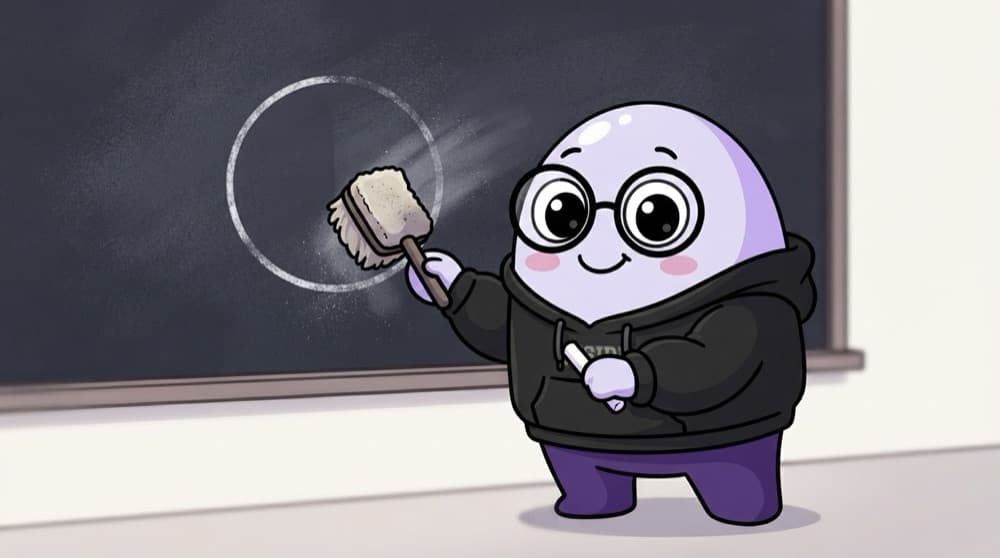
Once the teacher draws on the blackboard, it's just chalk. You can't 'select' a circle and move it. You wipe and redraw. Canvas is the same: you draw with JS, and to animate you clear and redraw every frame.
Watch it happen
One frame of the bouncing ball
1/5Wipe the whole 300 by 150 board. Canvas doesn't remember the old ball.
The big ideas
What you need to know
Draw through a context
canvas.getContext("2d") gives you the brush. You call methods like fillRect, arc and fillText on it.
No memory of shapes
Unlike SVG, drawn shapes aren't elements. To move one, clear the canvas and draw everything again.
Animate with requestAnimationFrame
This runs your draw function before each screen repaint, usually about 60 times a second, and pauses in hidden tabs.
Invisible to screen readers
Canvas content is just pixels. Add fallback text inside the tag or a description next to it.
See it in code
Walk through the code
1<canvas id="board" width="300" height="150">A bouncing ball</canvas>2<script>3 const ctx = document.getElementById("board").getContext("2d");4 let x = 20, dx = 2;5 6 function draw() {7 ctx.clearRect(0, 0, 300, 150);8 ctx.beginPath();9 ctx.arc(x, 75, 15, 0, Math.PI * 2);10 ctx.fillStyle = "#f97316"; ctx.fill();11 if (x > 285 || x < 15) dx = -dx;12 x += dx;13 requestAnimationFrame(draw);14 }15 draw();16</script>1/4The width and height attributes set the real drawing size. The text inside is fallback.
Every frame wipes the board, draws the ball a bit further along, and flips direction at the edges.
Save yourself the pain
Common mistakes
Oops
Setting the canvas size only with CSS width and height.
Do this instead
Set the width and height attributes too. CSS alone stretches the drawing and makes it blurry.
Oops
Using canvas for a simple logo or icon.
Do this instead
Use SVG for a few shapes. Canvas shines when there are lots of moving things.
Your mission
Make a tiny paint app
Quick check
You drew a circle on a canvas and now want to move it 50px right. What do you do?
Go deeper
- 1Draw basic shapes (rect, circle, line) using the Canvas 2D API. Validate your understanding by applying it in a small practical example.
- 2Build a simple drawing app where mouse movement draws on the canvas. Keep the first version small, then add one improvement after the core behavior works.
- 3Learn when Canvas beats SVG — many dynamic objects, pixel manipulation.
More topics at this stop
 Semantic tags
 Forms
 Input types
 Validation
 Tables
 Accessibility (ARIA)
 Audio
 Video
 SVG
 SEO basics
 Meta tags

Stuck on this topic? Ask an Insider
Get 1:1 guidance from people who've walked this exact path — on the InsideEdge app.
