Compiling and Running from the Terminal
Part of the Java Roadmap
In short
An IDE hides a lot behind a green play button. Knowing the two terminal commands underneath, javac and java, helps you debug build problems, run code on servers and answer a very common interview question.
javac turns a .java source file into a .class bytecode file, and the java command runs that class on the JVM. Since Java 11 you can also run a single source file directly with java Hello.java.
Think of it like this
Translating a letter
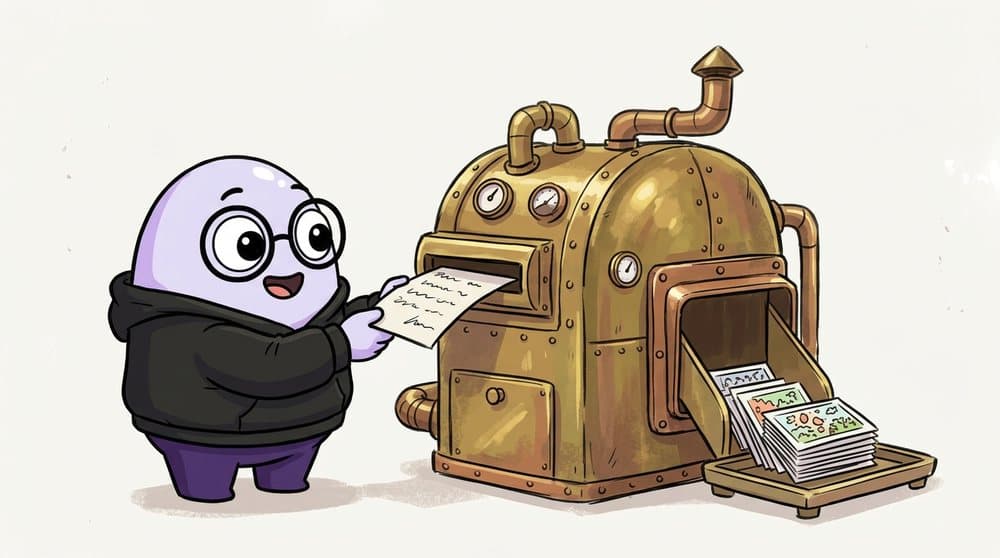
You write a letter in Hindi, and a translator turns it into a universal sign language that any interpreter in any country can read aloud. javac is the translator: it turns your .java file into a .class file of bytecode. java is the interpreter at the other end who reads it out and acts on it.
Watch it happen
Two commands, two jobs
javac Greet.java
1/4You hand the source file to the compiler.
The big ideas
What you need to know
javac compiles
javac Greet.java checks your code and writes Greet.class. Compile errors show the file and line number.
java runs
java Greet starts a JVM and runs main in the class Greet. Use the class name, not the file name.
Single-file shortcut
Since Java 11, java Greet.java compiles in memory and runs straight away. Handy for small scripts and practice.
Output folders
javac -d out Greet.java puts .class files in out/. Then run with java -cp out Greet.
See it in code
Walk through the code
1# 1. Compile: creates Greet.class2javac Greet.java3 4# 2. Run: class name only, no extension5java Greet Ravi6 7# Keep compiled files separate8javac -d out Greet.java9java -cp out Greet Ravi10 11# Java 11+: compile and run in one step12java Greet.java Ravi1/4Compile. No output means success.
The classic two-step build, the tidy version with an output folder, and the one-step shortcut.
Save yourself the pain
Common mistakes
Oops
Running java Greet.class.
Do this instead
Pass the class name: java Greet. The JVM adds .class itself.
Oops
Changing the code and running java Greet again without recompiling.
Do this instead
The old .class file is still used. Run javac again after every change, or use java Greet.java.
Your mission
Build without the IDE
Quick check
Which command runs an already compiled class called Invoice?
Go deeper
- 1Compile and run Hello World using only javac and java in a terminal.
- 2Run a single-file program directly with java Hello.java and compare the two approaches.
- 3Pass command-line arguments to your program and print them.
More topics at this stop
 What Is Java and Where It Is Used
 JDK vs JRE vs JVM
 Installing the JDK & IntelliJ IDEA
 Your First Program & main()
 How Java Runs (Bytecode & JIT)
 Comments, Naming & Code Style

Stuck on this topic? Ask an Insider
Get 1:1 guidance from people who've walked this exact path — on the InsideEdge app.
