In short
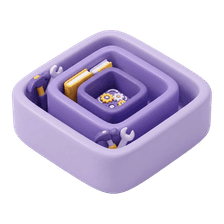
Three acronyms that confuse almost every beginner, and an interview favourite. Once you see that they fit inside each other like boxes, you will never mix them up again.
The JVM runs compiled bytecode, the JRE is the JVM plus core libraries needed to run programs, and the JDK adds developer tools like the javac compiler. As a developer you install the JDK.
Think of it like this
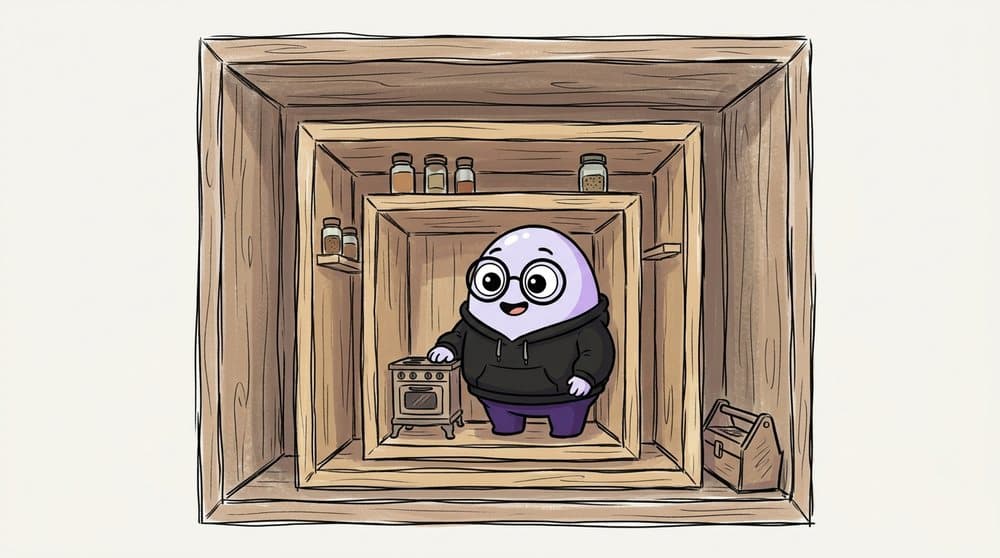
The dhaba kitchen
The JVM is the cook who actually makes the food. The JRE is the cook plus the stocked pantry of spices and utensils, enough to serve meals. The JDK is the whole kitchen plus the recipe-writing desk, measuring tools and tasting spoons, everything you need to create new dishes.
Watch it happen
What sits inside what
1/4The JVM loads bytecode and runs it. It is the engine.
The big ideas
What you need to know
JVM runs bytecode
It loads .class files, checks them, and executes them, turning hot code into native machine code with a JIT compiler.
JRE = JVM + libraries
The runtime environment: the JVM plus the standard class library your programs call into.
JDK = JRE + tools
The development kit adds javac, jshell, jar, javadoc and more. You need it to build programs.
Install the JDK
As a developer, always install a JDK. Modern apps often ship a trimmed runtime made with jlink instead of a full JRE.
See it in code
Walk through the code
1# Is the JDK installed? Check both commands.2java -version3javac -version4 5# Where is it installed?6echo $JAVA_HOME7 8# jshell ships only with the JDK9jshell10jshell> System.out.println(2 + 3)1151/4java is the launcher that starts a JVM.
Quick checks in the terminal. If javac is missing, you have only a runtime, not the full JDK.
Save yourself the pain
Common mistakes
Oops
Installing only a JRE and wondering why javac is "not recognised".
Do this instead
Install a full JDK such as Eclipse Temurin 21. It includes the compiler and every other tool.
Oops
Saying the JVM compiles your .java files.
Do this instead
javac compiles source to bytecode. The JVM runs that bytecode, and its JIT compiles hot parts into machine code.
Your mission
Draw the boxes
Quick check
Which one do you need to compile a .java file?
Go deeper
- 1Compile a file with javac and look at the .class bytecode file it produces.
- 2Explain 'write once, run anywhere' in your own words.
- 3Learn that modern JDKs no longer ship a separate JRE download.
More topics at this stop
 What Is Java and Where It Is Used
 Installing the JDK & IntelliJ IDEA
 Your First Program & main()
 Compiling and Running from the Terminal
 How Java Runs (Bytecode & JIT)
 Comments, Naming & Code Style

Stuck on this topic? Ask an Insider
Get 1:1 guidance from people who've walked this exact path — on the InsideEdge app.
