
In short
A normal Java thread is expensive, so servers were limited to a few hundred at once. Virtual threads, final since Java 21, are so cheap that you can run one per request, even a million of them, while writing plain blocking code.
Virtual threads, final in Java 21, are lightweight threads managed by the JVM. They let you write simple blocking code that scales to very many concurrent tasks, which suits I/O-heavy servers.
Think of it like this
Passengers and buses
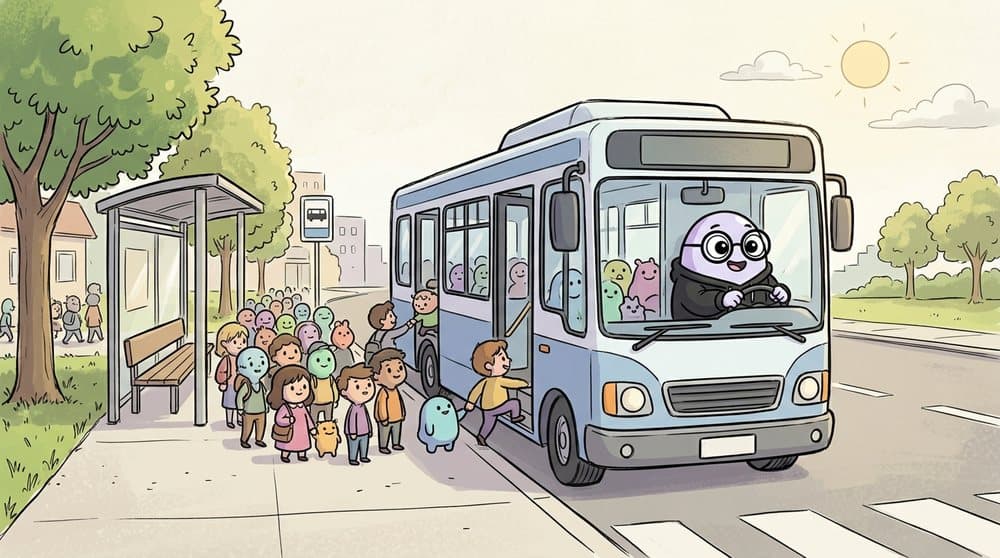
In Chennai, a few city buses carry thousands of passengers through the day. A passenger who gets off to wait at a stop doesn't hold the bus. The bus moves on with others. Virtual threads are the passengers, platform threads are the buses, and blocking on I/O is stepping off at a stop.
Watch it happen
Platform threads vs virtual threads
Platform thread
- Wraps one OS thread
- About a megabyte of stack reserved
- Thousands at most
- Pool them carefully
Virtual thread
- Managed by the JVM
- Tiny, grows as needed
- Millions are fine
- Create one per task, never pool
Use virtual threads for I/O-heavy work like HTTP calls and database queries. They don't make CPU-heavy work faster.
The big ideas
What you need to know
Easy to create
Thread.ofVirtual().start(task), Thread.startVirtualThread(task) or Executors.newVirtualThreadPerTaskExecutor().
Unmount on blocking
When a virtual thread blocks on I/O, the JVM parks it and frees the carrier thread for others.
Don't pool them
They are cheap. Create a new one per task. Limit access to scarce resources with a Semaphore instead.
Spring Boot support
In Spring Boot 3.2+, set spring.threads.virtual.enabled=true to handle requests on virtual threads.
See it in code
Walk through the code
1import java.time.Duration;2import java.util.concurrent.*;3import java.util.stream.IntStream;4 5public class SmsBlast {6 public static void main(String[] args) {7 long start = System.currentTimeMillis();8 9 try (ExecutorService exec = Executors.newVirtualThreadPerTaskExecutor()) {10 IntStream.range(0, 10_000).forEach(i ->11 exec.submit(() -> {12 Thread.sleep(Duration.ofSeconds(1)); // pretend SMS gateway call13 return i;14 })15 );16 }17 18 long ms = System.currentTimeMillis() - start;19 System.out.println("Sent 10,000 SMS in " + ms + " ms");20 }21}1/3Each submitted task gets its own brand new virtual thread.
Ten thousand tasks that each block for a second finish in a little over one second on Java 21.
Save yourself the pain
Common mistakes
Oops
Putting virtual threads in a fixed-size pool.
Do this instead
Pooling defeats the point. Create one per task and use a Semaphore if you must limit calls to a slow service.
Oops
Expecting virtual threads to speed up CPU-heavy maths.
Do this instead
They help when threads spend time waiting. CPU-bound work is still limited by the number of cores.
Oops
Storing large objects in ThreadLocal for each virtual thread.
Do this instead
With millions of threads that adds up fast. Pass data as parameters, or look at scoped values in newer JDKs.
Your mission
Ten thousand sleepers
Quick check
What happens to the carrier (platform) thread when a virtual thread blocks on a network call?
Go deeper
- 1Start thousands of virtual threads with Executors.newVirtualThreadPerTaskExecutor().
- 2Compare this with a fixed pool of platform threads for a sleep-heavy task.
- 3Learn that virtual threads help I/O-bound work, not CPU-bound work.
More topics at this stop
 Threads & Runnable
 Synchronization & Locks
 Race Conditions & Deadlocks
 volatile & the Java Memory Model
 ExecutorService & Thread Pools
 CompletableFuture
 JVM Memory (Heap & Stack)
 Garbage Collection Basics

Stuck on this topic? Ask an Insider
Get 1:1 guidance from people who've walked this exact path — on the InsideEdge app.
