
Iterators & ConcurrentModificationException
Part of the Java Roadmap
In short
Removing items from a list while looping over it sounds simple, until Java throws ConcurrentModificationException at you. Understanding iterators explains why it happens and how to do it safely.
An Iterator walks through a collection with hasNext() and next(), and its remove() method is the safe way to delete items while iterating. Changing a list inside a for-each loop throws ConcurrentModificationException.
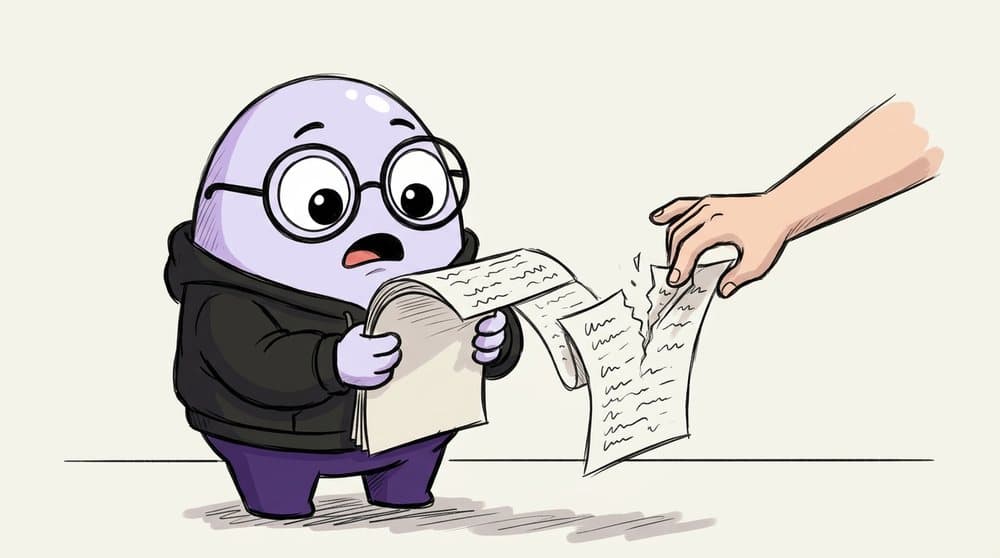
Think of it like this
The attendance register
A teacher is reading out names from the register. If a student quietly tears out a page mid-roll-call, the teacher loses track and stops, confused. But if the teacher herself crosses out a name as she reads it, everything stays in sync. The iterator is the teacher, and only it should remove items while walking.
Watch it happen
Why the for-each loop blows up
remember modCount = 5
1/5When the loop starts, the hidden iterator notes how many changes the list has had.
The big ideas
What you need to know
hasNext and next
An Iterator walks a collection one element at a time. A for-each loop uses one behind the scenes.
it.remove() is safe
It removes the element last returned by next() and keeps the iterator's bookkeeping correct.
Fail-fast, not guaranteed
Most collections detect outside changes and throw. It is a bug detector, not something to catch and ignore.
removeIf is easiest
list.removeIf(x -> condition) removes matching elements safely in one line.
See it in code
Walk through the code
1import java.util.ArrayList;2import java.util.Iterator;3import java.util.List;4 5public class IteratorDemo {6 public static void main(String[] args) {7 List<Integer> bills = new ArrayList<>(List.of(120, 0, 450, 0, 999));8 9 // for (Integer b : bills) { if (b == 0) bills.remove(b); }10 // throws ConcurrentModificationException11 12 Iterator<Integer> it = bills.iterator();13 while (it.hasNext()) {14 int amount = it.next();15 if (amount == 0) {16 it.remove(); // safe: the iterator does the removing17 }18 }19 System.out.println(bills); // [120, 450, 999]20 21 bills.removeIf(b -> b < 200); // shortest modern way22 System.out.println(bills); // [450, 999]23 }24}1/4The tempting version. Removing through the list while for-each iterates breaks the iterator.
Cleaning zero-rupee bills out of a list, first with an explicit Iterator, then with removeIf.
Save yourself the pain
Common mistakes
Oops
Removing items with list.remove() inside a for-each loop.
Do this instead
Use iterator.remove() or list.removeIf(...).
Oops
Wrapping the loop in try/catch for ConcurrentModificationException.
Do this instead
Fix the cause. The exception signals a logic bug, and it is not guaranteed to fire every time.
Oops
Calling it.remove() twice in a row or before next().
Do this instead
Each remove() must follow exactly one next(), or it throws IllegalStateException.
Your mission
Clean the cart
Quick check
What is the safe way to remove elements while iterating with an Iterator?
Go deeper
- 1Remove even numbers from a list using Iterator.remove().
- 2Try removing inside a for-each loop to see the exception.
- 3Compare this with the simpler list.removeIf().
More topics at this stop
 Collections Framework Overview
 ArrayList vs LinkedList
 HashMap & How Hashing Works
 TreeMap & LinkedHashMap
 HashSet & TreeSet
 Queue, Deque & PriorityQueue
 Comparable vs Comparator
 Generics & Bounded Types
 Immutable Collections & the Collections Utility Class

Stuck on this topic? Ask an Insider
Get 1:1 guidance from people who've walked this exact path — on the InsideEdge app.
