Wireframing Basics
Part of the Product Management Roadmap
In short
A wireframe is a rough sketch of a screen: boxes, lines and labels, no colours. It's the cheapest way to agree on layout before anyone spends days on polish.
Low-fidelity, rough sketches of a screen's layout used to communicate structure and flow quickly — a PM skill for thinking on paper, not a substitute for a designer's final mockup.
Think of it like this
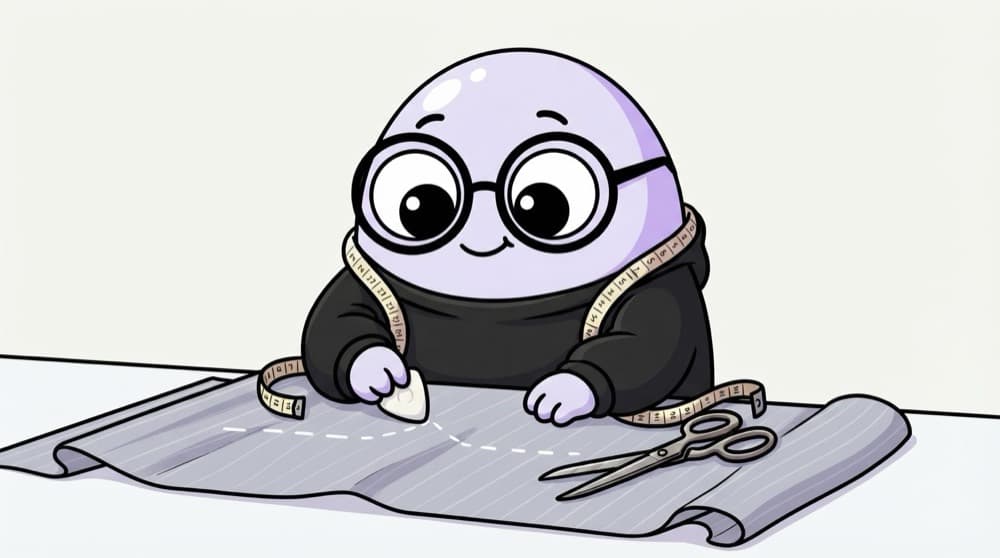
The tailor's chalk lines
Before cutting expensive cloth, the tailor draws chalk lines and checks the fit. Lines are easy to rub out and redraw. Cutting is not. Wireframes are your chalk lines.
Watch it happen
From napkin sketch to design handoff
1/5Paper sketches: three or four layouts in ten minutes. Quantity over quality.
The big ideas
What you need to know
Grey boxes on purpose
No colours or images keeps feedback on layout and flow, not "I don't like this blue".
Use real labels
Write actual button text and headings. Lorem ipsum hides whether the content makes sense.
Wireframe the flow
Sketch the screens before and after too. A great screen in a broken flow still fails.
Save yourself the pain
Common mistakes
Oops
Spending hours making a wireframe pretty.
Do this instead
Keep it rough. If people comment on colours, it's too polished for this stage.
Oops
Handing designers a wireframe as the final answer.
Do this instead
Share it as a starting idea. Designers will often find a better solution.
Your mission
Wireframe one screen three ways
Quick check
Why do wireframes usually avoid colours and images?
Go deeper
- 1Sketch a wireframe for a feature idea using pen and paper or a simple tool.
- 2Learn the difference between wireframe fidelity levels (sketch, lo-fi, hi-fi).
- 3Practice explaining a flow using only boxes and arrows, no visual design.
More topics at this stop
 Writing a PRD (Product Requirements Doc)
 User Stories & Acceptance Criteria
 Epics vs Stories vs Tasks
 One-Pagers & RFCs
 Edge Case Thinking
 Non-Functional Requirements
 Writing Feature Specs
 Writing for Engineers vs Executives

Stuck on this topic? Ask an Insider
Get 1:1 guidance from people who've walked this exact path — on the InsideEdge app.
