
Writing a PRD (Product Requirements Doc)
Part of the Product Management Roadmap
In short
A PRD is where a fuzzy idea becomes something a team can build. Done well, it saves weeks of "wait, what were we making again?" conversations.
A structured document describing the problem, goals, success metrics, scope, and requirements for a feature — the artifact that aligns design, engineering and stakeholders before work starts.
Think of it like this
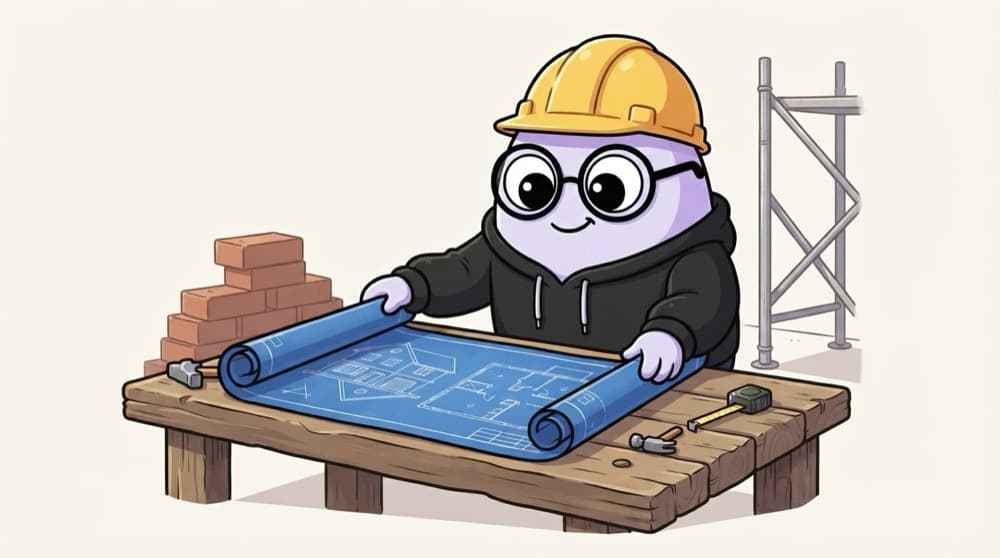
The architect's blueprint
Before a single brick is laid, the architect's blueprint shows rooms, sizes and where the pipes go. Masons, electricians and plumbers all read the same sheet. A PRD is that blueprint for designers, engineers and testers.
Watch it happen
What goes inside a PRD
1/5A PRD answers two big questions: why are we doing this, and what exactly are we building?
The big ideas
What you need to know
Problem before solution
Spend the first section on the problem. If readers aren't convinced it matters, the rest won't land.
Say what's out of scope
Listing what you won't build stops scope creep and endless "can we also add…" requests.
Written with the team
Share early drafts with design and engineering. Their questions make the PRD stronger.
A living document
Update it as decisions change, with a short changelog at the top.
Save yourself the pain
Common mistakes
Oops
Writing a 30-page PRD that specifies every pixel.
Do this instead
Keep it as short as possible. Leave design details to designers and link to their files.
Oops
Handing over the PRD and disappearing.
Do this instead
Walk the team through it, answer questions and keep it updated during the build.
Your mission
Outline a PRD
Quick check
Why should a PRD list what is out of scope?
Go deeper
- 1Find 2-3 public PRD templates and compare their structure.
- 2Write a full PRD for a small, real feature idea (see the phase project).
- 3Learn to separate 'must-have' scope from 'nice-to-have' scope explicitly in the doc.
More topics at this stop
 User Stories & Acceptance Criteria
 Epics vs Stories vs Tasks
 One-Pagers & RFCs
 Edge Case Thinking
 Non-Functional Requirements
 Wireframing Basics
 Writing Feature Specs
 Writing for Engineers vs Executives

Stuck on this topic? Ask an Insider
Get 1:1 guidance from people who've walked this exact path — on the InsideEdge app.
