In short
Your first mini project: a script that prints a neat introduction card in the terminal. It is small, but it uses everything from this phase, and you will have a real .py file to show for it.
A small script that prints a neatly formatted introduction card with your name, college, city and skills. It practises running scripts, print() and clean, commented code.
Think of it like this
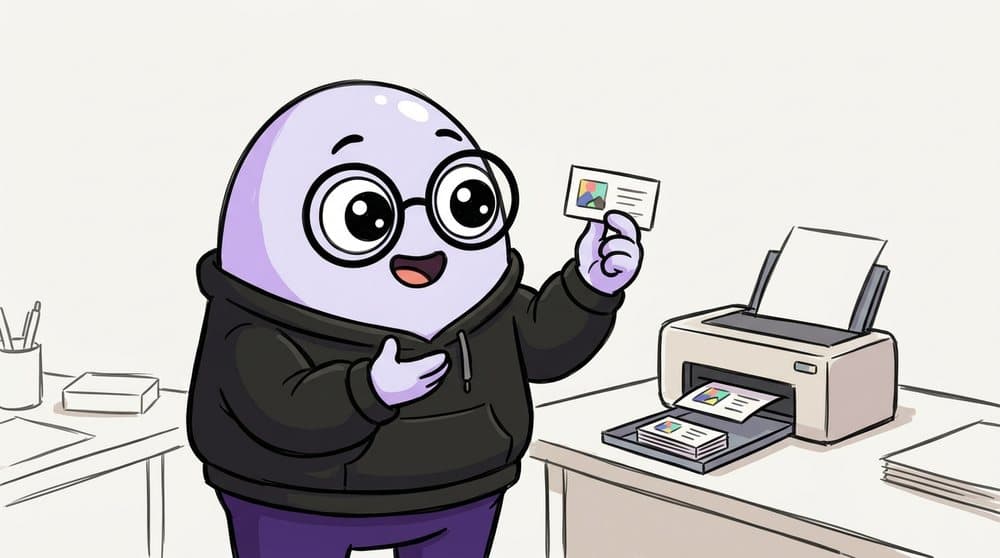
Designing your own visiting card
A good visiting card has a clear name at the top, a neat border and your details lined up underneath. You plan the layout once, then any printer can produce it. Your script is the design file, and every time you run it, Python prints a fresh card.
Watch it happen
Planning the card's layout
1/4Start by sketching the card on paper before writing any code.
The big ideas
What you need to know
Data at the top
Put your name, college, city and skills in variables first. Then the print lines only describe layout, and updating details is easy.
Strings can be multiplied
"=" * 40 builds a 40-character line. It is the quickest way to draw borders in a terminal.
.center() for headings
"PRIYA".center(40) pads the text with spaces on both sides so it sits in the middle of a 40-wide card.
A header comment
Start the file with a comment saying what the script does. It is the first thing a reviewer or future you will read.
See it in code
Walk through the code
1# intro_card.py2# Prints a neat introduction card in the terminal.3 4name = "Priya Sharma"5college = "VIT Pune"6city = "Pune"7skills = "Python, Excel, public speaking"8 9WIDTH = 4010border = "=" * WIDTH11 12print(border)13print("HELLO, I AM".center(WIDTH))14print(name.upper().center(WIDTH))15print(border)16print("College :", college)17print("City :", city)18print("Skills :", skills)19print(border)1/5A header comment saying what the file is for.
Change the four variables to your own details and run python3 intro_card.py.
Save yourself the pain
Common mistakes
Oops
Typing your name directly inside every print line.
Do this instead
Store it once in a variable. When something changes, you edit one line instead of hunting through the file.
Oops
Hard-coding 40 in several places.
Do this instead
Use one WIDTH constant so the border and centring always agree.
Oops
Calling the file print.py or string.py.
Do this instead
Avoid names of built-in or standard library modules. Use something specific like intro_card.py.
Your mission
Make the card your own
Quick check
What does "-" * 5 produce in Python?
Go deeper
- 1Store each detail in a variable at the top of the script so it is easy to edit.
- 2Draw a simple border around the card using repeated characters like '=' * 30.
- 3Push the script to a new GitHub repository as your first Python project.

Stuck on this topic? Ask an Insider
Get 1:1 guidance from people who've walked this exact path — on the InsideEdge app.
