
Reading Error Messages & Tracebacks
Part of the Python Roadmap
In short
Red text in the terminal feels scary, but a traceback is Python handing you a map to the bug. Developers who read the last line first fix problems in minutes instead of hours.
A traceback shows the chain of calls that led to an error, with the most useful line at the bottom: the error type and message. Reading it from the bottom up tells you what went wrong and where.
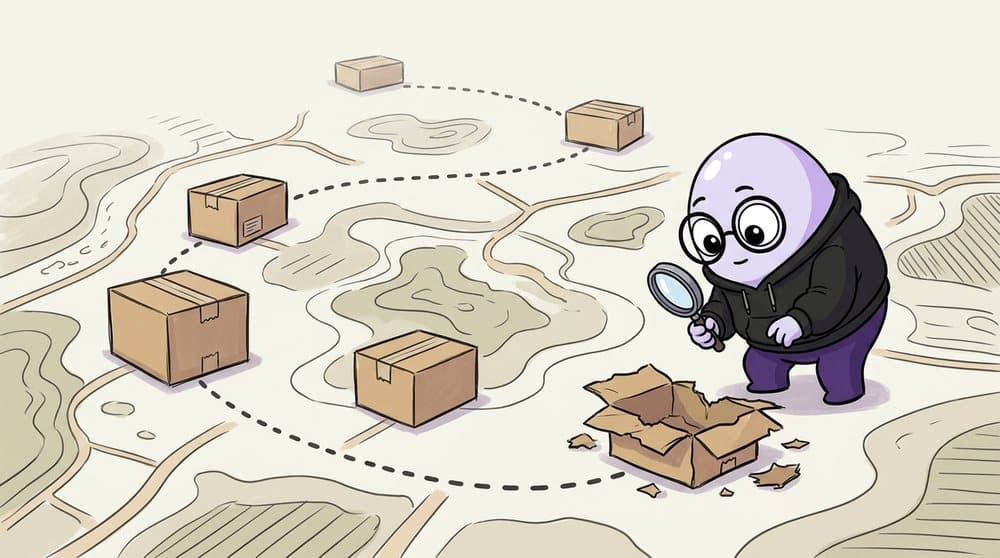
Think of it like this
Tracking a lost parcel
A courier tracking page lists every hub: Delhi, then Nagpur, then Hyderabad, and at the bottom "Delivery failed: address not found". You don't start at Delhi. You read the last line to know what went wrong, then look one step up to see where. A traceback is that tracking history for your code.
Watch it happen
How the call stack builds the traceback
Top of the stack is coloured
1/4The script starts at the top level and calls report(...) on line 8.
The big ideas
What you need to know
Read from the bottom up
The last line is the error type and message. The frame just above it shows the exact file, line number and code that failed.
Know the common types
SyntaxError (typo in structure), NameError (unknown name), TypeError (wrong type, like "5" + 5), ValueError (right type, bad value, like int("abc")), IndexError and KeyError (missing position or key).
Higher frames show the path
Each "File ..., line ..., in ..." block is one function call. Walk upwards to see how the program got there and where the bad data came from.
Search the last line
Copying the final line (minus your own names) into a search engine almost always finds an explanation. Python 3.12 also adds hints like "Did you mean: 'marks'?"
See it in code
Walk through the code
1def average(marks):2 return sum(marks) / len(marks)3 4def report(student):5 avg = average(student["marks"])6 print(f"{student['name']}: {avg:.1f}")7 8report({"name": "Rohit", "marks": []})9 10# Traceback (most recent call last):11# File "report.py", line 8, in <module>12# File "report.py", line 5, in report13# File "report.py", line 2, in average14# ZeroDivisionError: division by zero1/5The program starts here, passing a student whose marks list is empty.
Rohit has no marks yet, so the average divides by zero. The comment shows the traceback Python prints (each frame also repeats its line of code).
Save yourself the pain
Common mistakes
Oops
Reading the traceback from the top and getting lost in the first frame.
Do this instead
Jump to the last line for what happened, then the frame above it for where. The top is just where the journey began.
Oops
Fixing the line where the error appears even when the bad data came from somewhere else.
Do this instead
Ask where the bad value was created. Here, the real question is what average should return for a student with no marks.
Oops
Pasting only "it's not working" when asking for help.
Do this instead
Share the full traceback and the code. The traceback contains exactly the details a helper needs.
Your mission
Break it on purpose
Quick check
Which part of a traceback should you read first?
Go deeper
- 1Trigger a NameError, TypeError and ZeroDivisionError on purpose and read each message.
- 2Find the file name and line number in a traceback and jump to that line in VS Code.
- 3Search the exact last line of an error message before asking someone for help.
More topics at this stop
 What Is Python
 Installing Python & VS Code
 Running Scripts & the Python REPL
 Command Line Basics
 Your First Program with print()
 Comments & PEP 8 Style
 How Python Runs Your Code

Stuck on this topic? Ask an Insider
Get 1:1 guidance from people who've walked this exact path — on the InsideEdge app.
