In short
Every time you change code, something you didn't touch can quietly break. A few unit tests check your functions in seconds, every single time, so you change code with confidence instead of fear.
pytest finds files and functions named test_* and runs them, using plain assert statements to check results. Unit tests check small pieces of code in isolation and catch bugs every time you change something.
Think of it like this
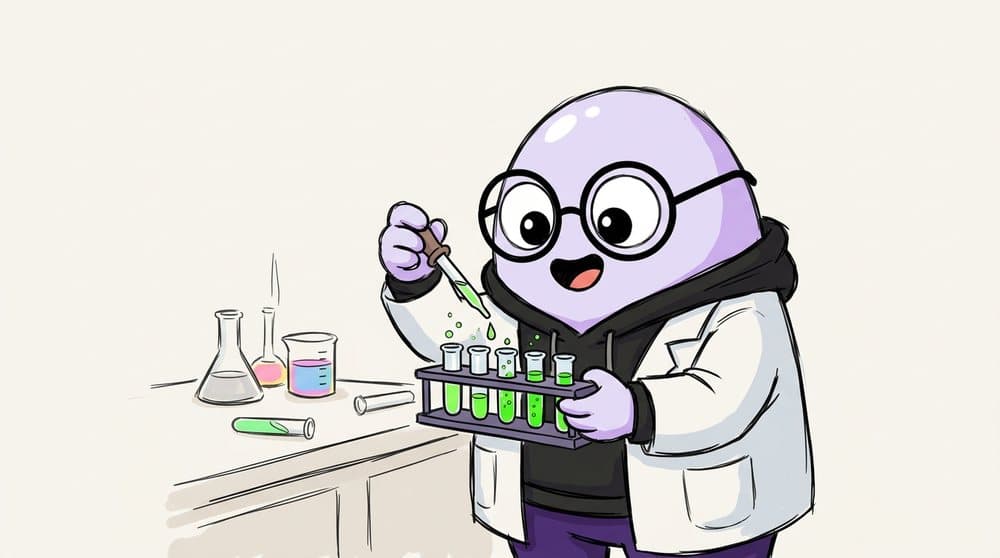
The chemistry lab practical
In the lab practical, you don't test the whole factory. You take one small sample, add one reagent, and check that it turns exactly the colour the manual says. A unit test does the same: one small function, one known input, one expected result.
Watch it happen
What happens when you type pytest
1/4pytest looks for files named test_*.py or *_test.py, and functions inside them starting with test_.
The big ideas
What you need to know
Plain assert
No special methods to memorise. assert add_gst(100, 5) == 105.0 is a complete test.
Naming finds tests
Files test_*.py and functions test_* are collected automatically. A misnamed function is silently skipped.
Test the errors too
with pytest.raises(ValueError): checks that bad input fails loudly, which is just as important as the happy path.
Floats need approx
0.1 + 0.2 is not exactly 0.3. Compare floats with pytest.approx(0.3).
See it in code
Walk through the code
1# pricing.py2def add_gst(price: float, rate: int) -> float:3 if price < 0:4 raise ValueError("price cannot be negative")5 return round(price * (1 + rate / 100), 2)6 7 8# test_pricing.py9import pytest10 11from pricing import add_gst12 13 14def test_food_item_at_5_percent():15 assert add_gst(100.0, 5) == 105.016 17 18def test_rounds_to_paise():19 assert add_gst(99.99, 18) == pytest.approx(117.99)20 21 22def test_negative_price_is_rejected():23 with pytest.raises(ValueError, match="negative"):24 add_gst(-10.0, 18)1/4The function under test: it adds GST and rounds to two decimals, and rejects negative prices.
Save the two parts as pricing.py and test_pricing.py in the same folder, then run pytest -v.
Save yourself the pain
Common mistakes
Oops
Naming a test check_total() and wondering why it never runs.
Do this instead
pytest only collects functions starting with test_ in files named test_*.py.
Oops
Writing one giant test that checks ten different things.
Do this instead
Write small tests with clear names. When one fails, its name tells you exactly what broke.
Oops
Comparing floats with == after arithmetic.
Do this instead
Use pytest.approx for any float that came from a calculation.
Your mission
Your first test file
Quick check
Which of these functions will pytest collect and run from test_cart.py?
Go deeper
- 1Write three tests for a function, including one edge case.
- 2Run pytest -v and read the output when a test fails.
- 3Use pytest.raises to test that bad input raises the right exception.
More topics at this stop
 Fixtures & Parametrized Tests
 Mocking with unittest.mock
 Test Coverage with coverage.py
 Test-Driven Development in Python
 Logging
 Type Checking with mypy
 CI with GitHub Actions for Python

Stuck on this topic? Ask an Insider
Get 1:1 guidance from people who've walked this exact path — on the InsideEdge app.
