Project Structure & Packaging
Part of the Python Roadmap
In short
A single script is fine for a weekend. Once a project grows, a standard layout makes it obvious where code, tests and config live, and packaging lets anyone install your code with one pip command.
A clean project keeps source code in a package (often under src/), tests in tests/, plus a README, pyproject.toml and .gitignore. Packaging with pyproject.toml lets others install your code with pip.
Think of it like this
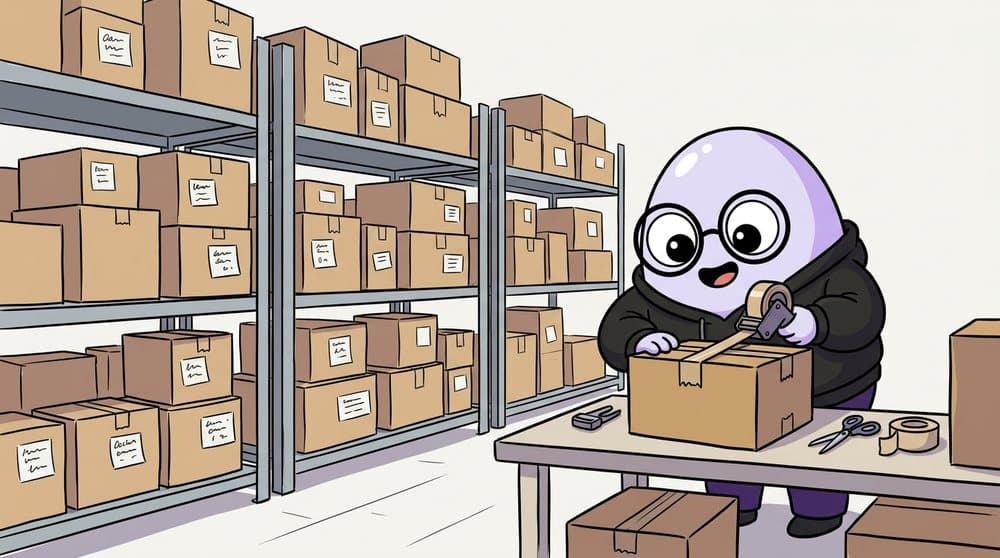
A well-run kirana godown
In a good godown in Indore, rice sacks go in one aisle, oil tins in another, and the stock register sits by the door. A new helper finds anything in minutes. A Python project works the same way: code in src/, tests in tests/, and pyproject.toml as the register at the door.
Watch it happen
A standard src layout
1/4The root holds project-level files: metadata, documentation and what Git should ignore.
The big ideas
What you need to know
src layout
Putting the package under src/ forces you to install it (pip install -e .) before testing, which catches packaging mistakes early.
__init__.py marks a package
It can be empty. It's also where you expose the names users should import.
Entry points
[project.scripts] in pyproject.toml turns a function into a real terminal command after installation.
Build and share
python -m build creates a wheel in dist/. You can install it anywhere or upload it to PyPI with twine.
See it in code
Walk through the code
1[build-system]2requires = ["hatchling"]3build-backend = "hatchling.build"4 5[project]6name = "kirana-billing"7version = "0.2.0"8description = "Billing helpers for small shops"9readme = "README.md"10requires-python = ">=3.12"11dependencies = []12 13[project.scripts]14kirana-bill = "kirana_billing.cli:main"1/3Hatchling is the build backend. It finds the package under src/ automatically.
With this file, pip install -e . installs the package in editable mode and creates a kirana-bill command.
Save yourself the pain
Common mistakes
Oops
Naming your file random.py, email.py or json.py.
Do this instead
Those names shadow the standard library, so import random loads your file instead. Pick specific names like dice_roller.py.
Oops
Fixing imports with sys.path.append hacks.
Do this instead
Install your project with pip install -e . and import it by package name everywhere, including tests.
Oops
Using a hyphen in the package folder name, like kirana-billing/.
Do this instead
Folder names must be valid identifiers: kirana_billing/.
Your mission
Package one of your scripts
Quick check
Why is the package folder called kirana_billing while the project name is kirana-billing?
Go deeper
- 1Reorganise one project into src/, tests/ and a README.
- 2Install your own project in editable mode with pip install -e .
- 3Look at the layout of a popular open-source Python project on GitHub.
More topics at this stop
 pip & PyPI
 Virtual Environments (venv)
 Dependency Pinning & pyproject.toml
 Git & GitHub Basics
 Pull Requests & Code Review
 Debugging with pdb & VS Code
 Linting & Formatting (Ruff, Black)
 Jupyter Notebooks & Google Colab
 Environment Variables & .env Files

Stuck on this topic? Ask an Insider
Get 1:1 guidance from people who've walked this exact path — on the InsideEdge app.
