
Dependency Pinning & pyproject.toml
Part of the Python Roadmap
In short
"It works on my laptop" is the most common bug report in the world. Pinning your dependencies means your friend, your server and your future self all install exactly the same library versions.
Pinning records exact package versions so your project installs the same way everywhere, using requirements.txt (pip freeze) or the dependencies list in pyproject.toml. Newer tools like uv and Poetry manage this with lock files.
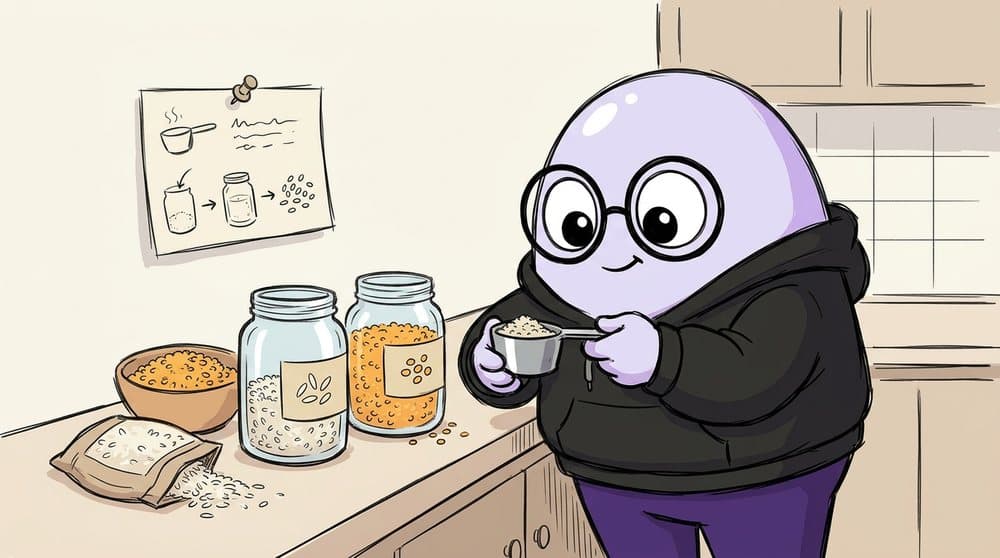
Think of it like this
Amma's exact recipe card
"Some rice, some dal, a bit of salt" gives a different khichdi in every kitchen. Amma's card says "1 cup Sona Masoori, half cup moong dal, 1 tsp salt". Anyone in Chennai or Chandigarh gets the same taste. A pinned requirements file or lock file is that exact recipe card for your project.
Watch it happen
Loose versions vs pinned versions
requests (no version)
- pip installs whatever is newest today
- A teammate installing next month may get a different version
- A breaking release can silently break your app
requests==2.32.3
- Everyone installs the same version
- Builds on a server match your laptop
- You upgrade on purpose, then test, then commit
Apps should pin exact versions (or use a lock file). Libraries you publish should declare looser ranges so they don't clash with other packages.
The big ideas
What you need to know
requirements.txt
The classic way. pip freeze > requirements.txt writes every installed package with its exact version, and pip install -r requirements.txt recreates it.
pyproject.toml
The modern single file for project metadata. Its [project] table lists name, version, requires-python and your direct dependencies.
Lock files
Tools like uv (uv.lock) and Poetry (poetry.lock) resolve the full dependency tree and record exact versions for every package, including dependencies of dependencies.
Upgrade on purpose
Bump versions in a branch, run the tests, then commit the new lock file. Never let upgrades happen by accident.
How it works
A healthy dependency routine
- 1
Declare
List direct dependencies in pyproject.toml with sensible version ranges.
- 2
Lock
Generate exact versions with pip freeze, uv lock or poetry lock.
- 3
Commit
Commit pyproject.toml and the lock or requirements file to Git.
- 4
Install
Teammates and servers install from the locked versions inside a fresh venv.
See it in code
Walk through the code
1[build-system]2requires = ["hatchling"]3build-backend = "hatchling.build"4 5[project]6name = "kirana-billing"7version = "0.1.0"8requires-python = ">=3.12"9dependencies = [10 "requests>=2.32,<3",11 "openpyxl>=3.1",12]13 14[project.optional-dependencies]15dev = ["pytest>=8", "ruff>=0.6"]1/4The build system tells pip how to build and install this project.
A minimal pyproject.toml. Install it with pip install -e ".[dev]" inside a virtual environment.
Save yourself the pain
Common mistakes
Oops
Running pip freeze in your global Python and committing 200 unrelated packages.
Do this instead
Always freeze from inside the project's own virtual environment so the file lists only what this project uses.
Oops
Committing pyproject.toml but not the lock file.
Do this instead
Commit both. The lock file is what makes installs repeatable.
Oops
Pinning exact versions in a library you publish to PyPI.
Do this instead
Libraries use ranges like >=2.30 so they can coexist with other packages. Exact pins belong in applications.
Your mission
Make a project reproducible
Quick check
Why does pip freeze list packages like urllib3 and idna when you only installed requests?
Go deeper
- 1Generate a requirements.txt with pip freeze and reinstall from it in a fresh venv.
- 2Write a minimal pyproject.toml with your project's name and dependencies.
- 3Try uv to create an environment and install packages, and compare its speed.
More topics at this stop
 pip & PyPI
 Virtual Environments (venv)
 Git & GitHub Basics
 Pull Requests & Code Review
 Debugging with pdb & VS Code
 Linting & Formatting (Ruff, Black)
 Jupyter Notebooks & Google Colab
 Environment Variables & .env Files
 Project Structure & Packaging

Stuck on this topic? Ask an Insider
Get 1:1 guidance from people who've walked this exact path — on the InsideEdge app.
