
Linting & Formatting (Ruff, Black)
Part of the Python Roadmap
In short
Arguing about spaces and quote styles in code review wastes everyone's time. A formatter settles style automatically, and a linter catches real mistakes, like unused imports or undefined names, before you even run the code.
A linter like Ruff finds likely bugs, unused imports and style problems, and a formatter like Black or ruff format rewrites code into one consistent style automatically, so reviews focus on logic instead of spacing.
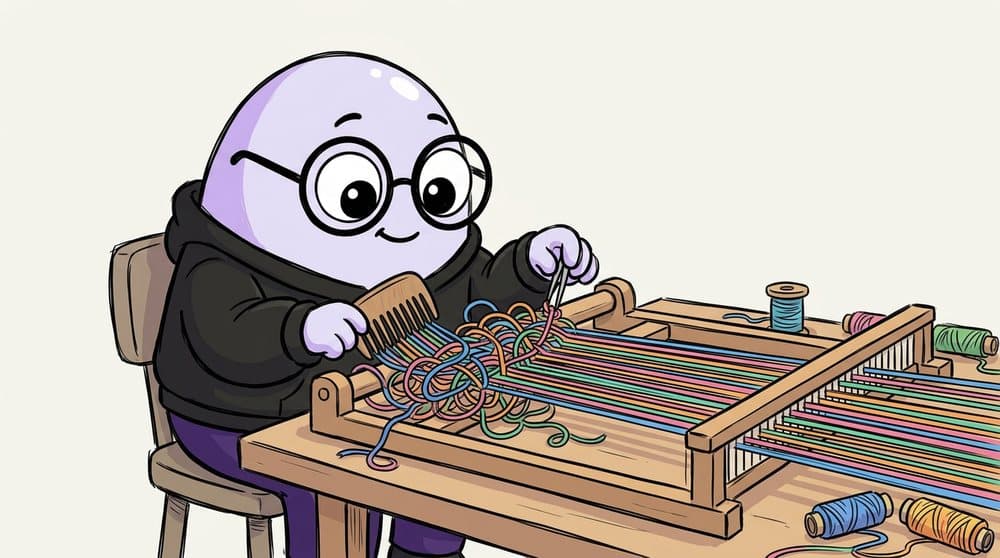
Think of it like this
Spell check and auto-align for code
When Priya writes her college report, the spell checker underlines a misspelt word (a linter spotting mistakes) and the "justify" button lines up every paragraph neatly (a formatter fixing layout). Neither writes the report for her, but both make it clean before the professor sees it.
Watch it happen
From messy code to clean commit
1/4You've written a working script with an unused import and inconsistent spacing.
The big ideas
What you need to know
Linters find problems
Ruff (or older flake8/pylint) flags unused variables, undefined names, bare except: and hundreds of other patterns.
Formatters fix layout
Black and ruff format rewrite code into one style. No options to argue about, so everyone's code looks the same.
Ruff does both, fast
Ruff is written in Rust and is very fast. Many teams now use it for linting and formatting with one tool.
Configure once
Put settings under [tool.ruff] in pyproject.toml, and run it automatically in your editor, a pre-commit hook and CI.
See it in code
Walk through the code
1pip install ruff2 3# Find problems4ruff check .5 6# Fix the ones Ruff can fix safely7ruff check . --fix8 9# Reformat every file (Black-compatible style)10ruff format .11 12# In CI: fail if anything is unformatted13ruff format --check .1/4Install Ruff as a dev dependency.
Run these inside your project's virtual environment. black . works the same way if your team uses Black.
Save yourself the pain
Common mistakes
Oops
Reformatting the whole codebase inside a pull request that also changes logic.
Do this instead
Do a separate formatting-only commit first, so reviewers can see the real changes clearly.
Oops
Silencing every warning with # noqa.
Do this instead
Fix the real problem. Use # noqa: RULE only for a specific, explained exception.
Oops
Running different formatters on the same project.
Do this instead
Agree on one (Black or ruff format) and enforce it in CI so everyone's output matches.
Your mission
Clean up an old script
Quick check
What is the difference between a linter and a formatter?
Go deeper
- 1Run ruff check on an old project and fix what it reports.
- 2Format your code with ruff format or black and review the changes.
- 3Turn on format-on-save in VS Code.
More topics at this stop
 pip & PyPI
 Virtual Environments (venv)
 Dependency Pinning & pyproject.toml
 Git & GitHub Basics
 Pull Requests & Code Review
 Debugging with pdb & VS Code
 Jupyter Notebooks & Google Colab
 Environment Variables & .env Files
 Project Structure & Packaging

Stuck on this topic? Ask an Insider
Get 1:1 guidance from people who've walked this exact path — on the InsideEdge app.
