Debugging Basics
Part of the QA Testing Roadmap
In short
Your test failed. Is the app broken or is your script broken? Debugging is how you find out calmly, instead of changing random lines until it turns green.
Systematically finding why a script isn't working as expected — using print statements, breakpoints, or a debugger, rather than randomly changing code and hoping it works.
Think of it like this
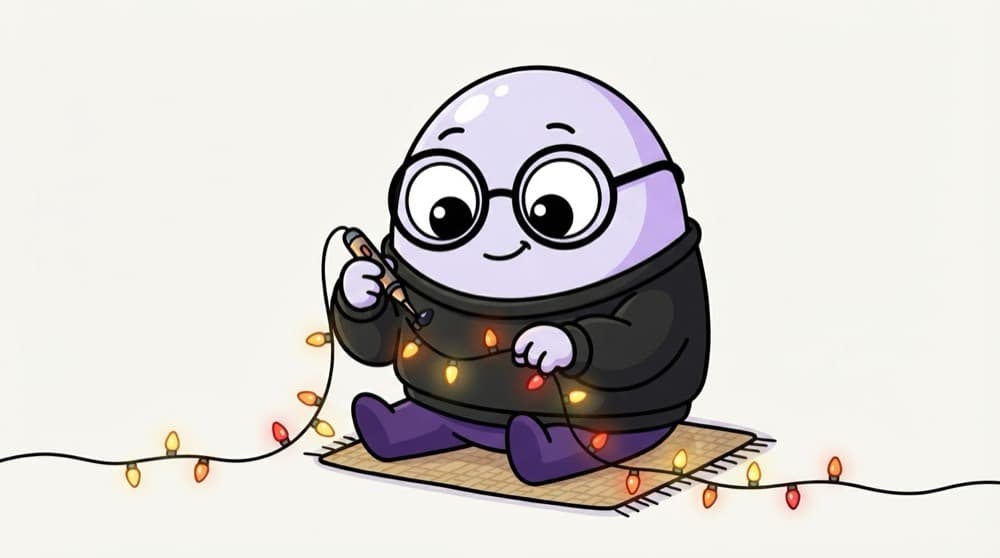
One fused bulb in the fairy lights
The whole string of party lights is dark. You don't throw it away. You test from one end, bulb by bulb, or check the middle first to halve the search. Debugging a script is the same patient hunt.
Watch it happen
A calm way to debug
1/5Run the failing test alone. Does it fail every time or only sometimes?
The big ideas
What you need to know
Errors are clues
TimeoutException, KeyError, AssertionError each point somewhere different. Read before you react.
Breakpoints pause time
breakpoint() in Python or a red dot in VS Code stops the script so you can look around.
Print still works
A quick print of a variable often answers the question faster than guessing.
App bug or test bug?
Try the same steps by hand. If it works manually, suspect your script first.
See it in code
Walk through the code
1def cart_total(prices, discount_percent):2 subtotal = sum(prices)3 breakpoint() # pause here and inspect subtotal4 return subtotal - subtotal * discount_percent / 1005 6 7total = cart_total([499, 299], 10)8assert round(total, 2) == 718.2, f"Expected 718.2, got {total}"9print("Cart total check passed")1/3Execution stops here. You can print variables and step line by line.
breakpoint() drops you into the pdb debugger. Type p subtotal to print a value, c to continue.
Save yourself the pain
Common mistakes
Oops
Changing three things at once, then not knowing which one fixed it.
Do this instead
Change one thing, rerun, observe. Slow is fast here.
Oops
Only reading the first line of a long stack trace.
Do this instead
Scroll to the bottom. The last frames usually point at your own file and line.
Your mission
Debug on purpose
Quick check
A UI test fails, but you do the same steps by hand and everything works. What's the most likely next step?
Go deeper
- 1Practice using a debugger (or strategic print statements) to trace through a failing script.
- 2Learn to isolate a problem to its smallest reproducible case before trying to fix it.
- 3Build the habit of reading the full error message before assuming what went wrong.
More topics at this stop
 Programming Basics (Java or Python)
 Variables, Loops & Conditionals
 Functions & Object-Oriented Basics
 Working With Arrays & Collections
 Exception Handling
 File Handling
 Version Control (Git) for Testers
 Reading & Writing Test Scripts
 Choosing a Language for Automation

Stuck on this topic? Ask an Insider
Get 1:1 guidance from people who've walked this exact path — on the InsideEdge app.
