Exception Handling
Part of the QA Testing Roadmap
In short
One missing button shouldn't crash your whole night's test run. Exception handling lets a script fail politely: record what broke, clean up, and keep going.
Gracefully handling errors in a test script (like an element not being found) rather than letting the entire test suite crash on the first failure — essential for a stable, informative automation suite.
Think of it like this
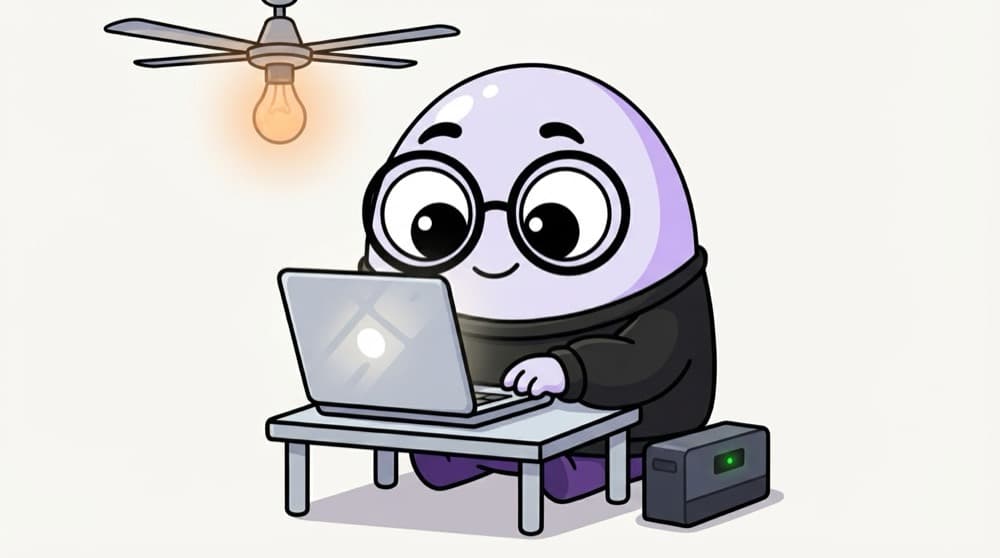
The inverter during a power cut
Light goes off mid-study. You don't panic and abandon the exam prep. The inverter kicks in, the fan keeps spinning, and you note 'power cut at 9 pm' for the society WhatsApp group. try/except is your script's inverter.
Watch it happen
A failed click, handled well
find #pay-button
1/5The script tries to find the Pay button inside a try block.
The big ideas
What you need to know
try wraps risk
Put the line that might fail inside try. If it fails, Python jumps to except.
Catch specific errors
Catch TimeoutException, not every exception. Catching everything hides real bugs.
finally cleans up
Close browsers, delete temp files, log out. finally runs no matter what happened.
Don't swallow failures
A caught error must still fail the test, or your report shows green over broken code.
See it in code
Walk through the code
1from selenium import webdriver2from selenium.webdriver.common.by import By3from selenium.common.exceptions import NoSuchElementException4 5driver = webdriver.Chrome()6try:7 driver.get("https://www.saucedemo.com/")8 driver.find_element(By.ID, "pay-button").click()9except NoSuchElementException:10 driver.save_screenshot("pay_button_missing.png")11 raise12finally:13 driver.quit()1/4The risky steps go inside try. pay-button doesn't exist on this page, so line 8 fails.
Catch, collect evidence, re-raise so the test still fails, and always close the browser.
Save yourself the pain
Common mistakes
Oops
Writing except: pass to make red tests go away.
Do this instead
Catch a specific exception, log it, and re-raise or fail the test clearly.
Oops
Closing the browser only at the end of the happy path.
Do this instead
Put cleanup in finally, or in your framework's teardown, so it runs after failures too.
Your mission
Handle a bad file name
Quick check
Why re-raise an exception after taking a screenshot in a test?
Go deeper
- 1Add try/catch (or try/except) error handling to a script and test it against a failure scenario.
- 2Learn why swallowing exceptions silently hides real problems from your test reports.
- 3Practice writing an error message that clearly explains what went wrong when a test fails.
More topics at this stop
 Programming Basics (Java or Python)
 Variables, Loops & Conditionals
 Functions & Object-Oriented Basics
 Working With Arrays & Collections
 File Handling
 Version Control (Git) for Testers
 Debugging Basics
 Reading & Writing Test Scripts
 Choosing a Language for Automation

Stuck on this topic? Ask an Insider
Get 1:1 guidance from people who've walked this exact path — on the InsideEdge app.
