
Key Tools Overview (Figma, Research, Prototyping)
Part of the UI/UX Design Roadmap
In short
You don't need ten paid tools to start. One design tool, a free whiteboard and a way to talk to users will carry you through most of this roadmap.
A preview of the toolkit this roadmap builds — Figma for visual design and prototyping, research tools for user studies, and specialized tools for handoff and design systems.
Think of it like this
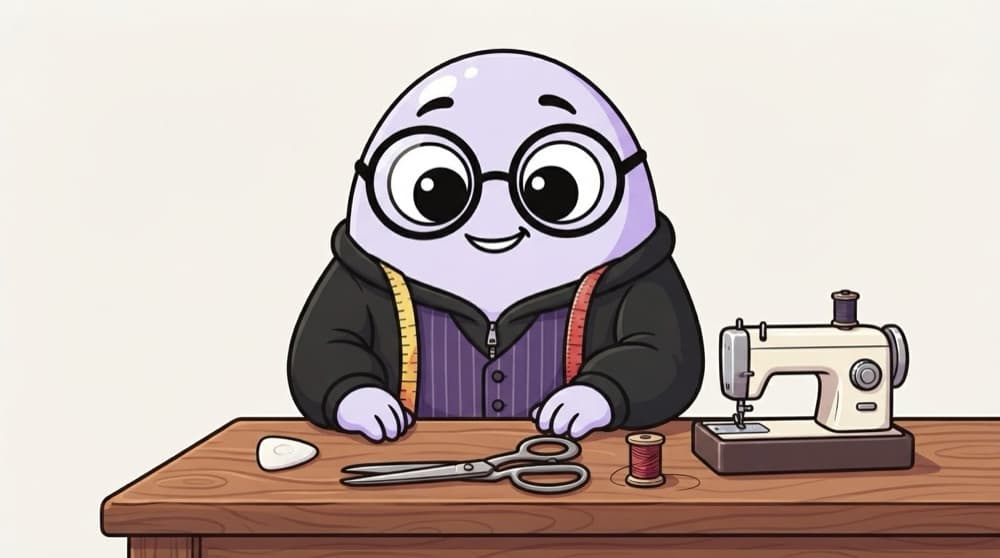
A tailor's kit
A tailor needs a measuring tape to understand you, chalk to mark rough lines, scissors and a machine to make the real thing, and a trial room mirror to check the fit. Design tools split up the same way.
Watch it happen
The beginner's toolkit
1/4Research: Google Forms for surveys, a video call app for interviews, and a whiteboard to sort what you learnt.
The big ideas
What you need to know
Figma first
Most job posts ask for Figma. Learn it well before trying other design tools.
Whiteboards for messy thinking
FigJam or Miro are for sticky notes, flows and affinity maps, before anything looks polished.
Paper still counts
Pen and paper is the fastest sketching tool. Many designers start every idea there.
Tools change, skills stay
Tools come and go every few years. Problem solving, layout and research skills carry over.
Save yourself the pain
Common mistakes
Oops
Collecting tool tutorials instead of designing anything.
Do this instead
Learn the basics of one tool, then use it on a real problem. Skills stick when you build.
Oops
Buying paid plans before you need them.
Do this instead
Free plans of Figma and FigJam are enough to learn and build a starter portfolio.
Your mission
Set up your free toolkit
Quick check
You want to sort 60 interview notes into themes with your team. Which tool fits best?
Go deeper
- 1Skim the table of contents of each remaining phase to see how the tools fit together.
- 2Create a free Figma account now so you're set up to practice hands-on from Phase 5 onward.
- 3Set a rough personal priority order — most beginners benefit from design principles first, tools second.
More topics at this stop
 What UI/UX Designers Actually Do
 UI vs UX vs Product Design
 The Design Process (Double Diamond)
 Types of Design Roles (UX Researcher, UI Designer, Product Designer)
 Design Thinking Fundamentals
 Common Industries for Designers
 A Day in the Life of a UI/UX Designer
 The Design Career Ladder

Stuck on this topic? Ask an Insider
Get 1:1 guidance from people who've walked this exact path — on the InsideEdge app.
