Error Message Writing
Part of the UI/UX Design Roadmap
In short
'Something went wrong' is the UX version of a shrug. A good error message says what happened, why, and exactly what to do next, without blaming anyone.
Writing error messages that explain what went wrong and what to do about it, in plain language — avoiding vague technical messages ('Error 500') or blame-focused language ('You entered it wrong').
Think of it like this
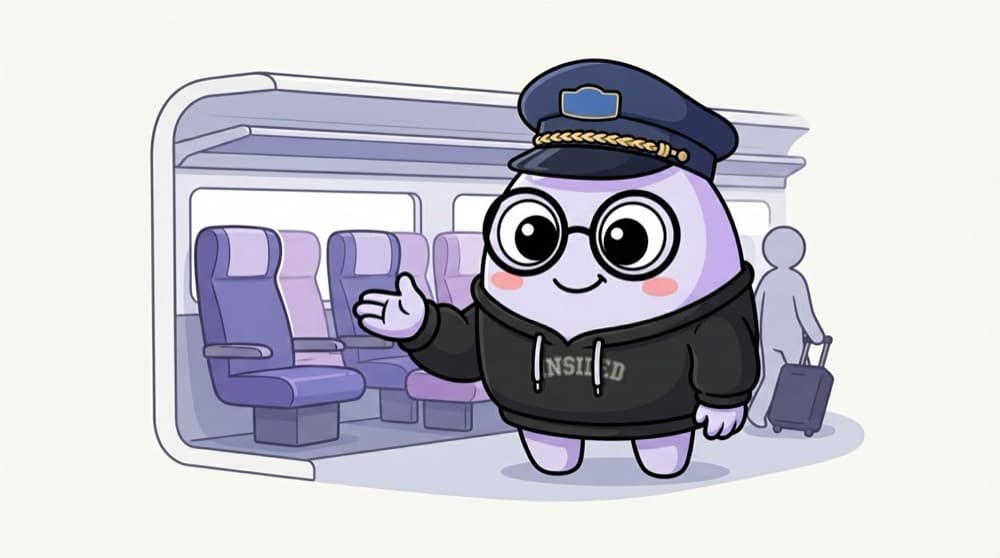
The helpful TC on the train
A rude TC says 'Wrong coach, get out'. A good one says 'This is S4, your seat is in S7, three coaches ahead, go through the vestibule'. Same problem, but one leaves you lost and the other gets you to your seat.
Watch it happen
Building a good error message
1/4Say what happened in plain words: 'Payment didn't go through.' Not 'Error 402'.
The big ideas
What you need to know
Show it in the right place
Put field errors next to the field, not in a popup at the top. People should see the problem where it is.
Don't blame
'That PIN doesn't match' is calmer than 'You entered an invalid PIN!'
Be specific
'Password needs at least 8 characters' beats 'Invalid password'. Tell people the rule.
Prevent where you can
Show the rules before people type, and the error message may never be needed.
Save yourself the pain
Common mistakes
Oops
Showing raw technical errors like 'NullPointerException' or 'Error 500'.
Do this instead
Translate it: 'We couldn't load your orders. Try again in a minute.' Log the technical detail for developers.
Oops
Using humour in a serious error, like a failed payment.
Do this instead
Save jokes for low-stakes moments. When money or data is at risk, be calm and clear.
Your mission
Rewrite real errors
Quick check
Which error message is best for a phone number field?
Go deeper
- 1Rewrite 3 vague or technical error messages into clear, actionable ones.
- 2Learn the pattern: state what happened, why (if useful), and what to do next.
- 3Practice writing an error message that doesn't blame the user for the failure.
More topics at this stop
 UX Writing Fundamentals
 Microcopy & Button Labels
 Tone & Voice in Product Copy
 Content-First Design
 Localization Basics
 Writing for Accessibility

Stuck on this topic? Ask an Insider
Get 1:1 guidance from people who've walked this exact path — on the InsideEdge app.
