
Version Control for Design (Figma Branching)
Part of the UI/UX Design Roadmap
In short
Two designers editing the same main file at once is like two people typing in one Word doc: chaos. Branching lets you experiment safely, then merge your changes back after review.
Tracking design changes over time and working on variations without disrupting a shared source file — Figma's branching feature brings a lightweight version of software version control to design work.
Think of it like this
Rough copy before the fair copy
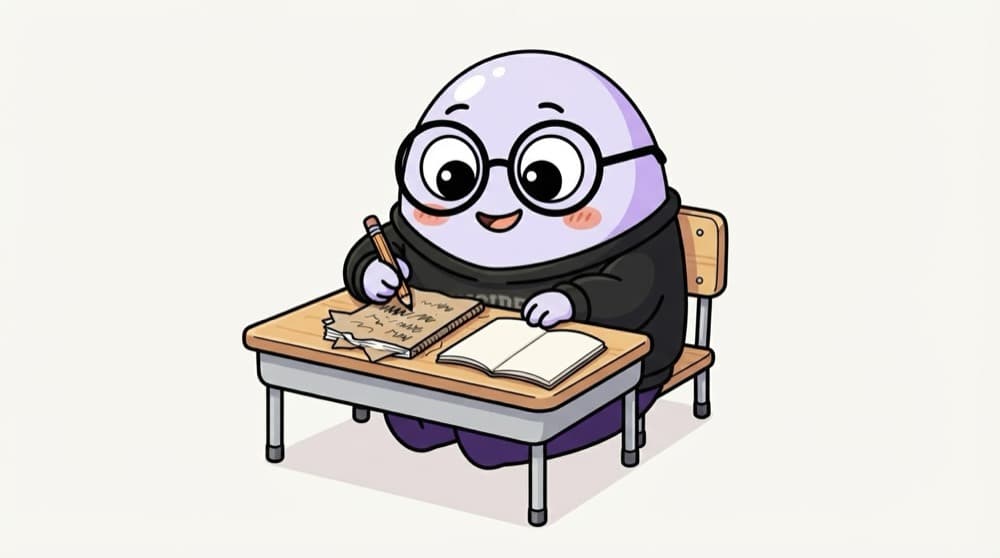
In school you solve the sum in your rough notebook first. Only when it's right do you write it neatly in the fair copy the teacher checks. A Figma branch is your rough copy; the main file is the fair copy.
Watch it happen
A branch from start to merge
Create branch
1/6You branch off the main file to work on a new button style without touching what others use.
The big ideas
What you need to know
Main stays stable
The main file is the source of truth others rely on. Experiments happen elsewhere.
Named versions
Even without branches, save named versions in version history, like 'v1 signed off by PM'.
Review before merge
A second pair of eyes catches broken components before the whole team gets them.
Check your plan
Branching is a paid feature on Figma's higher plans. On free plans, duplicate the file and use version history.
Save yourself the pain
Common mistakes
Oops
Making big experimental changes directly in the shared main library.
Do this instead
Work in a branch or a copy, then bring finished changes back after review.
Oops
Keeping branches open for months.
Do this instead
Merge or close branches quickly. Old branches fall far behind main and are hard to merge.
Your mission
Practise versioning on a free plan
Quick check
What's the main benefit of working in a branch?
Go deeper
- 1Explore Figma's branching feature by creating a branch and merging a change back.
- 2Learn why version history matters for both accountability and being able to revert a mistake.
- 3Understand this is a lighter-weight discipline than full Git-style version control, but the same underlying value.
More topics at this stop
 Working With Product Managers
 Working With Engineers
 Design Critiques & Feedback
 Design Handoff Best Practices
 Design QA (Reviewing Built Features)
 Presenting Design Work to Stakeholders
 Design Documentation

Stuck on this topic? Ask an Insider
Get 1:1 guidance from people who've walked this exact path — on the InsideEdge app.
