
In short
Every developer writes bugs, every day. What separates beginners from professionals isn't fewer bugs, it's a calm, step-by-step way of finding them instead of changing random lines and hoping.
Debugging is the calm process of finding why code doesn't do what you expect: read the error, reproduce the problem, narrow down where it happens and test one fix at a time.
Think of it like this
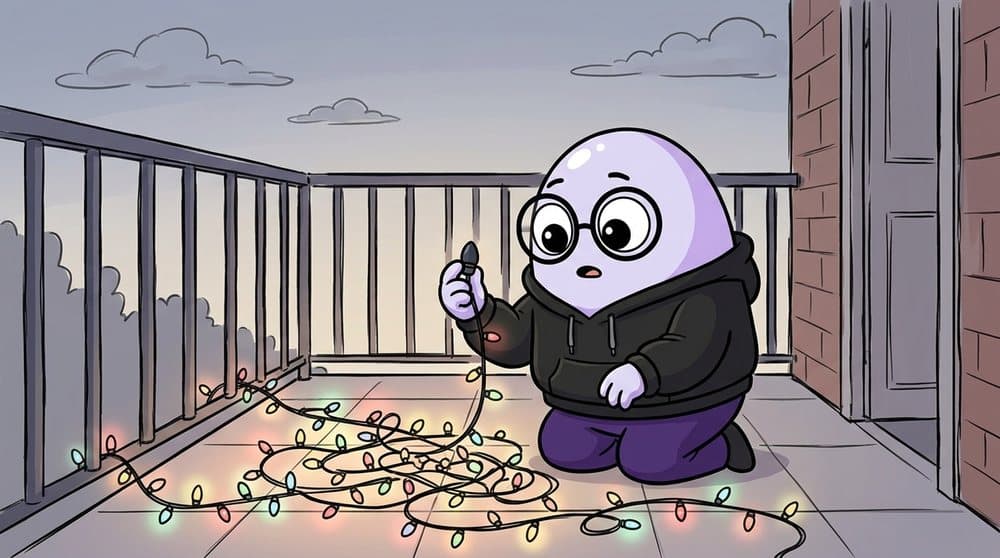
Finding the dead bulb in a string of lights
Your Diwali lights don't glow. Shaking the whole string won't help. You check the plug, then test the first half, then the half of that half, until you find the one dead bulb. Debugging is the same: confirm the problem, then keep narrowing down where it starts.
The big ideas
What you need to know
Read the error fully
The message says what went wrong, and the file and line number say where. Read both before touching code.
Reproduce it
Find the exact steps that cause the bug every time. A bug you can trigger on demand is half solved.
Narrow it down
Use console.log or breakpoints to check values at points along the way. Find the first place where a value is wrong.
One change at a time
Change one thing, test, and undo it if it didn't help. Changing five things at once hides what actually fixed it.
How it works
A calm debugging loop
- 1
Read
Read the error message and line number.
- 2
Reproduce
Trigger the bug on purpose with the same steps.
- 3
Inspect
Log the values just before the failing line.
- 4
Fix one thing
Make one small change based on what you saw.
- 5
Retest
Confirm the bug is gone and nothing else broke.
See it in code
Walk through the code
1const cart = [2 { name: "Notebook", price: "60" },3 { name: "Pen", price: "20" },4];5 6let total = 0;7for (const item of cart) {8 console.log(item.name, item.price, typeof item.price);9 total = total + Number(item.price);10}11console.log("Total:", total); // 801/3Prices arrived as strings, which is common with form inputs and some APIs.
Before the fix, total came out as the string "06020". Logging the type showed the prices were text, not numbers.
Save yourself the pain
Common mistakes
Oops
Changing several lines at once and hoping one works.
Do this instead
Make one change, test, and keep notes. You'll know exactly what fixed it.
Oops
Assuming the bug is where you think it is.
Do this instead
Prove it with logs or a breakpoint. The real cause is often a few steps earlier.
Your mission
Plant and catch a bug
Quick check
You see 'TypeError: Cannot read properties of undefined (reading "name")' on line 14. What's the best first step?
Go deeper
- 1Read the full error message and the line number before changing any code.
- 2Use console.log to print values at each step and see where they first go wrong.
- 3Try the debugger statement or a breakpoint in the DevTools Sources tab.
Also part of these roadmaps
More topics at this stop
 Setting Up VS Code
 Command Line Basics
 Browser DevTools
 Reading Documentation
 Using AI Coding Assistants Wisely

Stuck on this topic? Ask an Insider
Get 1:1 guidance from people who've walked this exact path — on the InsideEdge app.
