
In short
HTML builds the page and CSS dresses it up, but nothing happens when you click until JavaScript joins in. It's the only programming language every browser understands.
JavaScript is the programming language that runs in every browser. It reacts to user actions, changes the page and talks to servers, and with Node.js it can also run on the server.
Think of it like this
The puppet show
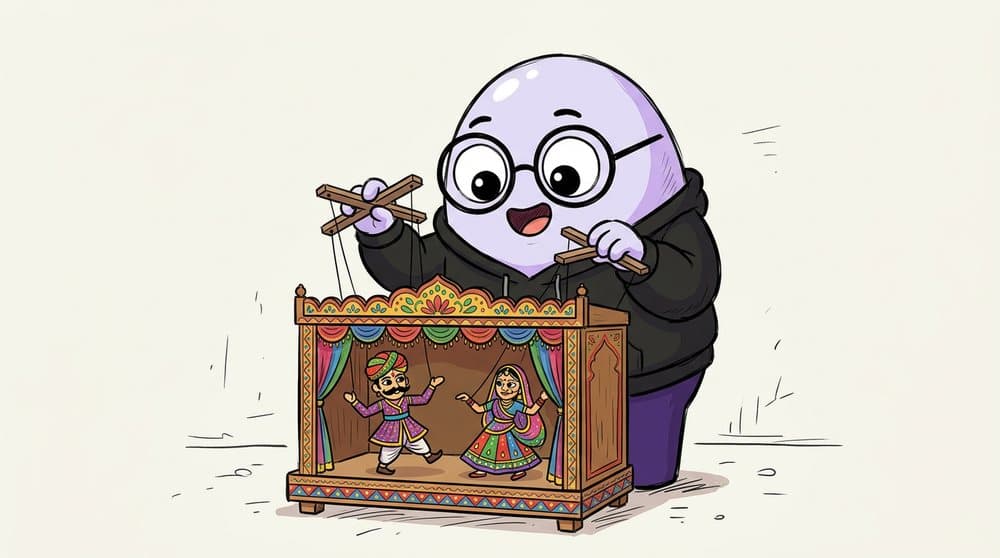
In a kathputli show, the puppets (HTML) wear colourful costumes (CSS), but they just hang there until the puppeteer pulls the strings. JavaScript is the puppeteer. It listens for the audience, like a click or a key press, and makes things move, change and respond.
Watch it happen
Where JavaScript runs
In the browser
- Reacts to clicks and typing
- Changes the page without reloading
- Fetches data from servers
- Saves small data in localStorage
On the server (Node.js)
- Handles requests from browsers
- Reads and writes databases
- Sends emails and processes payments
- Same language, different tools
One language for both sides is why JavaScript is so popular with web developers. You'll use the browser side first, then Node.js in Phase 11.
The big ideas
What you need to know
It reacts to events
Clicks, key presses, scrolling and form submits are events. JavaScript runs code when they happen.
It changes the page
It can add, remove and edit HTML elements and their styles while the page is open.
It talks to servers
It can fetch fresh data, like cricket scores or train times, without reloading the whole page.
Load it with defer
Put <script src="app.js" defer></script> in the head or at the end of body, so the HTML is ready before your code runs.
See it in code
Walk through the code
1<button id="like">Like</button>2<p id="count">0 likes</p>3 4<script>5 let likes = 0;6 const button = document.querySelector("#like");7 const count = document.querySelector("#count");8 9 button.addEventListener("click", () => {10 likes = likes + 1;11 count.textContent = likes + " likes";12 console.log("Clicked!", likes);13 });14</script>1/4Plain HTML. On its own, clicking the button does nothing.
A tiny like button. HTML gives the structure, JavaScript gives it life. Open the Console to see the log.
Save yourself the pain
Common mistakes
Oops
Confusing JavaScript with Java.
Do this instead
They're completely different languages. The similar name was a marketing choice in the 1990s.
Oops
Putting a script in the head without defer and getting 'null' errors.
Do this instead
The script ran before the HTML existed. Add defer, or put the script at the end of the body.
Your mission
Your first interactive page
Quick check
Which job needs JavaScript, rather than just HTML and CSS?
Go deeper
- 1Add a script tag with the defer attribute to an HTML page and log a message to the console.
- 2List five things on a site you use that only work because of JavaScript.
- 3Disable JavaScript in DevTools and see which parts of a site stop working.
More topics at this stop
 Variables (let and const)
 Data Types
 Operators
 Conditionals (if, else, switch)
 Loops
 Functions
 Arrays
 Array Methods (map, filter, reduce)
 Objects

Stuck on this topic? Ask an Insider
Get 1:1 guidance from people who've walked this exact path — on the InsideEdge app.
