
In short
Want to work on a project that already lives on GitHub? You don't download a zip. You clone it and get every file plus the full history.
git clone copies a remote repository, with its full history, onto your computer so you can run and change the code.
Think of it like this
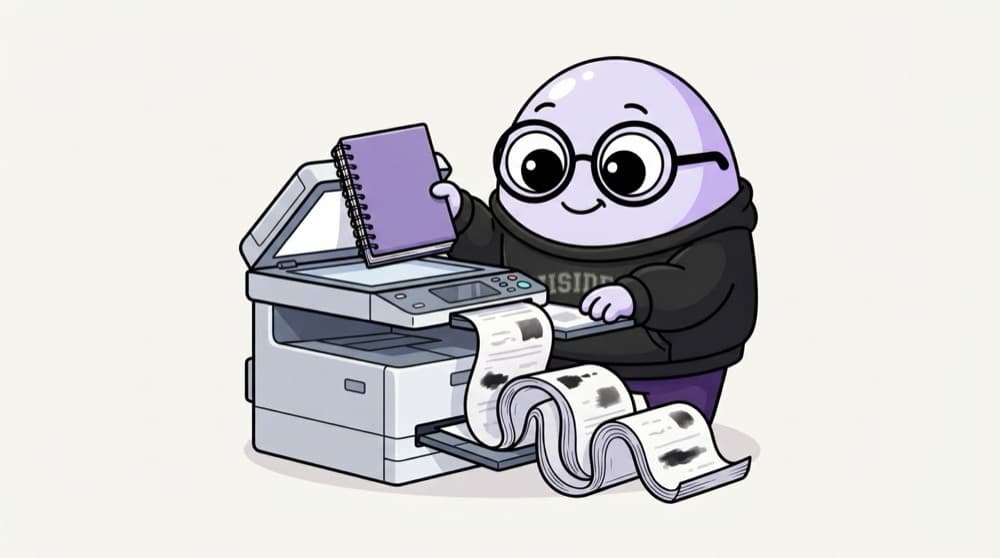
Photocopying a topper's notes
A zip download is like getting just the final page. Cloning is photocopying the whole notebook, every page and every edit. Plus, your copy remembers whose notebook it came from, so you can collect new pages later.
Watch it happen
What git clone does
git clone <url>
1/5Your laptop asks GitHub for the whole repository at that URL.
The big ideas
What you need to know
Full copy, full history
git clone downloads all files, all commits and all branches onto your machine.
origin is set for you
Git remembers where you cloned from and calls it origin. git pull and git push talk to it.
HTTPS or SSH
HTTPS works out of the box with a token. SSH uses a key on your laptop, so you skip typing credentials.
Fork first for others' repos
You can't push to someone else's repo. Fork it on GitHub, then clone your fork.
See it in code
Walk through the code
1# Clone into a folder with the repo's name2git clone https://github.com/vercel/next.js.git3 4# Clone into a folder name you choose5git clone git@github.com:your-name/portfolio.git my-site6 7cd my-site8git remote -v # shows where origin points9git log --oneline -5 # last 5 commits1/4Clone over HTTPS. Git creates a folder named after the repo, here next.js.
The first URL is HTTPS and the second is SSH. Both get the same repo. git remote -v confirms which one your copy uses.
Save yourself the pain
Common mistakes
Oops
Downloading the zip from GitHub and then wondering why git pull doesn't work.
Do this instead
A zip has no .git folder. Use git clone so your copy stays connected to the original.
Oops
Cloning a repo inside another repo's folder.
Do this instead
Clone into a normal folder like ~/projects. Nested repos confuse both of them.
Your mission
Clone and explore
Quick check
After git clone, why can you run git pull without typing any URL?
Go deeper
- 1Clone an open source project and run it locally by following its README.
- 2Learn the difference between cloning with HTTPS and with SSH.
- 3Use git remote -v to see where a cloned project came from.
More topics at this stop
 Why Version Control
 git init
 Commits
 Branches
 Merging
 Merge Conflicts
 GitHub Repositories
 Pull Requests

Stuck on this topic? Ask an Insider
Get 1:1 guidance from people who've walked this exact path — on the InsideEdge app.
