In short
project.zip, project_final.zip, project_final_v2_REAL.zip. Every student has been there. Version control replaces that mess with a clean history you can rewind, compare and share.
Version control records every change to your code, so you can go back to an older version, see who changed what, and work with others without overwriting each other's work.
Think of it like this
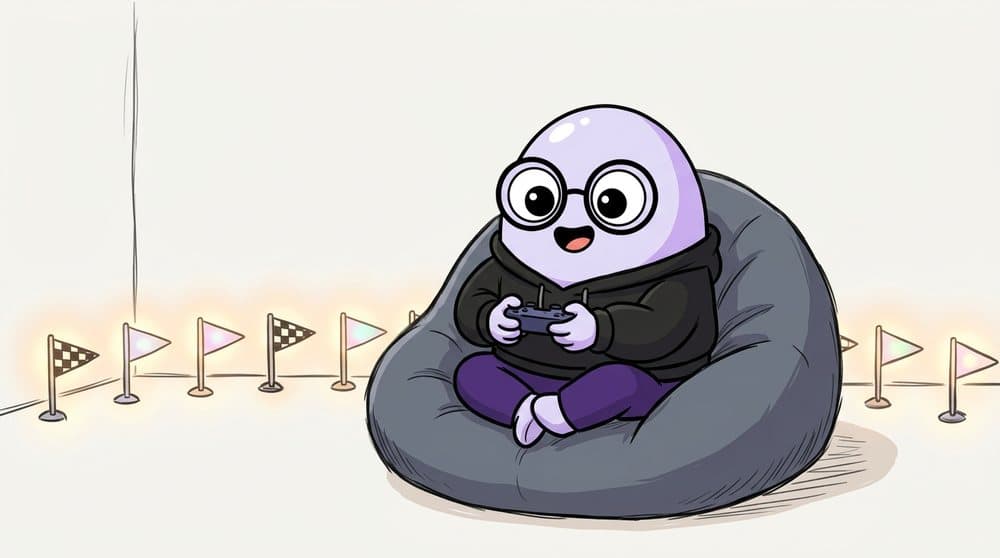
Save points in a video game
Before a tough level, you save the game. If you fall into the lava, you load the save instead of starting from scratch. Git gives your code save points, called commits, each with a note about what changed. Break something? Go back. Want to try a risky idea? Try it on the side without touching your safe save.
Watch it happen
Two ways to manage a project
Zip files and copies
- final_v2_real.zip, final_v3.zip...
- No idea what changed between them
- Teammates email files and overwrite work
- One deleted folder loses everything
Git
- One folder, full history inside
- Every commit has a message and a diff
- Branches let people work side by side
- A copy on GitHub works as a backup
Git is used by almost every software team. Learning it early also makes your projects easy to show to recruiters on GitHub.
The big ideas
What you need to know
Full history
Every commit is a snapshot of your project. You can see what changed, when, and why, and go back to any point.
Safe experiments
Branches let you try a new feature without touching working code. If it fails, just delete the branch.
Teamwork
Several people can edit the same project and Git combines their changes, flagging the parts that clash.
Git vs GitHub
Git is the tool that runs on your computer. GitHub is a website that hosts Git projects online for sharing and backup.
See it in code
Walk through the code
1git init # start tracking this folder2git add index.html style.css # pick changes for the next save3git commit -m "Add homepage" # save a snapshot with a message4git log --oneline # list all saves5# a1b2c3d Add homepage6 7git diff # see what changed since the last save8git restore style.css # throw away unsaved changes to a file1/4git init turns a normal folder into a Git repository.
A taste of what's coming in this phase. Each of these commands gets its own lesson.
Save yourself the pain
Common mistakes
Oops
Thinking Git and GitHub are the same thing.
Do this instead
Git works fully offline on your laptop. GitHub is one website (GitLab and Bitbucket are others) that hosts Git repositories.
Oops
Waiting until a project is 'finished' to start using Git.
Do this instead
Run git init on day one. The history is most useful when it starts from the beginning.
Your mission
Your first three commits
Quick check
What's the main difference between Git and GitHub?
Go deeper
- 1Think about the final_v2_really_final.zip problem and how Git solves it.
- 2Install Git and set your name and email with git config.
- 3Learn the difference between Git, the tool, and GitHub, the website that hosts repositories.
More topics at this stop
 git init
 Commits
 Cloning a Repository
 Branches
 Merging
 Merge Conflicts
 GitHub Repositories
 Pull Requests

Stuck on this topic? Ask an Insider
Get 1:1 guidance from people who've walked this exact path — on the InsideEdge app.
