In short
Your GitHub profile is your developer shop window. Recruiters open it, teammates clone from it, and your projects stay safe even if your laptop dies the night before a submission.
A GitHub repository hosts your project online with its code, history, README and issues. You connect a local project with git remote add and send commits with git push.
Think of it like this
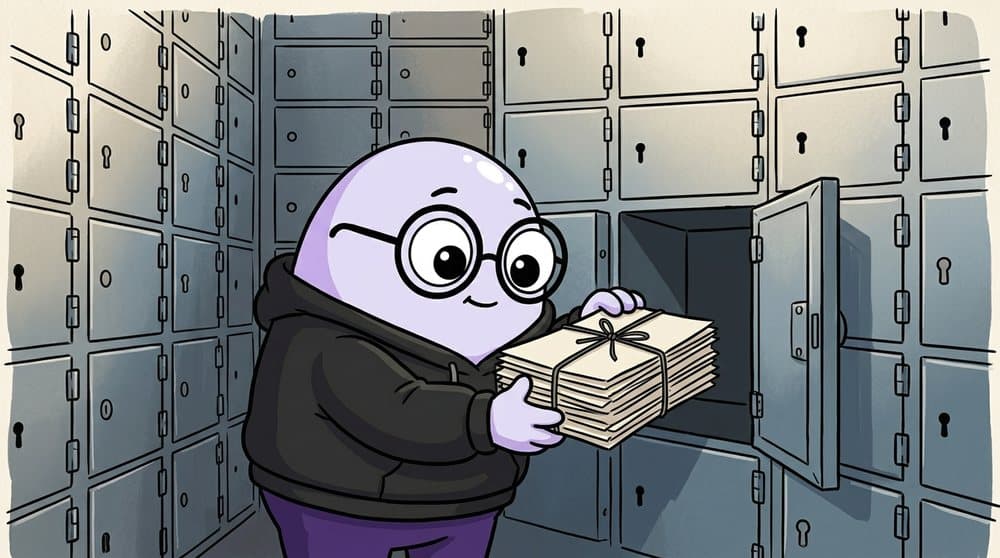
A bank locker for your project
You keep your jewellery at home, but you also keep a copy of the important papers in a bank locker. The locker is safe, and you can open it from any branch. A GitHub repository is that locker for your code: your laptop has the working copy, GitHub has the safe copy with its whole history, and git push keeps them in sync.
Watch it happen
Connecting a local project to GitHub
Create empty repo 'portfolio'
1/5On github.com, click New repository. Don't add a README if your project already has commits.
The big ideas
What you need to know
What a repo holds
Your code, its full commit history, a README, and tools like Issues for tracking bugs and Pull Requests for reviews.
Remotes
A remote is a named link to an online copy. By convention, the main one is called origin.
push and pull
git push sends your commits up. git pull brings others' commits down. Pull before you start work each day.
.gitignore
List files Git should never track, like node_modules and .env. Secrets pushed to a public repo are exposed to everyone.
See it in code
Walk through the code
1# inside your project folder, after a few commits2echo "node_modules/" >> .gitignore3echo ".env" >> .gitignore4git add .gitignore5git commit -m "Add gitignore"6 7git branch -M main8git remote add origin https://github.com/your-name/portfolio.git9git push -u origin main10 11git remote -v # check where origin points1/4Before pushing, make sure dependencies and secret files are ignored.
The usual first push. Replace your-name with your GitHub username. GitHub will ask you to sign in the first time.
Save yourself the pain
Common mistakes
Oops
Pushing the node_modules folder or a .env file with passwords.
Do this instead
Add them to .gitignore before your first commit. If a secret was pushed, change the password or key immediately.
Oops
Leaving repos with no README and names like test123.
Do this instead
Use clear names like expense-tracker and add a README with a screenshot and live link.
Your mission
Put a project online
Quick check
What does git push -u origin main do?
Go deeper
- 1Create a repository on GitHub and push one of your earlier projects to it.
- 2Add a short description and topics to each repository.
- 3Pin your best three repositories to your GitHub profile.
More topics at this stop
 Why Version Control
 git init
 Commits
 Cloning a Repository
 Branches
 Merging
 Merge Conflicts
 Pull Requests

Stuck on this topic? Ask an Insider
Get 1:1 guidance from people who've walked this exact path — on the InsideEdge app.
