
Multi-Factor Authentication
Part of the Cloud Computing Roadmap
In short
Passwords leak, get reused and get phished. Multi-factor authentication asks for a second proof, usually a code from your phone, so a stolen password alone isn't enough.
Requiring a second verification factor beyond a password — a simple, high-impact control that prevents the vast majority of account takeovers from a leaked or guessed password alone.
Think of it like this
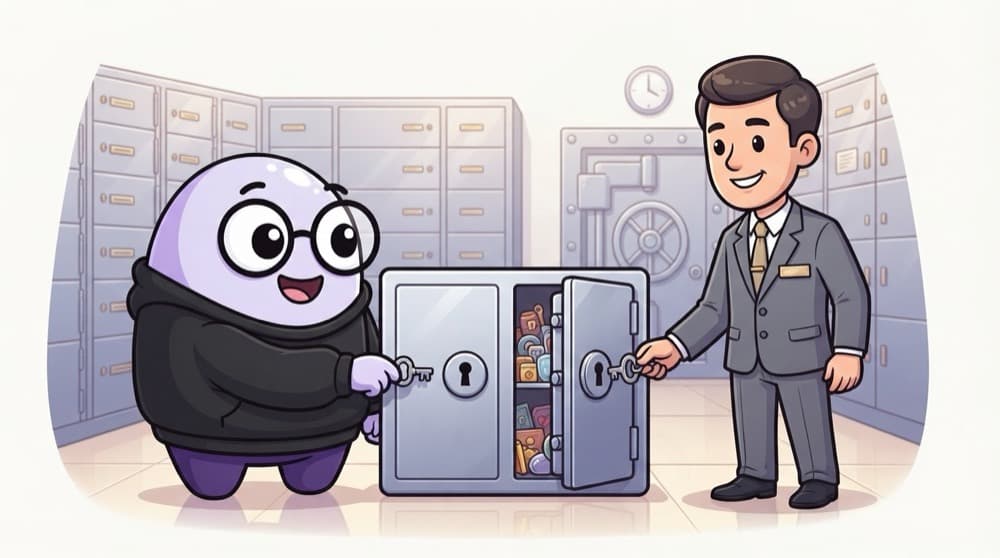
The bank locker with two keys
A bank locker opens only when your key and the manager's key turn together. Steal one and you still can't open it. MFA is the same idea: something you know (your password) plus something you have (your phone), and both are needed.
Watch it happen
Password plus a TOTP code
email + password
1/6You log in with your password. It's correct, but that's only step one.
The big ideas
What you need to know
Different kinds of proof
Something you know (password), have (phone, security key) or are (fingerprint). MFA combines two kinds.
TOTP is time-based
The app and server share a secret at setup. Each turns it plus the current time into the same 6-digit code.
Passkeys resist phishing
Security keys and passkeys check the website's real domain, so a fake login page can't capture them.
Plan for lost phones
Give users one-time backup codes at setup, stored hashed, so a lost phone doesn't lock them out.
See it in code
Walk through the code
1import { authenticator } from "otplib";2import QRCode from "qrcode";3 4// Setup: create a secret and show it as a QR code5const secret = authenticator.generateSecret();6const uri = authenticator.keyuri("riya@college.edu", "MyApp", secret);7const qrDataUrl = await QRCode.toDataURL(uri);8await db.users.update(userId, { totpSecret: encrypt(secret), mfaEnabled: false });9 10// Login: check the 6-digit code the user typed11export function checkTotp(code: string, storedSecret: string) {12 return authenticator.verify({ token: code, secret: decrypt(storedSecret) });13}1/3At setup, create a random secret and turn it into an otpauth:// QR code for the authenticator app.
encrypt and decrypt are your helpers. Unlike a password, the TOTP secret must be recoverable, so you encrypt it instead of hashing it.
Save yourself the pain
Common mistakes
Oops
Relying only on SMS codes for high-value accounts.
Do this instead
SMS can be intercepted or moved with a SIM swap. Prefer authenticator apps or passkeys, with SMS only as a fallback.
Oops
Letting users retry MFA codes forever.
Do this instead
Rate-limit attempts. A 6-digit code has a million options, which is guessable if nothing stops the guessing.
Your mission
Add TOTP to a login
Quick check
Your password leaks in a breach, but you have TOTP MFA turned on. What can the attacker do?
Go deeper
- 1Enable MFA on your own cloud account, especially for any account with elevated privileges.
- 2Learn why MFA should be mandatory for any human account with console access, not optional.
- 3Understand the difference between MFA for human users and programmatic access (which uses keys/roles instead).
More topics at this stop
 Identity & Access Management (IAM)
 Principle of Least Privilege
 Roles vs Users vs Groups
 Encryption at Rest & in Transit
 Secrets Management
 Security Groups vs Network ACLs
 Compliance Basics (SOC 2, ISO 27001)
 Cloud Security Posture Management
 Incident Response in the Cloud

Stuck on this topic? Ask an Insider
Get 1:1 guidance from people who've walked this exact path — on the InsideEdge app.
