TLS/SSL Deep Dive
Part of the Cybersecurity Roadmap
In short
The padlock in your browser hides a fast, clever handshake. Knowing each step helps you spot weak setups, expired certificates and why a site shows that scary warning.
Going beyond Phase 2's introduction — the full TLS handshake process, cipher suite negotiation, and common misconfigurations (weak ciphers, expired certificates) that create real vulnerabilities.
Think of it like this
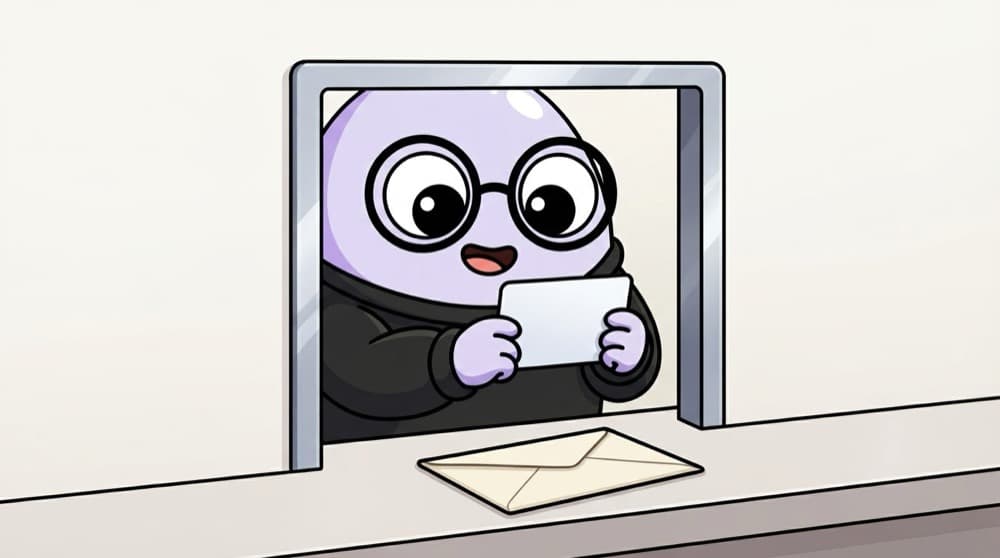
Opening an account at a bank counter
Before you hand over cash, you check the clerk's bank ID, issued by head office. Then you both agree on a private code for this visit. TLS does the same: check the server's certificate from a trusted authority, then agree on fresh secret keys.
Watch it happen
A TLS 1.3 handshake
ClientHello + key share
1/6The browser lists the ciphers it supports and sends its half of a key exchange.
The big ideas
What you need to know
Only TLS 1.2 and 1.3
SSL and TLS 1.0 and 1.1 are deprecated. Disable them. TLS 1.3 removed many old, weak options.
Forward secrecy
Fresh keys per session mean a server key stolen later cannot decrypt old recorded traffic.
Certificates expire
Automate renewal, for example with Let's Encrypt and certbot. Expired certificates cause outages and teach users to ignore warnings.
HSTS
The Strict-Transport-Security header tells browsers to always use HTTPS for your site, blocking downgrade to plain HTTP.
See it in code
Walk through the code
1# Inspect the certificate of a site you own or run2openssl s_client -connect mysite.example:443 -servername mysite.example </dev/null 2>/dev/null \3 | openssl x509 -noout -subject -issuer -dates4 5# Confirm old protocols are refused (should fail)6openssl s_client -connect mysite.example:443 -tls1_1 </dev/null1/2Fetch the certificate and print its subject, issuer and validity dates.
Read-only checks of your own server: who the certificate is for, who signed it, when it expires, and whether outdated TLS versions are switched off.
Save yourself the pain
Common mistakes
Oops
Clicking past certificate warnings during testing and forgetting to fix them.
Do this instead
Fix the root cause: wrong name, expired cert or missing chain. Users must never learn to ignore warnings.
Oops
Copying a cipher list from an old blog post.
Do this instead
Use a maintained source like the Mozilla SSL Configuration Generator, then test with a TLS scanner.
Your mission
Grade a TLS setup
Quick check
What does forward secrecy protect against?
Go deeper
- 1Use a free tool (like SSL Labs) to scan a real website's TLS configuration for weaknesses.
- 2Learn what a downgrade attack is and why disabling old TLS versions matters.
- 3Understand certificate pinning as an advanced defense against certain man-in-the-middle attacks.
More topics at this stop
 Cryptography Fundamentals Deep Dive
 Digital Signatures
 Cryptographic Attacks
 Blockchain Security Basics
 IoT Security Basics
 AI & Security (Adversarial ML Overview)
 Emerging Threats Landscape

Stuck on this topic? Ask an Insider
Get 1:1 guidance from people who've walked this exact path — on the InsideEdge app.
