
Public Key Infrastructure (PKI)
Part of the Cybersecurity Roadmap
In short
When your browser trusts a bank's website, it's trusting a chain of digital signatures. PKI is the system behind that trust, and when it breaks, attackers can impersonate any site.
The system of certificate authorities, digital certificates, and trust chains that makes asymmetric encryption practical at internet scale — the foundation behind HTTPS certificate validation.
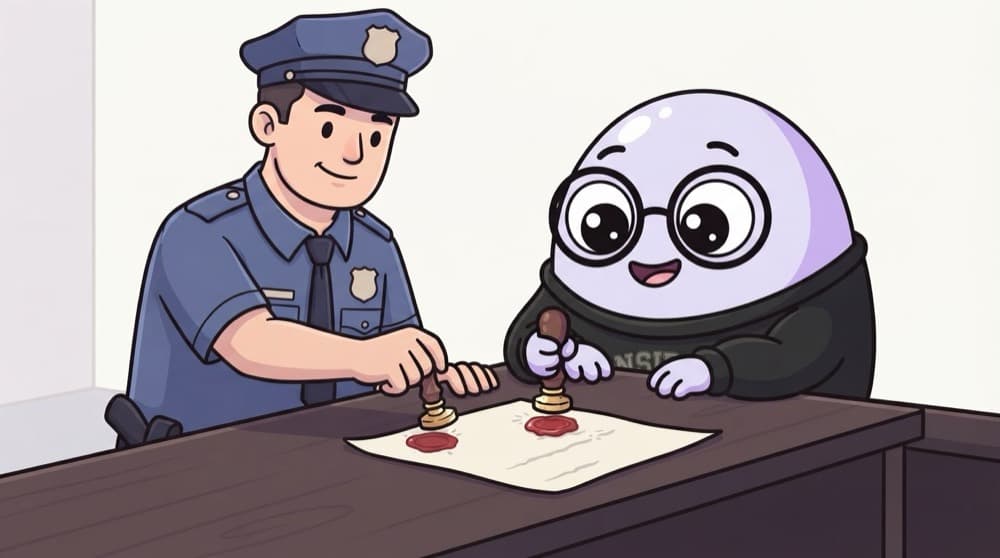
Think of it like this
An attested document
A photocopy alone proves nothing. A gazetted officer stamps and signs it, and people trust the officer because the government appointed them. Certificates work like that: a certificate authority signs a site's public key, and your browser trusts that authority.
Watch it happen
The chain of trust behind one website
1/6The website sends its certificate: 'this public key belongs to mybank.in', signed by an intermediate CA.
The big ideas
What you need to know
Certificates bind name to key
A certificate says 'this public key belongs to this domain', signed by a CA.
Chains, not single signatures
Root CAs sign intermediates, which sign websites. If one link fails, the browser shows a warning.
Certificates expire
Short lifetimes limit damage from stolen keys. Automate renewal, as with Let's Encrypt and ACME.
Revocation exists
A CA can revoke a compromised certificate. Browsers check this in different ways, with mixed reliability.
See it in code
Walk through the code
1# Show the full chain a server sends2openssl s_client -connect github.com:443 -servername github.com -showcerts </dev/null3 4# Look inside a saved certificate5openssl x509 -in cert.pem -noout -subject -issuer -dates -ext subjectAltName1/2-showcerts prints every certificate the server sends, from the leaf up to the intermediate.
In the first command, count the certificates in the output and match each issuer to the next certificate's subject. That's the chain.
Save yourself the pain
Common mistakes
Oops
Ignoring certificate expiry until the site goes down.
Do this instead
Automate renewal and add monitoring that alerts weeks before expiry.
Oops
Installing random root certificates to make a warning go away.
Do this instead
A root you add can sign certificates for any site. Only add roots your organisation officially provides.
Your mission
Walk a real chain
Quick check
Why does a browser trust a website's certificate signed by an intermediate CA it has never seen before?
Go deeper
- 1Inspect a website's TLS certificate chain to see the trust hierarchy in action.
- 2Learn what a Certificate Authority (CA) does and why browsers trust a specific list of them.
- 3Understand what happens (and why it's dangerous) when a certificate is self-signed or expired.
More topics at this stop
 Authentication vs Authorization
 Encryption Basics (Symmetric vs Asymmetric)
 Hashing & Password Security
 Multi-Factor Authentication
 Access Control Models (RBAC, ABAC)
 Zero Trust Architecture
 Security Policies & Standards
 Defense in Depth
 The CVE & CVSS System

Stuck on this topic? Ask an Insider
Get 1:1 guidance from people who've walked this exact path — on the InsideEdge app.
