
In short
When servers are set up by hand, nobody remembers why a setting changed. Put your Terraform, Ansible and Kubernetes files in Git and every change gets a reviewer, a reason and an undo button.
Applying the same version control discipline to infrastructure code (Terraform, Ansible, Kubernetes manifests) as to application code — enabling the 'infrastructure as code' practices in later phases.
Think of it like this
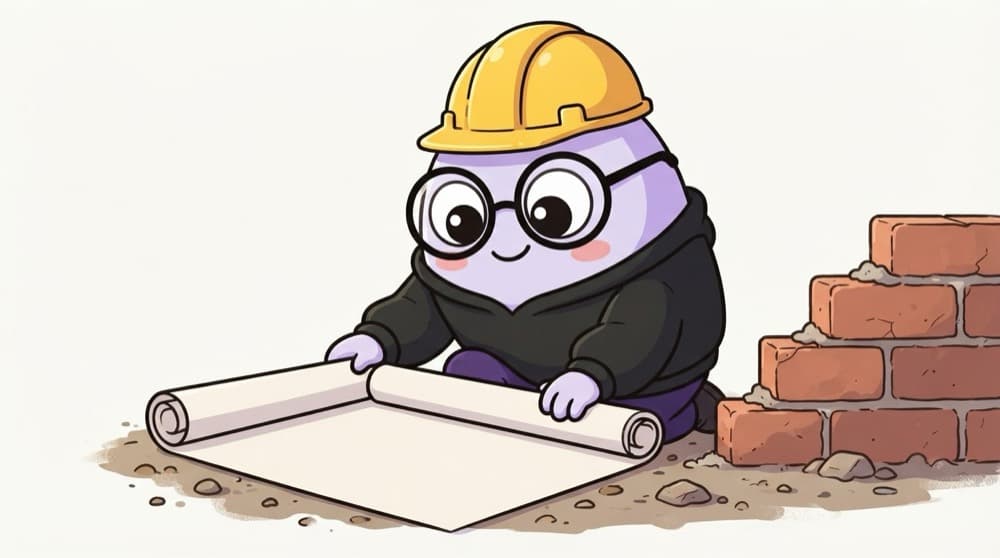
The approved building blueprint
A good builder never lets the mistri knock down a wall on a whim. Every change goes on the blueprint first, the engineer signs it, and the old versions are filed away. Infrastructure in Git is that blueprint: change the drawing, get it approved, then build.
Watch it happen
A Terraform change, the GitOps way
1/5You change instance_type from t3.small to t3.medium in a branch, not in the cloud console.
The big ideas
What you need to know
No console clicking
Changes made by hand in the console drift from the code. The next apply may silently undo them.
Review the plan, not just the diff
A one-line diff can destroy a database. The plan output shows what will really happen.
Never commit state or secrets
Terraform state files and .tfvars with passwords belong in remote storage and secret managers, not Git.
Git log is your audit trail
During an incident, git log shows exactly which infra change went out before things broke.
See it in code
Walk through the code
1# .gitignore for a Terraform repo2.terraform/3*.tfstate4*.tfstate.*5*.tfvars6crash.log7 8# Keep this one: it pins provider versions9!.terraform.lock.hcl1/4Downloaded providers and modules. They're big and recreated by terraform init.
Commit .terraform.lock.hcl so everyone and the pipeline use the same provider versions.
Save yourself the pain
Common mistakes
Oops
Committing terraform.tfstate to Git so the team can share it.
Do this instead
Use a remote backend like an S3 bucket with locking. State in Git leaks secrets and causes conflicting applies.
Oops
Fixing production quickly in the console and 'updating the code later'.
Do this instead
If you must hotfix by hand, update the code the same day and run plan to confirm no drift remains.
Your mission
Start an infra repo
Quick check
A teammate resized a server in the cloud console. What happens on the next terraform apply from Git?
Go deeper
- 1Set up a repository specifically for infrastructure code you'll write in later phases.
- 2Learn why treating infrastructure changes as pull requests (with review) prevents costly mistakes.
- 3Understand how this connects directly to CI/CD pipelines that can plan/apply infrastructure changes automatically.
More topics at this stop
 Git Fundamentals
 Branching Strategies (Git Flow, Trunk-Based)
 Pull Requests & Code Review
 Merge Conflicts
 Git Hooks
 Monorepos vs Polyrepos (Overview)
 GitHub / GitLab Fundamentals

Stuck on this topic? Ask an Insider
Get 1:1 guidance from people who've walked this exact path — on the InsideEdge app.
