
In short
In DevOps, Git holds more than app code. Pipelines, server configs and cloud setups all live in Git. If it isn't in Git, as far as the team is concerned, it doesn't exist.
The distributed version control system underlying nearly all modern software (and infrastructure code) collaboration — commit, push, pull, and the local/remote repository model.
Think of it like this
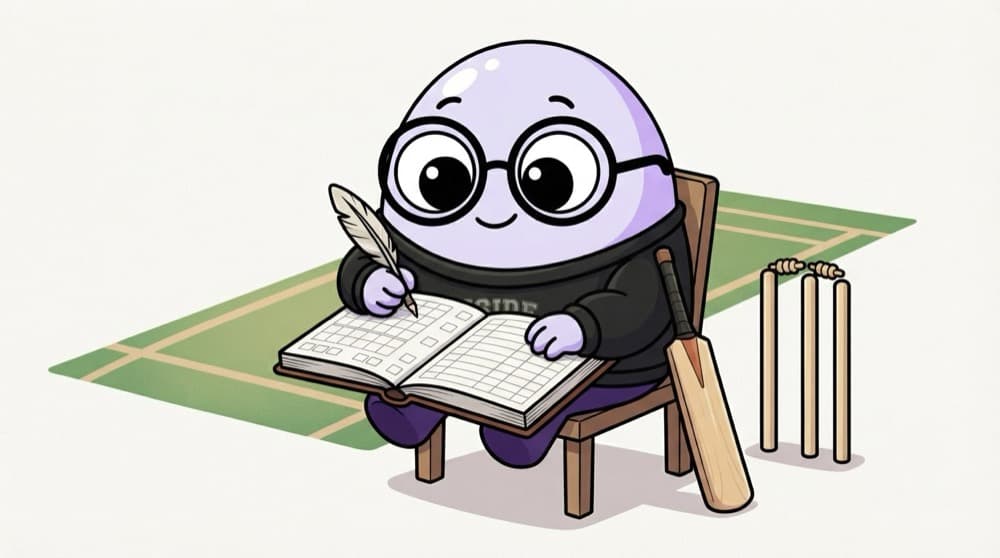
The cricket scorebook
The scorer writes every over in the scorebook: runs, wickets, extras. At any point you can flip back and see the exact score after the 12th over. Every scorer at every ground keeps a full copy. Git is a scorebook for your files, and every laptop has the full book.
Watch it happen
Where a change travels
1/5You change a file. Git notices it is modified but hasn't saved anything yet.
The big ideas
What you need to know
Commits are snapshots
Each commit records the whole project at that moment, with an ID like a1b2c3d you can return to.
Staging lets you choose
git add picks exactly which changes go into the next commit, so one commit means one idea.
Distributed by design
Every clone has the full history. You can commit offline and push later.
Undo safely
git revert makes a new commit that undoes an old one, which is safe on shared branches.
See it in code
Walk through the code
1git status # what changed?2git diff # see the exact lines3git add nginx.conf4git commit -m "Raise nginx worker_connections to 2048"5git push origin main6 7git log --oneline -5 # recent history8git revert a1b2c3d # undo a bad commit safely1/3Always look before you save: which files changed, and what exactly changed in them.
Good commit messages say what changed and why, in a few words. Future you, reading git log during an outage, will be grateful.
Save yourself the pain
Common mistakes
Oops
Running git add . and committing every file, including .env and huge build folders.
Do this instead
Set up .gitignore first and check git status before each commit. Add files deliberately.
Oops
Using git push --force on a shared branch to 'fix' history.
Do this instead
Use git revert on shared branches. Force-pushing can wipe out teammates' commits.
Your mission
Version a config file
Quick check
You edited two files but only want one in the next commit. What do you do?
Go deeper
- 1Practice a basic commit-push-pull cycle on a personal repository.
- 2Learn to write clear, descriptive commit messages explaining what changed and why.
- 3Understand the difference between a local commit and a pushed commit.
More topics at this stop
 Branching Strategies (Git Flow, Trunk-Based)
 Pull Requests & Code Review
 Merge Conflicts
 Git Hooks
 Monorepos vs Polyrepos (Overview)
 GitHub / GitLab Fundamentals
 Git for Infrastructure Code

Stuck on this topic? Ask an Insider
Get 1:1 guidance from people who've walked this exact path — on the InsideEdge app.
