In short
Two people changed the same line, and Git refuses to guess who's right. That's a merge conflict. It looks scary the first time, but it's just Git asking you a question.
When two branches change the same lines of a file differently, Git can't automatically merge them — resolving conflicts calmly and correctly is a routine skill, not an emergency.
Think of it like this
Two edits on the wedding card
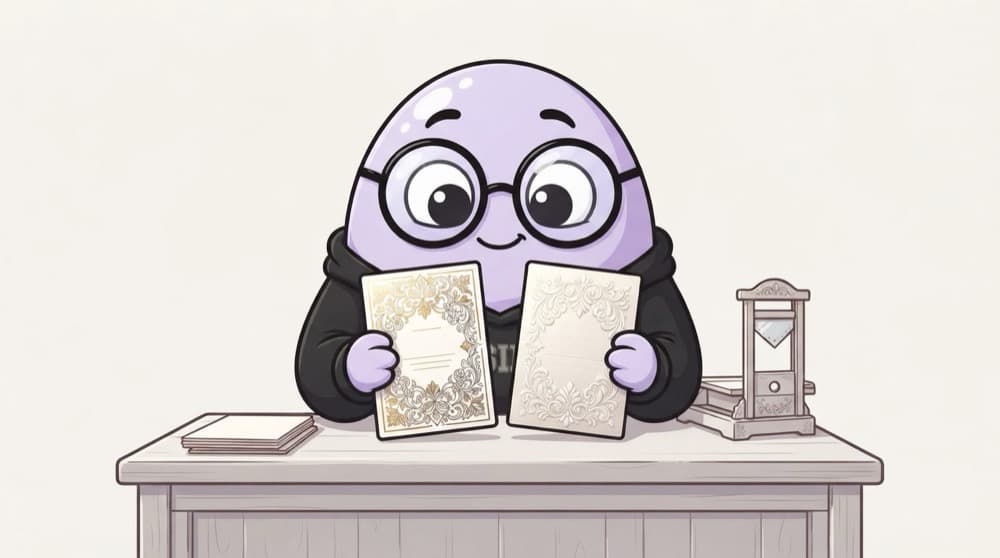
Your mausi changed the venue on the invitation card. Your chacha changed the time on the very same line. The printer stops and asks: which line do I print? You read both, maybe keep both changes, and hand back one final version. That's resolving a conflict.
Watch it happen
Reading a conflict in deploy.yaml
1/5Between <<<<<<< HEAD and ======= is your branch's version: 3 replicas.
The big ideas
What you need to know
Conflicts are normal
They only mean two changes touched the same lines. Nothing is broken and nothing is lost.
Ask the other author
If you don't understand their change, ask before deleting it. A two-minute chat beats a wrong guess.
Pull main often
Merging main into your branch daily keeps conflicts small and easy instead of huge and scary.
Test after resolving
A merge can be correct line by line but wrong as a whole. Run tests or a dry run before pushing.
See it in code
Walk through the code
1git switch feat/scale-up2git merge main3# CONFLICT (content): Merge conflict in deploy.yaml4 5git status # lists conflicted files6# edit deploy.yaml, remove the markers, keep the right lines7git add deploy.yaml8git commit # completes the merge9 10git merge --abort # or: give up and go back1/3Bring main into your branch. Git merges what it can and reports the file it can't.
VS Code and most editors show 'Accept current', 'Accept incoming' and 'Accept both' buttons right above conflict markers.
Save yourself the pain
Common mistakes
Oops
Committing a file that still has <<<<<<< markers in it.
Do this instead
Search the file for <<<<<<< before you git add. Many CI linters also fail on leftover markers.
Oops
Picking 'accept mine' on every conflict to make it go away fast.
Do this instead
Read both sides each time. Blindly keeping yours silently throws away a teammate's fix.
Your mission
Make and fix a conflict
Quick check
Git reports a conflict in config.yaml. What should you do first?
Go deeper
- 1Deliberately create a merge conflict between two branches and practice resolving it.
- 2Learn to read conflict markers (<<<<<<<, =======, >>>>>>>) and choose the correct resolution.
- 3Understand why frequent small merges reduce conflict frequency and severity.
More topics at this stop
 Git Fundamentals
 Branching Strategies (Git Flow, Trunk-Based)
 Pull Requests & Code Review
 Git Hooks
 Monorepos vs Polyrepos (Overview)
 GitHub / GitLab Fundamentals
 Git for Infrastructure Code

Stuck on this topic? Ask an Insider
Get 1:1 guidance from people who've walked this exact path — on the InsideEdge app.
