In short
Want to try a new feature without breaking the version that works? Make a branch. It's a safe side track where you can experiment freely.
A lightweight, movable pointer to a line of commits — branches let you develop features, fixes and experiments in isolation from `main`. Because a branch is essentially a movable reference to a commit, creating and switching branches is lightweight and does not duplicate the entire project.
Think of it like this
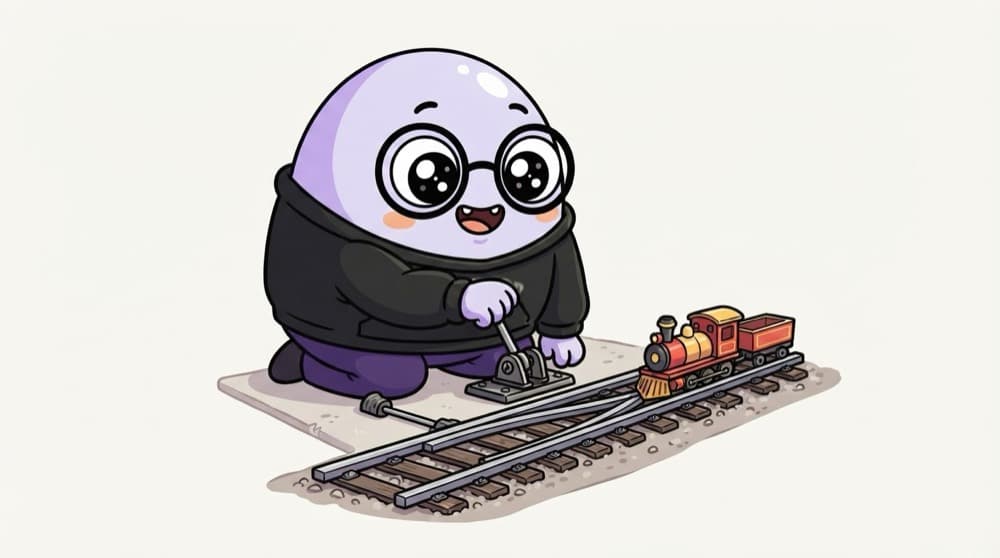
Railway tracks splitting at a junction
The main line keeps running on time. At a junction, one train goes onto a side track to test a new route. If the route works, it joins the main line later. If not, the main line was never disturbed.
Watch it happen
Two lines of work
1/5main has two commits. You're about to start dark mode.
The big ideas
What you need to know
A branch is just a label
A branch is a movable pointer to a commit. Creating one is instant and costs almost nothing.
Keep main working
Treat main as the version that always works. Build new things on their own branches.
switch moves you around
git switch changes which branch you're on. Your files update to match that branch.
Name it after the work
Names like feature/login-form or fix/navbar-overflow tell everyone what's happening there.
See it in code
Walk through the code
1git branch # list branches, * marks current2git switch -c feature/dark-mode # create and move to new branch3 4# ...edit and commit as usual...5git commit -am "Add dark mode toggle"6 7git switch main # back to main, toggle is gone8git switch feature/dark-mode # and it's back9 10git branch -d feature/dark-mode # delete after merging1/4See your branches, then create feature/dark-mode and move onto it in one go.
git switch -c is the modern way to create a branch. Older tutorials use git checkout -b, which does the same thing.
Save yourself the pain
Common mistakes
Oops
Doing all your work directly on main.
Do this instead
Create a branch for every feature or fix. Main stays safe and you can open a clean pull request.
Oops
Switching branches with uncommitted changes and getting confused when they follow you.
Do this instead
Commit or stash your changes before you switch branches.
Your mission
Two versions, one folder
Quick check
What does creating a new branch actually do inside Git?
Go deeper
- 1Create a feature branch, make a commit, then switch back to `main`. Validate your understanding by applying it in a small practical example.
- 2Learn the difference between `git branch` and `git switch -c`. Focus on understanding the underlying reason it works, not only memorizing the definition.
- 3Practice deleting merged branches to keep your repo tidy.
More topics at this stop
 Git init
 Clone
 Commit
 Merge
 Rebase
 Cherry Pick
 Stash
 Pull Request
 Conflict Resolution
 GitHub Actions basics

Stuck on this topic? Ask an Insider
Get 1:1 guidance from people who've walked this exact path — on the InsideEdge app.
