In short
One bad line in one component can blank out your whole app. Error boundaries catch the crash and show a friendly message for just that part of the page.
Special components that catch JavaScript errors anywhere in their child component tree and render a fallback UI instead of crashing the whole app.
Think of it like this
The MCB in your flat
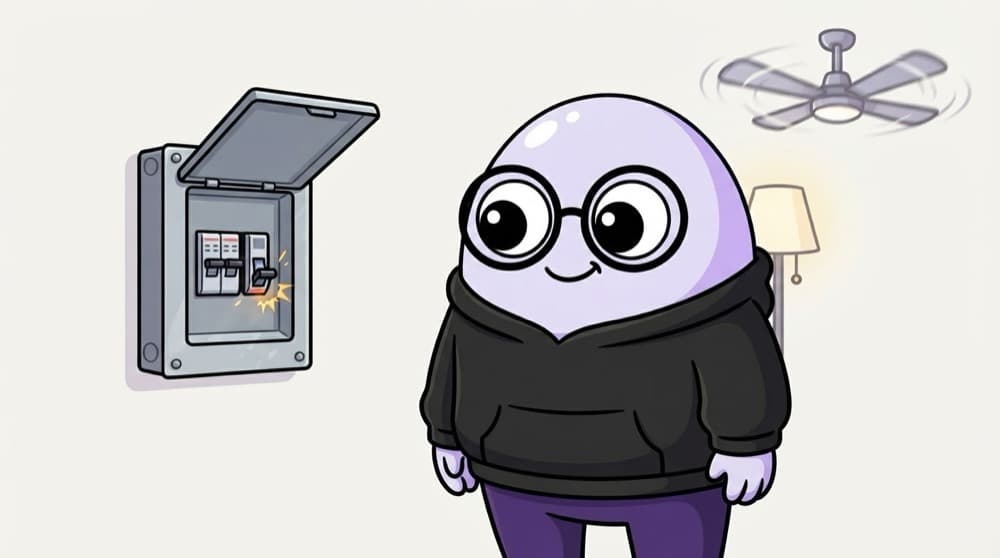
When the geyser shorts, only that circuit trips. The fans and lights in the other rooms keep working. An error boundary is that MCB: one widget breaks, it shows a fallback, and the rest of the page carries on.
Watch it happen
One crash, contained
1/5Everything renders normally. ErrorBoundary just passes its children through.
The big ideas
What you need to know
Still a class component
React has no hook for this. You write a small class with getDerivedStateFromError, or use the react-error-boundary package.
Catches render errors below it
It catches errors thrown while its children render, in their lifecycle methods and in constructors.
What it doesn't catch
Errors in event handlers, setTimeout or other async code. Use try/catch there.
Place several
Wrap risky sections separately, like a chart or a comments widget, so one failure stays small.
See it in code
Walk through the code
1import { Component, type ReactNode } from "react";2type Props = { children: ReactNode; fallback: ReactNode };3 4export class ErrorBoundary extends Component<Props, { hasError: boolean }> {5 state = { hasError: false };6 static getDerivedStateFromError() {7 return { hasError: true };8 }9 componentDidCatch(error: Error) {10 console.error("Caught:", error); // send to your error tracker11 }12 13 render() {14 return this.state.hasError ? this.props.fallback : this.props.children;15 }16}1/4hasError starts false, so the children render normally.
Use it as <ErrorBoundary fallback={<p>Chart failed to load</p>}><Chart /></ErrorBoundary>. If Chart throws while rendering, only that box shows the fallback.
Save yourself the pain
Common mistakes
Oops
Expecting an error boundary to catch a failed fetch inside onClick.
Do this instead
Boundaries only catch errors during rendering. Wrap event handler and async code in try/catch and set an error state.
Oops
One boundary around the whole app and nothing else.
Do this instead
Keep a top-level one as a safety net, and add smaller ones around widgets that can fail on their own.
Your mission
Crash on purpose
Quick check
Which error will an error boundary catch?
Go deeper
- 1Build a simple error boundary class component with `getDerivedStateFromError`.
- 2Wrap a risky part of your app (e.g. a widget with external data) in one.
- 3Learn error boundaries only catch render-time errors, not event handler errors.
More topics at this stop
 JSX
 Components
 Props
 State
 Lifecycle
 Hooks
 Context API
 React Router
 Forms
 Controlled Components
 Refs
 Memoization
 Lazy Loading
 Suspense
 Portals
 Custom Hooks
 Render Props
 HOC
 React Patterns

Stuck on this topic? Ask an Insider
Get 1:1 guidance from people who've walked this exact path — on the InsideEdge app.
