In short
Before hooks, render props were the main way to share logic between components. You'll still see them in libraries, so it's worth knowing how to read one.
An older pattern for sharing logic between components by passing a function as a prop that returns JSX — mostly superseded by hooks, but still seen in some libraries.
Think of it like this
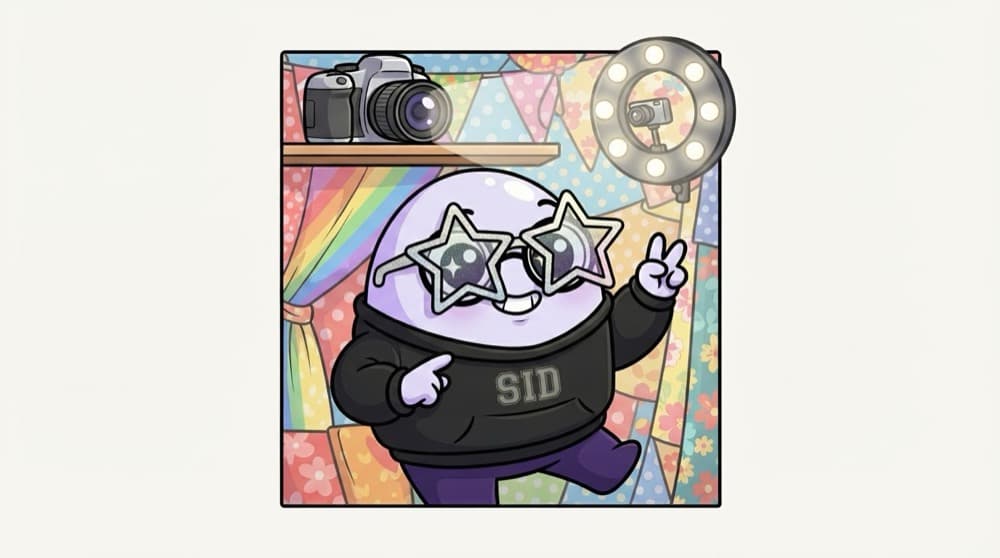
A photo booth at the mela
The booth handles the camera, the lights and the printing. You only decide the pose. A render prop component handles the logic, like tracking the mouse, and you hand it a function that decides what to show.
Watch it happen
Logic inside, looks outside
mousemove (120, 80)
1/4You move the mouse over the box, and MouseTracker's handler fires.
The big ideas
What you need to know
A prop that's a function
Instead of JSX, you pass a function. The component calls it with some data and renders whatever it returns.
Logic in, UI out
The component owns the state and effects. Your function decides how it looks.
Often uses children
Many libraries use children as the function: <Mouse>{(pos) => ...}</Mouse>.
Hooks usually win now
A custom hook does the same job with less nesting. Use render props when a library expects them.
See it in code
Walk through the code
1import { useState, type ReactNode } from "react";2 3type Pos = { x: number; y: number };4 5function MouseTracker({ render }: { render: (pos: Pos) => ReactNode }) {6 const [pos, setPos] = useState<Pos>({ x: 0, y: 0 });7 return (8 <div style={{ height: 200 }} onMouseMove={(e) => setPos({ x: e.clientX, y: e.clientY })}>9 {render(pos)}10 </div>11 );12}13 14// Same logic, two different looks15// <MouseTracker render={(p) => <p>{p.x}, {p.y}</p>} />16// <MouseTracker render={(p) => <span style={{ marginLeft: p.x }}>•</span>} />1/4The render prop is typed as a function that takes a position and returns UI.
MouseTracker tracks the mouse but has no idea what will be drawn. Each place that uses it decides by passing a different render function.
Save yourself the pain
Common mistakes
Oops
Nesting three render prop components inside each other.
Do this instead
That pyramid of callbacks gets hard to read fast. Move the logic into custom hooks and call them side by side.
Oops
Skipping render props because 'nobody uses them anymore'.
Do this instead
They still work and still appear in libraries and older code, so you need to be able to read them.
Your mission
Same logic, two shapes
Quick check
In <DataLoader render={(data) => <List items={data} />} />, who decides what gets shown?
Go deeper
- 1Read an example render-props component — many charting/DnD libraries still use this.
- 2Rewrite a simple render-props component as a custom hook instead.
- 3Understand why hooks largely replaced this pattern for new code.
More topics at this stop
 JSX
 Components
 Props
 State
 Lifecycle
 Hooks
 Context API
 React Router
 Forms
 Controlled Components
 Refs
 Memoization
 Error Boundaries
 Lazy Loading
 Suspense
 Portals
 Custom Hooks
 HOC
 React Patterns

Stuck on this topic? Ask an Insider
Get 1:1 guidance from people who've walked this exact path — on the InsideEdge app.
