
Strings & String Methods
Part of the Java Roadmap
In short
Names, emails, PAN numbers, OTP messages: most real data is text. Java's String class has a method for almost everything you need, and one rule you must never forget: compare strings with equals.
String holds text and comes with methods like length, charAt, substring, indexOf, contains, toUpperCase, trim, split and replace. Compare strings with equals(), not ==.
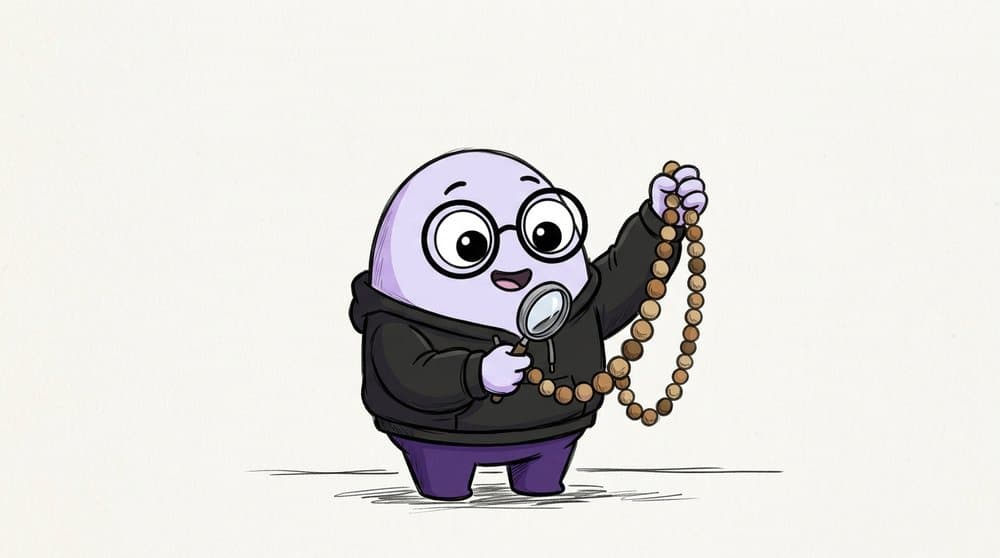
Think of it like this
Beads on a mala
A String is like a mala of letter beads, each with a position starting from 0. You can count the beads, look at the fifth one, or copy a section. But the mala is sealed. To change it, you make a new mala; the original stays exactly as it was.
Watch it happen
Inside "Mumbai"
1/5Each character has an index starting at 0. length() is 6.
The big ideas
What you need to know
Immutable
No String method changes the original. They return a new String, so assign the result: name = name.trim();
equals, not ==
== checks if two variables point to the same object. equals checks the text. equalsIgnoreCase ignores case.
Searching
contains, startsWith, endsWith, indexOf. isBlank() is true for empty or whitespace-only text.
Slicing and splitting
substring, split(","), replace, strip and String.join make text cleanup easy.
See it in code
Walk through the code
1public class TextTools {2 public static void main(String[] args) {3 String input = " Kavya Sharma ";4 String name = input.strip();5 6 System.out.println(name.length()); // 127 System.out.println(name.toUpperCase()); // KAVYA SHARMA8 System.out.println(name.indexOf(" ")); // 59 String first = name.substring(0, name.indexOf(" "));10 11 String email = "kavya@gmail.com";12 boolean isGmail = email.endsWith("@gmail.com");13 14 String csv = "Pune,Nagpur,Nashik";15 String[] cities = csv.split(",");16 17 String typed = "pune";18 System.out.println(typed.equalsIgnoreCase(cities[0])); // true19 System.out.println(first + " " + isGmail + " " + cities.length);20 }21}1/5strip() removes leading and trailing spaces and returns a new String.
Trimming, measuring, slicing, checking an email domain and splitting a comma-separated line.
Save yourself the pain
Common mistakes
Oops
if (city == "Pune")
Do this instead
Use city.equals("Pune"). == may work by luck with literals and then fail with user input.
Oops
Calling name.toUpperCase(); and expecting name to change.
Do this instead
Strings are immutable. Write name = name.toUpperCase();
Your mission
Clean a sign-up form
Quick check
What does "Chennai".substring(2, 5) return?
Go deeper
- 1Count the vowels in a sentence using charAt() and a loop.
- 2Split a comma-separated line of student data into parts with split().
- 3Compare two strings with == and with equals() and explain the different results.
Also part of these roadmaps
More topics at this stop
 Variables & Primitive Data Types
 Type Inference with var
 Operators & Expressions
 Type Casting & Promotion
 StringBuilder
 Reading Input with Scanner

Stuck on this topic? Ask an Insider
Get 1:1 guidance from people who've walked this exact path — on the InsideEdge app.
